4
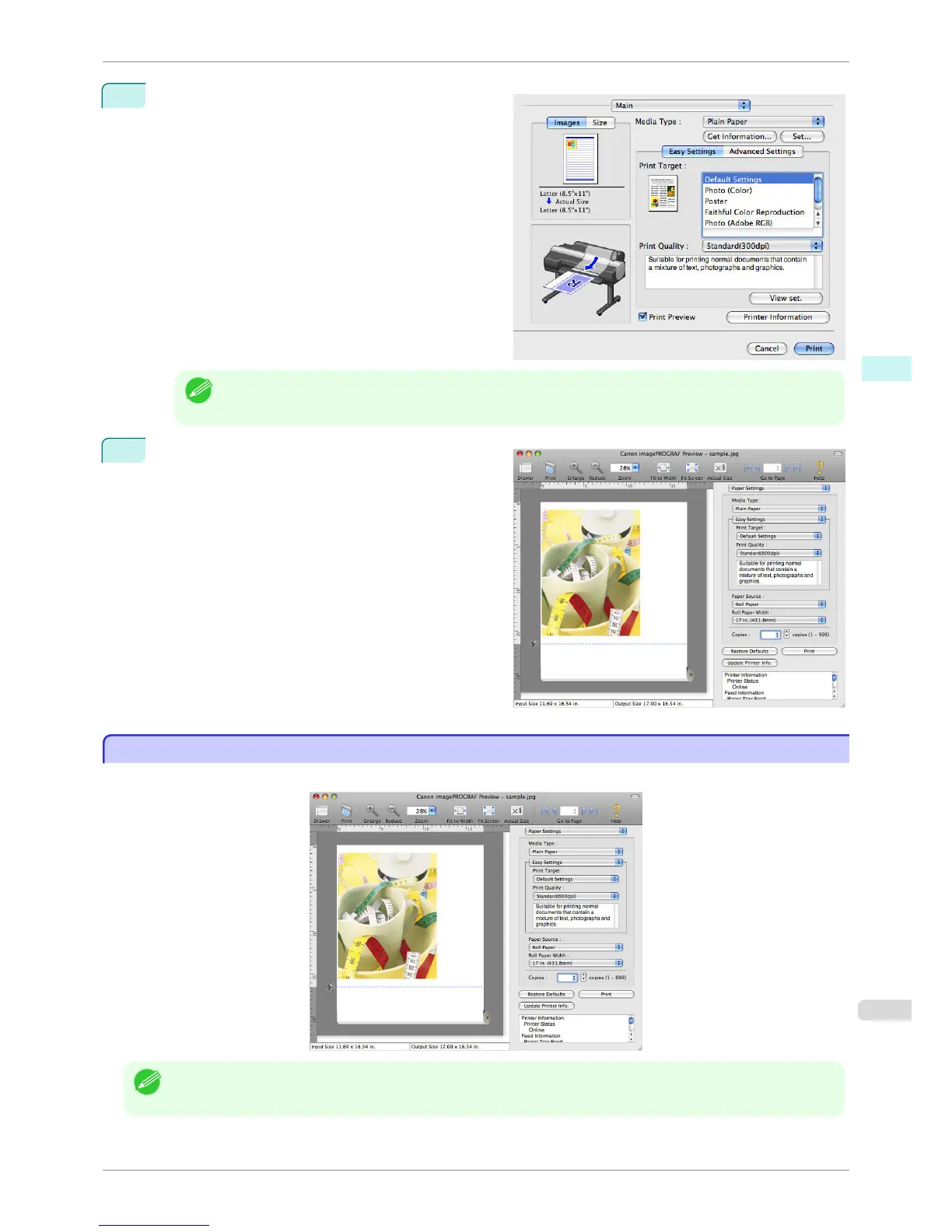
Click the Print button in the Print dialog box.
Note
• Your printer is depicted in the lower-left area of this screen.
5
Preview main window is displayed.
Preview Main Window
Preview Main Window
The Preview main window consists of the menu and tool bars, and preview, dialog , drawer and status area.
Note
• You can use the View menu to show or hide the tool bar.
iPF760
Preview Main Window
User's Guide
Mac OS X Software Preview
311















 To Next Page