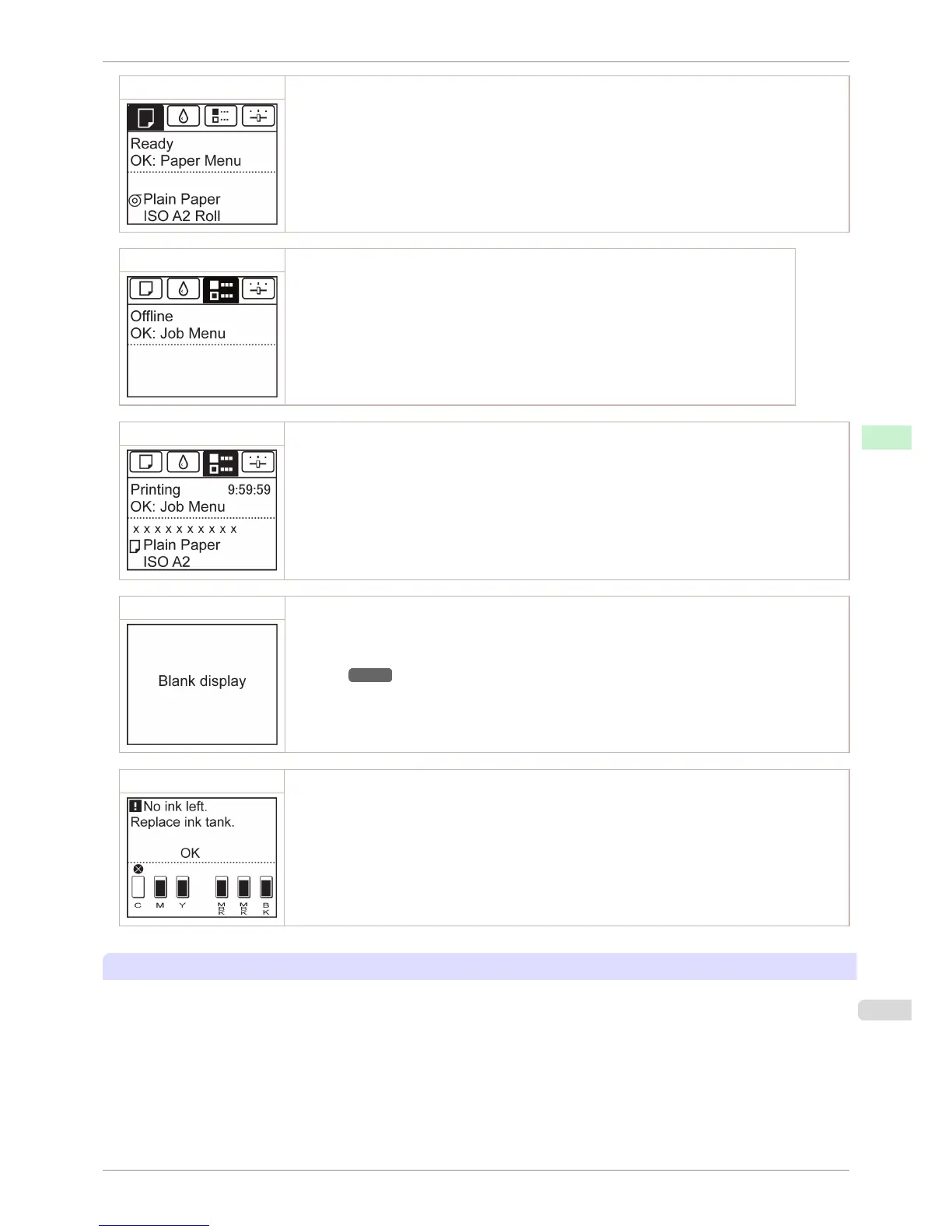
Standby The printer is ready to receive jobs sent from the computer. Jobs sent from the computer are printed imme-
diately.
Printing Paused Printing is paused on the printer. Any jobs sent from the computer are held without being printed.
Printing Printing is in progress on the printer. Jobs sent from the computer are printed after the current job. The
time left until printing is finished is indicated in the upper-right corner of the screen. (Values exceeding 10
hours are not shown.)
Sleep The printer is in power-saving mode. The printer automatically enters Sleep mode to conserve power when
idle for a specific period (by default, five minutes), that is, if no print jobs are received or buttons are press-
ed while all covers are closed.
You can specify the period before the printer enters Sleep mode in the Sleep Timer menu. (See "Menu
Settings.") →P.448
After entering Sleep mode from Standby mode, the printer automatically recovers if print jobs are re-
ceived, and the jobs are printed.
Error The printer requires your attention. Any jobs sent from the computer cannot be processed. The tab related
to the error is displayed.
For information about the display in the case of multiple errors, see "Error message mode transition."
Mode transition
•
Mode display
iPF760
Control Panel Display
User's Guide
Control Panel Operations and Display Screen
433















 To Next Page