Folded Duplex Window
Folded Duplex Window
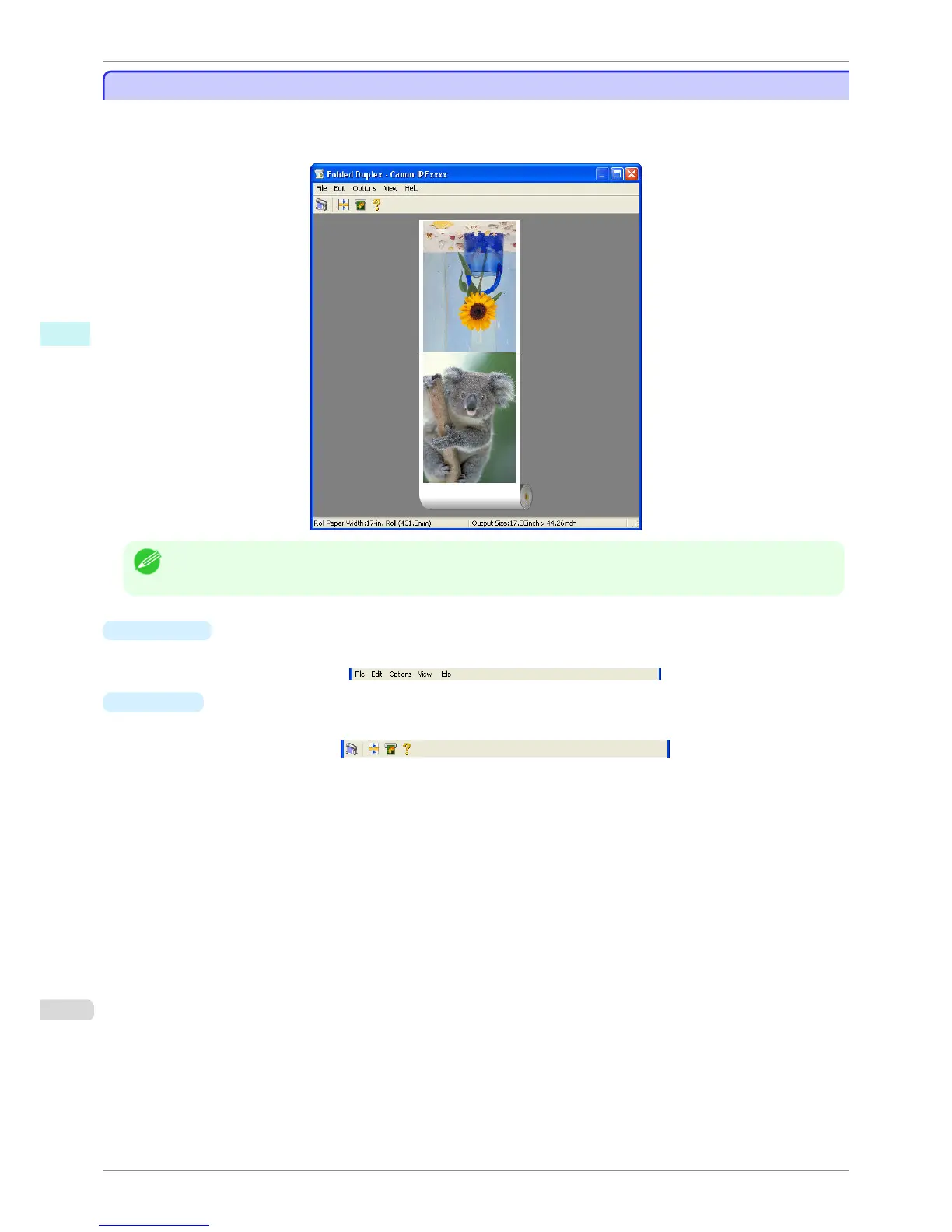
This window is displayed if you select Folded Duplex from the Edit menu after selecting an object. Using the Fol-
ded Duplex function allows you to print with fold lines added.
The Folded Duplex window consists of the menu and tool bars, layout area and status bar.
Note
• The toolbar and status bar can be toggled between hidden and displayed from the View menu.
•
Menu Bar
This allows you to select menus required for operations.
•
Tool Bar
This allows you to select tool buttons required for major operations.
Folded Duplex Window
iPF760
User's Guide
Windows Software Free Layout
214















 To Next Page