Other Settings
Other Settings
Specifying Printer-Related Information ........................................................................................................ 498
Configuring the Communication Mode Manually ......................................................................................... 499
Email Notification When Printing is Finished or Errors Occur ...................................................................... 500
Initializing the Network Settings ................................................................................................................... 500
Specifying Printer-Related Information
Specifying Printer-Related Information
Follow the steps below to specify device information and security settings.
1
Start the web browser and enter the following URL in the Location (or Address) box to display the Remo-
teUI page.
http://printer IP address or name/
Example: http://xxx.xxx.xxx.xxx/
2
Select Administrator Mode and click Logon.
3
If a password has been set on the printer, enter the password.
4
Click Information in the Device Manager menu at left to display the Information page.
5
To display the relevant settings page, click Edit in the upper-right corner of Device Information or Securi-
ty, depending on what information you want to specify.
To change the administrator password, click the Change Password button in the Security group.
6
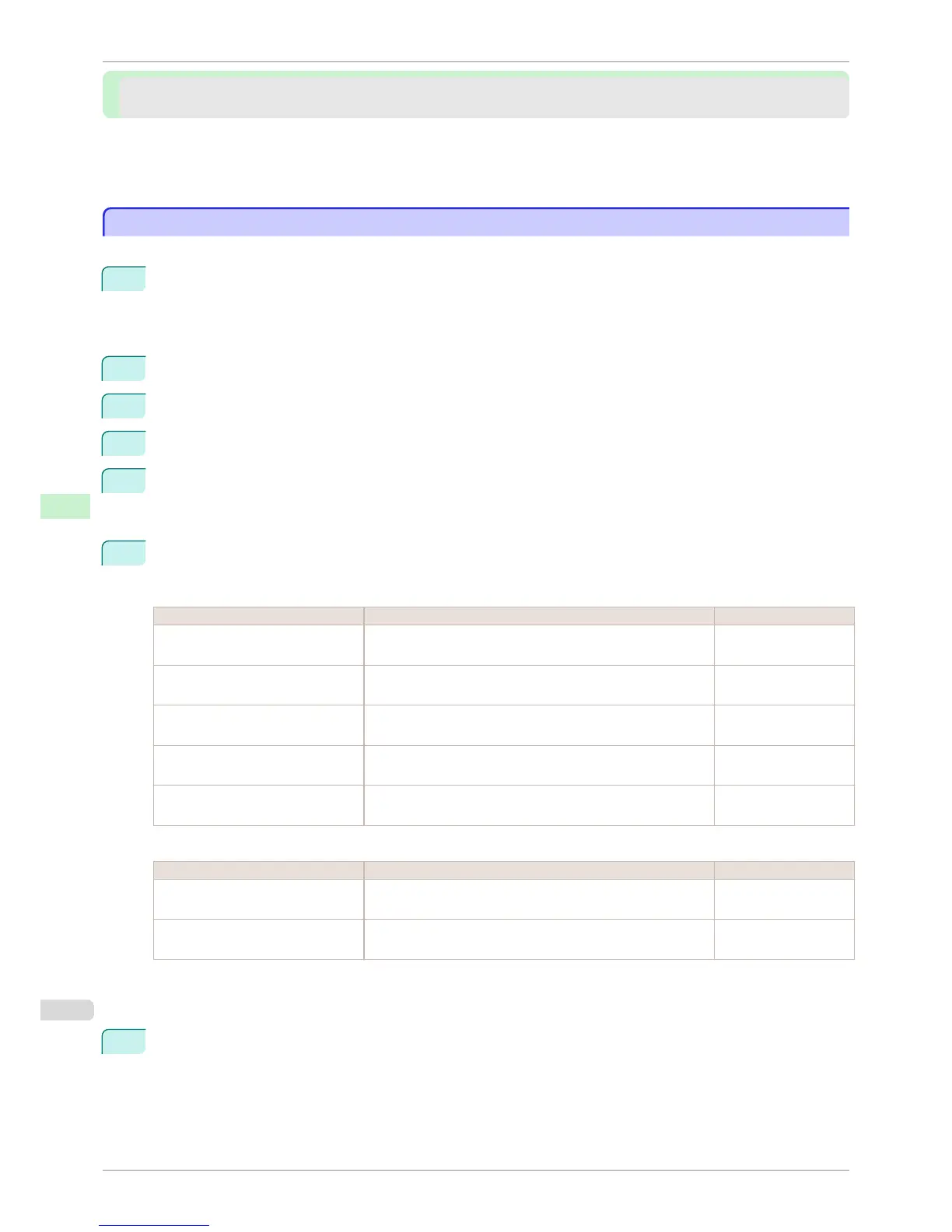
Refer to the table of settings for device information and security as you complete these settings.
Security setting items are displayed when you click the Change Password button in the Security group.
Device Information Settings
Item Details Default Setting
Device Name Enter a device name.
(0–32 characters)
blank
Location Enter the location where the device is installed.
(0–32 characters)
blank
Administrator Enter the administrator's name.
(0–32 characters)
blank
Phone Enter the administrator's contact information.
(0–32 characters)
blank
Comments(E-mail) Enter any comments regarding the administrator.
(0–32 characters)
blank
Security Settings
Item Details Default Setting
New Password Enter the new password.
(0-9999999)
blank
Confirm Enter the new password again to confirm it.
(0-9999999)
blank
*1: On the Security settings screen, besides entering a password, you can specify other security-related information, such as IP
address-based SNMP or TCP usage restrictions, MAC address-based access restrictions, or IPP and FTP authentication
settings.
7
Click OK to activate the settings.
Specifying Printer-Related Information
iPF760
User's Guide
Network Setting Other Settings
498















 To Next Page