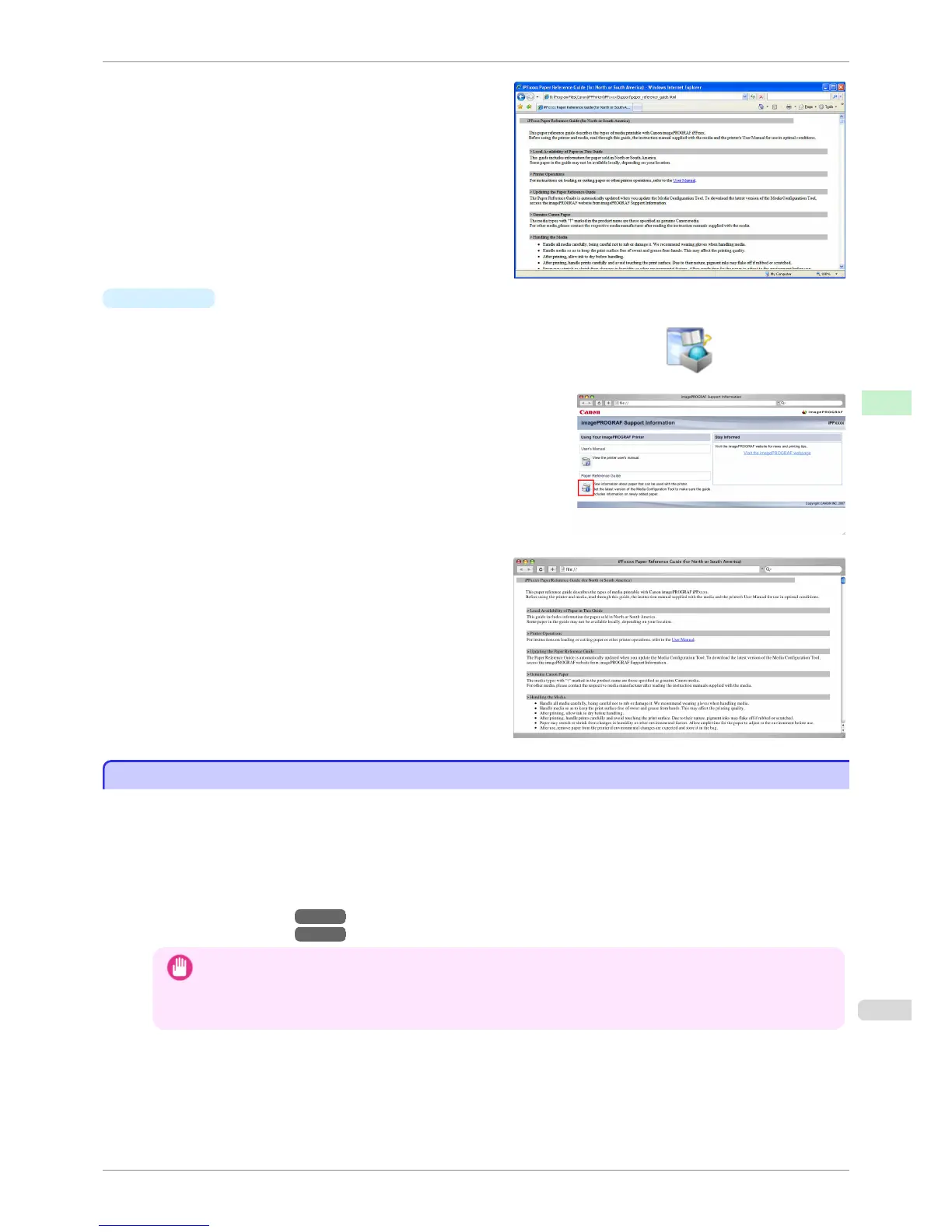
The Paper Reference Guide is displayed.
•
Mac OS X
1.
Click the iPF Support icon in the Dock.
The imagePROGRAF Support Information window is displayed.
2.
Click the Paper Reference Guide button.
The Paper Reference Guide is displayed.
Updating paper information
Updating paper information
As for paper information of the Paper Reference Guide, printer Control Panel, and printer driver, you can update it
to the latest information by downloading and installing the latest version of Media Information File (Media Informa-
tion File) from the imagePROGRAF website.
Download the latest Media Information File (Media Information File) after accessing the imagePROGRAF-dedica-
ted site from imagePROGRAF Support Information. If you cannot download it, contact your Canon dealer.
For details on Media Information File (Media Information File), refer as follows.
•
Media Configuration Tool →P.278 (Windows)
•
Media Configuration Tool →P.376 (Macintosh)
Important
• When your version of Media Configuration Tool is older than the version released on the imagePROGRAF website,
download and install the latest version of Media Configuration Tool before installing Media Information File. If you
do not install the latest version of Media Configuration Tool before installing Media Information File, the latest
paper information cannot be updated.
iPF760
Updating paper information
User's Guide
Handling Paper Paper
395















 To Next Page