•
Status Bar
This shows the paper size, unit of length, and number of objects.
Detailed Settings
Detailed Settings
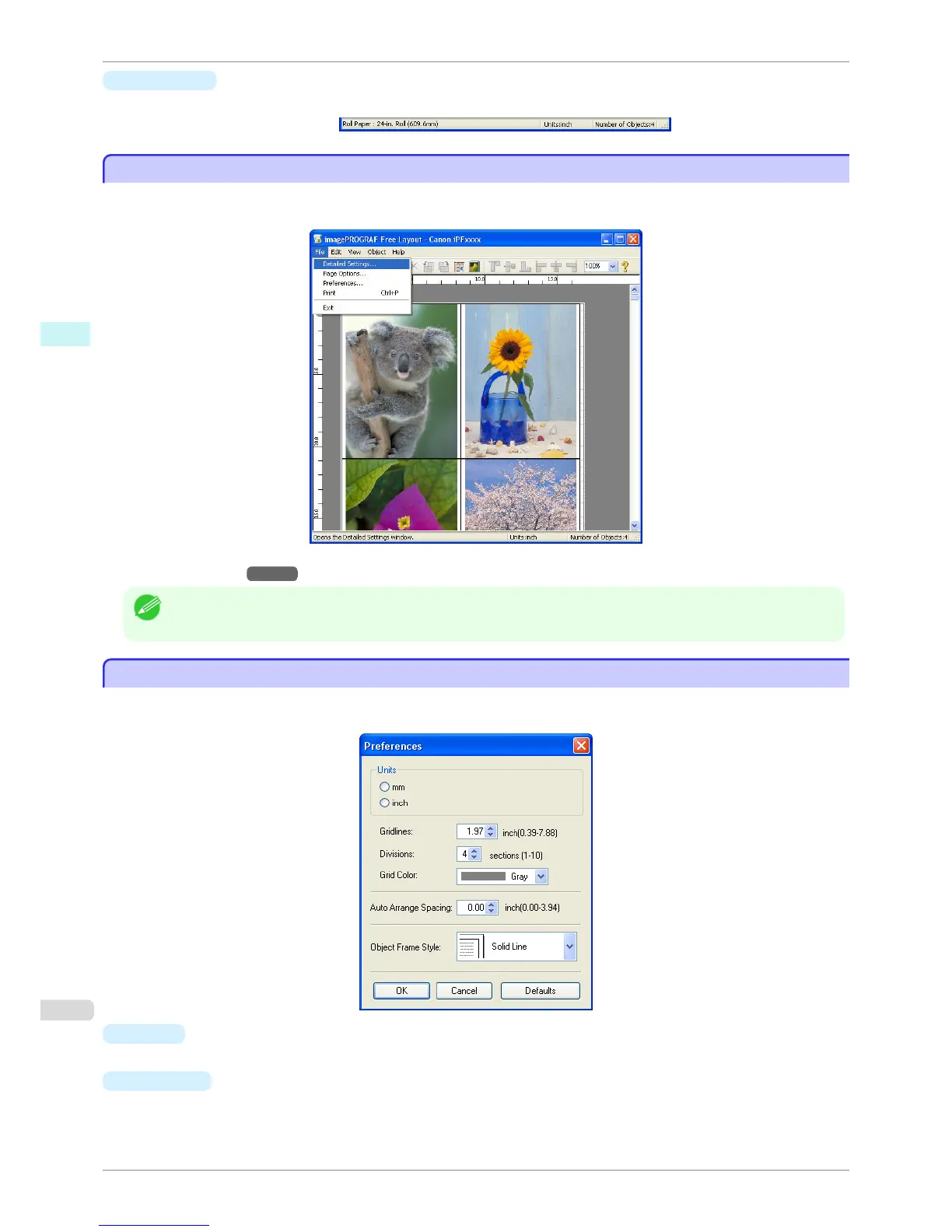
The printer driver opens when you select Detailed Settings from the File menu. The printer driver is used to con-
figure basic settings to match the type of media loaded in the printer.
Refer to Printer Driver →P.158 for details on the printer driver.
Note
• When you select the Detailed Settings, the only three sheets displayed are the Main sheet, the Page Setup sheet, and
the Layout sheet. Some of the printer driver settings may be disabled.
Preferences Dialog Box
Preferences Dialog Box
This dialog box appears when you select Preferences from the File menu. This allows you to configure the prefer-
ences of Free Layout.
•
Units
Set the unit for paper length, margins, and so on.
•
Gridlines
You can input a grid line width value in numerical characters so that they serve as a guide to laying out ob-
jects.
Detailed Settings
iPF760
User's Guide
Windows Software Free Layout
200















 To Next Page