Other Maintenance
Other Maintenance
Preparing to Transfer the Printer .................................................................................................................. 542
Updating the Firmware ................................................................................................................................. 545
Preparing to Transfer the Printer
Preparing to Transfer the Printer
To protect the internal parts in transit, always follow these steps before transferring the printer to a new location.
Refer to the Setup Guide for details on packing the printer and installing it after transfer.
Important
• Avoid tilting the printer excessively in transit. This may cause ink in the printer to leak and cause stains. If it is necessary
to tilt the printer in transit, contact your Canon dealer.
Note
• When you execute prepare to transfer, ink is drawn into the Maintenance Cartridge. Depending on the amount of free
space in the mounted Maintenance Cartridge, you may need to replace it with a new one at this time.
Note that replacement is not required if there is 60% or more free space. (See "Checking the Remaining Maintenance
Cartridge Capacity.") →P.536
• Depending on the state of the printer, part replacement may be necessary when preparing to transfer the printer (that is,
when you execute the printer menu item to prepare for transfer).
Remove paper
1
Remove the paper.
•
Rolls (See "Removing the Roll from the Printer.") →P.404
•
Sheets (See "Removing Sheets.") →P.422
Access the Move Printer menu
1
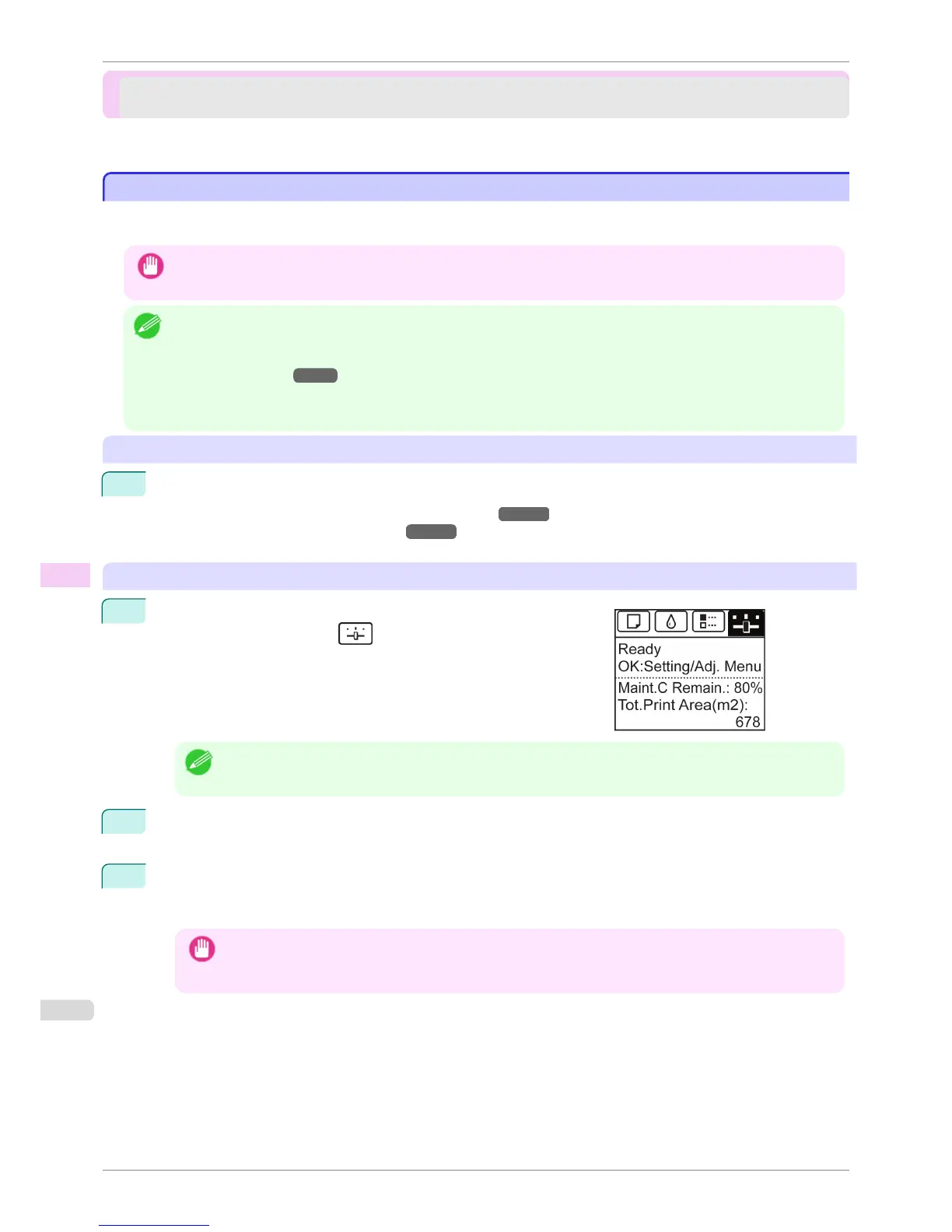
On the Tab Selection screen of the Control Panel, press
◀ or ▶ to
select the Settings/Adj. tab (
).
Note
• If the Tab Selection screen is not displayed, press the Menu button.
2
Press the OK button.
The Set./Adj. Menu is displayed.
3
Press ▲ or ▼ to select Prep.MovePrinter, and then press the OK button.
Once preparations are finished, a message on the Display Screen requests you to open the Ink Tank Cov-
er.
Important
• If consumables must be replaced, the message "Consumables must be replaced. Call for service." is shown
on the Display Screen and preparation is not possible. If this message is displayed, press the OK button and
contact your Canon dealer for assistance.
Preparing to Transfer the Printer
iPF760
User's Guide
Maintenance and Consumables Other Maintenance
542















 To Next Page