Cleaning the Printer
Cleaning the Printer
Cleaning the Printer Exterior ........................................................................................................................ 538
Cleaning Inside the Top Cover .................................................................................................................... 538
Cleaning the Printer Exterior
Cleaning the Printer Exterior
Clean the printer regularly to maintain better printing quality and help prevent problems.
To ensure a comfortable working environment, clean the printer exterior about once a month.
1
Turn the printer off. (See "Turning the Printer On and Off.") →P.17
2
Unplug the power cord from the outlet.
Caution
• Always turn off the printer and unplug the power cord before cleaning or maintenance. Accidentally leaving the
printer on poses a risk of injury if you touch moving parts inside the printer.
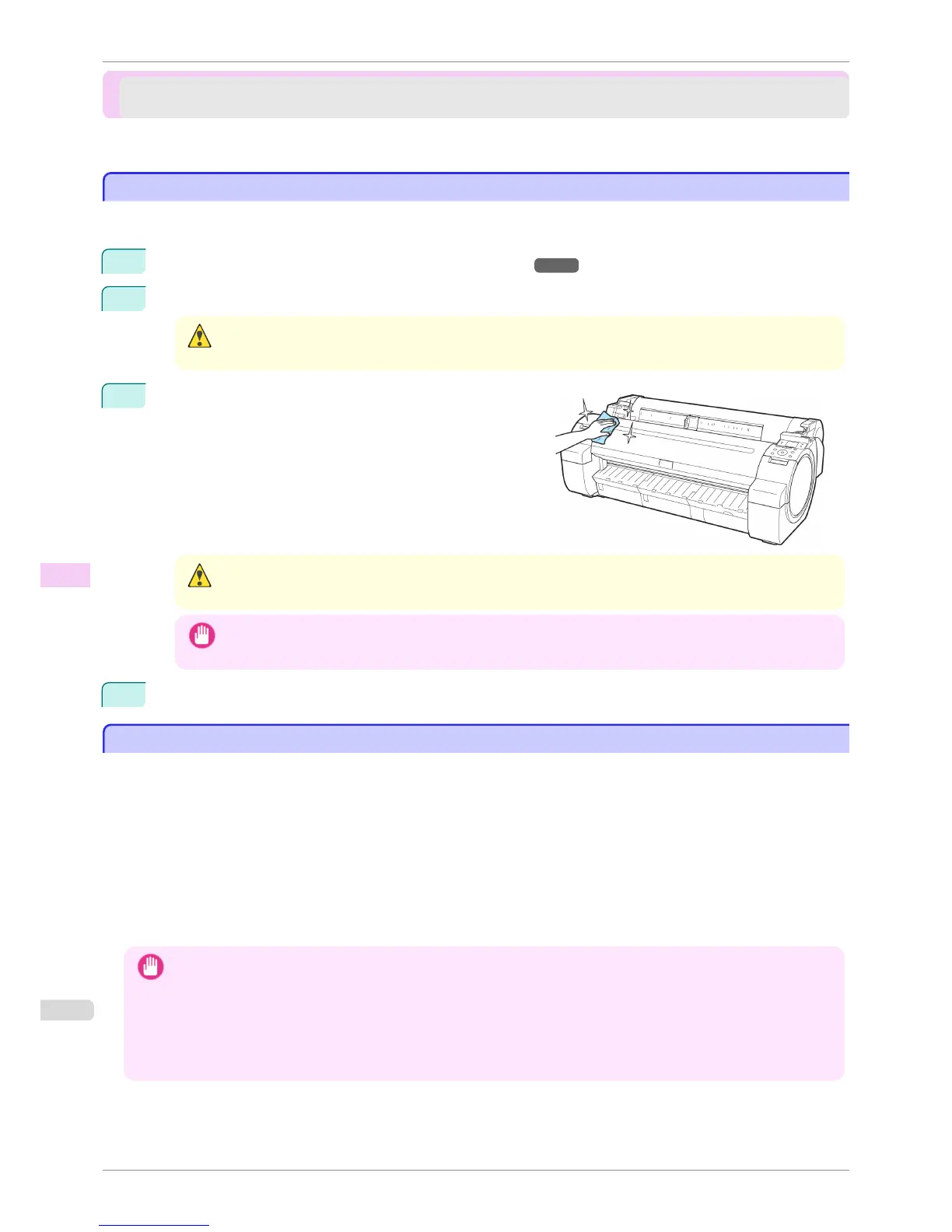
3
Using a damp cloth that you have wrung out completely,
wipe the exterior surfaces of the printer. Dry the surfaces
with a dry cloth.
Caution
• Never use flammable solvents such as alcohol, benzene, or thinner. If these substances come into contact with
electrical components inside the printer, there is a risk of fire or electrical shock.
Important
• If the Ejection Guide is dirty, it may soil the edge of the paper when the paper is cut. We recommend cleaning
the Ejection Guide even if it does not appear dirty, because it may actually be covered with paper dust.
4
Plug the power cord into the outlet.
Cleaning Inside the Top Cover
Cleaning Inside the Top Cover
Clean inside the Top Cover about once a month to maintain better printing quality and help prevent problems.
Also clean inside the Top Cover in the following situations to ensure optimal operation.
•
If the printed surface or the underside of paper is dirty after printing
•
After you have used up a roll
•
After borderless printing
•
After printing on small paper
•
After printing on paper that generates a lot of cutting debris
•
If you have replaced the roll
•
After printing on paper that generates a lot of paper dust
•
After printing on adhesive paper
Important
• If the Platen inside the Top Cover becomes dirty, it may soil the underside of paper. We recommend cleaning the Platen
after borderless printing or printing on small paper.
• If the Ejection Guide is dirty, it may soil the edge of the paper when the paper is cut. We recommend cleaning the Ejec-
tion Guide even if it does not appear dirty, because it may actually be covered with paper dust.
• Printing on adhesive paper may leave adhesive on the Platen, Paper Retainer, or other parts. To prevent paper jams, we
recommend cleaning inside the Top Cover after printing.
Cleaning the Printer Exterior
iPF760
User's Guide
Maintenance and Consumables Cleaning the Printer
538















 To Next Page