•
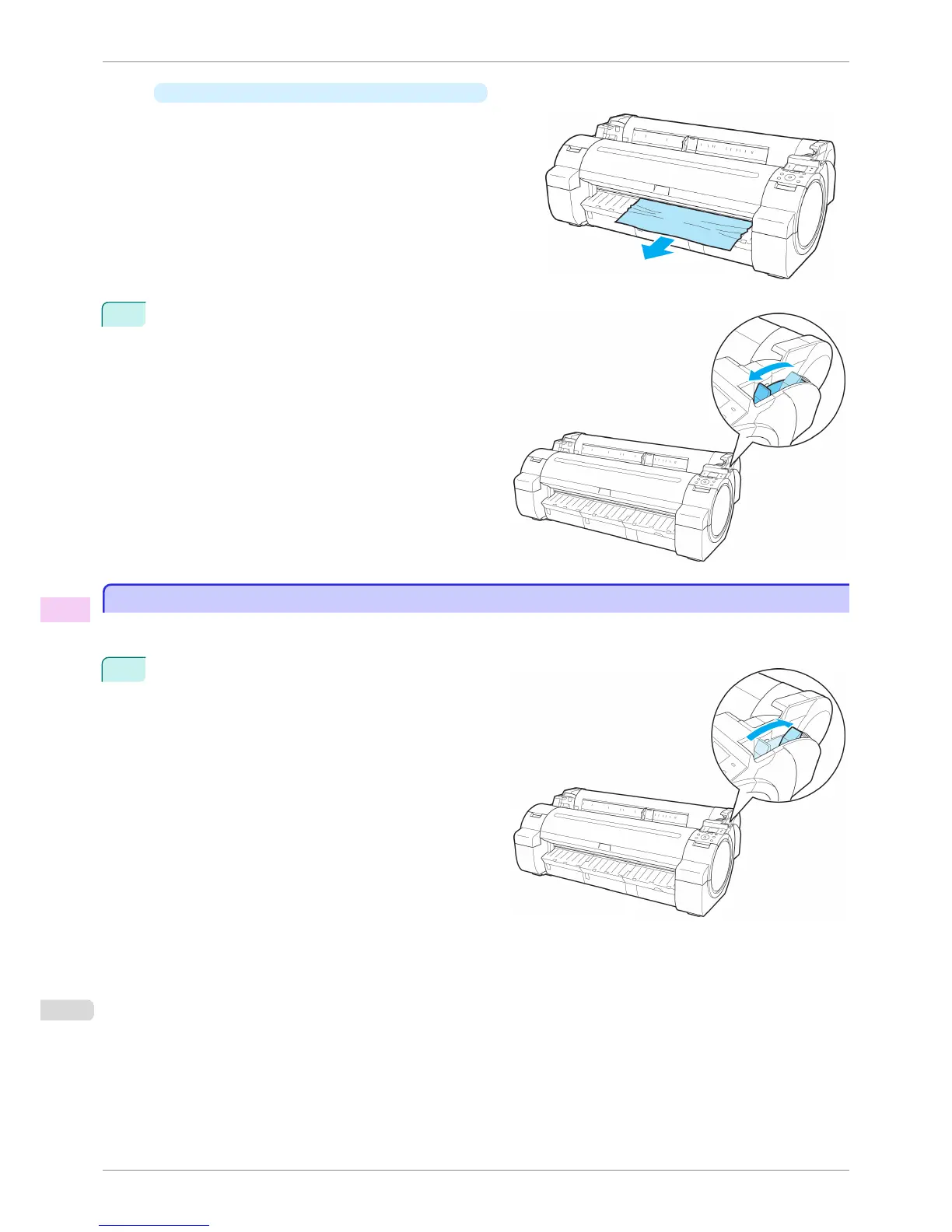
If the paper is jammed by the Ejection Guide
Remove the jammed paper from the Output Tray.
After removing the paper, make sure there are no oth-
er scraps of paper in the printer.
4
Pull the Release Lever forward.
Clearing a Jammed Sheet
Clearing a Jammed Sheet
If a sheet becomes jammed, "Paper jam." is shown on the Display Screen of the Control Panel. Remove the jam-
med paper as follows.
1
Push the Release Lever back.
Clearing a Jammed Sheet
iPF760
User's Guide
Troubleshooting Problems Regarding Paper
554















 To Next Page