4
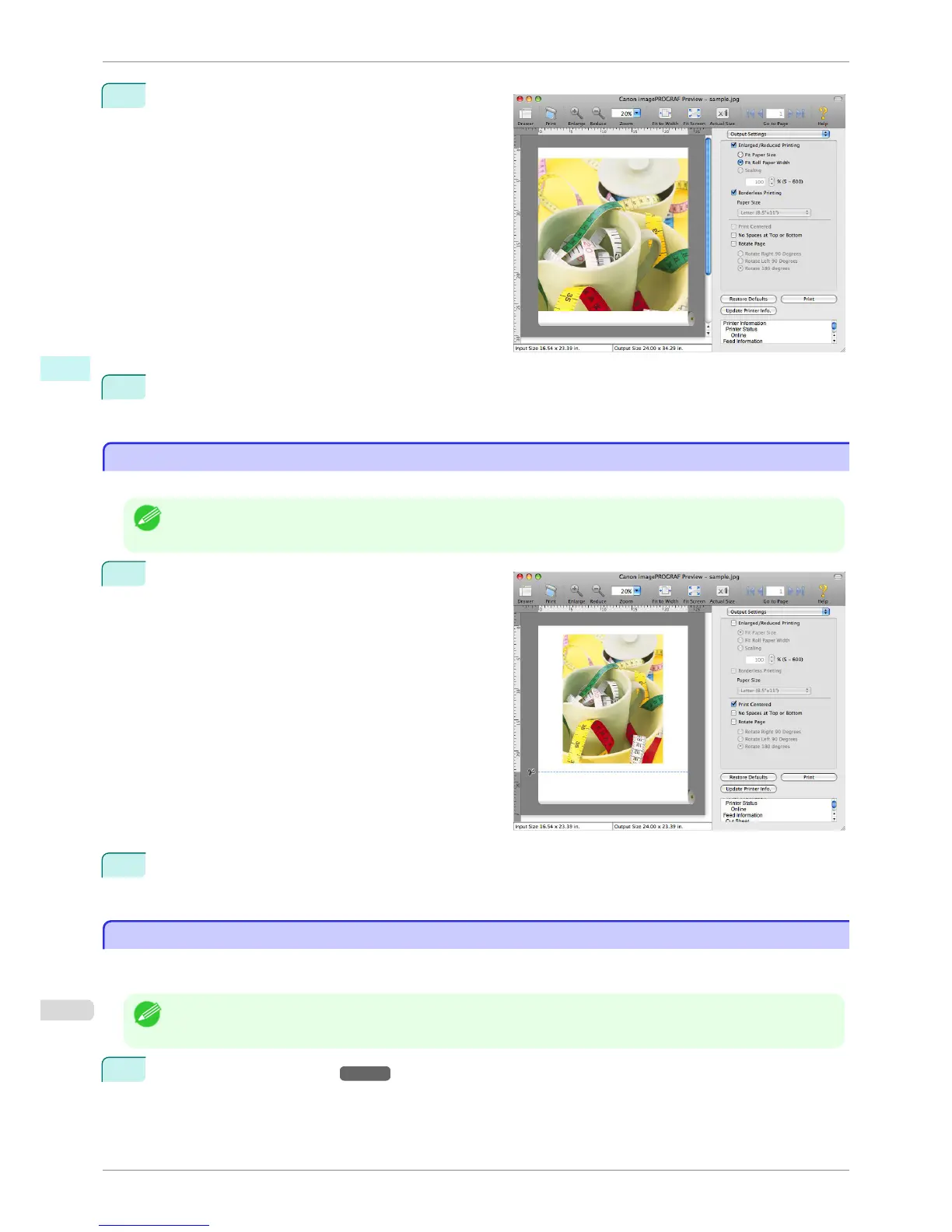
Click the Borderless Printing check box on.
5
Click the Print button.
Borderless printing begins.
Print on the Center
Print on the Center
You can print on the center of the media loaded in the printer.
Note
• This is not displayed when a checkmark is placed in Borderless Printing.
1
On the Output Settings panel, click the Print Cen-
tered check box on.
2
Click the Print button.
Printing on the center begins.
Not Print Spaces at the Top/Bottom
Not Print Spaces at the Top/Bottom
You can save paper on not to feed roll paper for the empty spaces when the print data contains spaces at the top
or bottom.
Note
• This is not displayed when a checkmark is placed in Borderless Printing.
1
On the Paper Settings Panel →P.314 , select Roll Paper in Paper Source.
Print on the Center
iPF760
User's Guide
Mac OS X Software Preview
328















 To Next Page