Cause Corrective Action
When Detect Mismatch in the Control Panel menu is
set to Pause, paper smaller than the size specified in
the printer driver is loaded.
Adjust the paper size setting in the printer driver to match the size loaded in the
printer as follows.
1.
Press ▲ or ▼ to select Stop Printing, and then press the OK button.
2.
Change the paper size setting in the printer driver to the size loaded in the
printer and try printing again.
Replace the loaded paper with paper of a size that matches the size setting in the
printer driver as follows.
1.
Press ▲ or ▼ to select Change Paper, and then press the OK button to stop
printing.
2.
Replace the loaded paper to match the paper width setting in the printer driver
and try printing again.
When Detect Mismatch in the Control Panel menu is
set to Warning, paper smaller than the size specified
in the printer driver is loaded.
You can continue to print, but note that this error may cause problems in the print-
ing results.
The paper is too small.
The paper is too small.
"Replace paper with A4/LTR (vertical) or larger"
Cause Corrective Action
The loaded paper is too small. Replace the paper with paper of A4/Letter (vertical) size or larger as follows.
1.
Press ▲ or ▼ to select Change Paper, press the OK button, and remove the paper.
(See "Removing Sheets.") →P.422
2.
Switch to paper A4/Letter (vertical) or larger.
(See "Loading and Printing on Sheets.") →P.21
The printer will resume printing.
Press ▲ or ▼ to select Stop Printing, and then press the OK button.
"Replace roll with 10 in. wide or larger roll."
Cause Corrective Action
The loaded paper is too small. Replace the roll with a roll 10 inches in width or larger as follows.
1.
Press ▲ or ▼ to select Change Paper, and then press the OK button.
(See "Removing the Roll from the Printer.") →P.404
(See "Removing the Roll Holder from Rolls.") →P.406
2.
Replace the roll with a roll 10 inches wide or larger.
(See "Attaching the Roll Holder to Rolls.") →P.397
(See "Loading Rolls in the Printer.") →P.399
The printer will resume printing.
Press ▲ or ▼ to select Stop Printing, and then press the OK button.
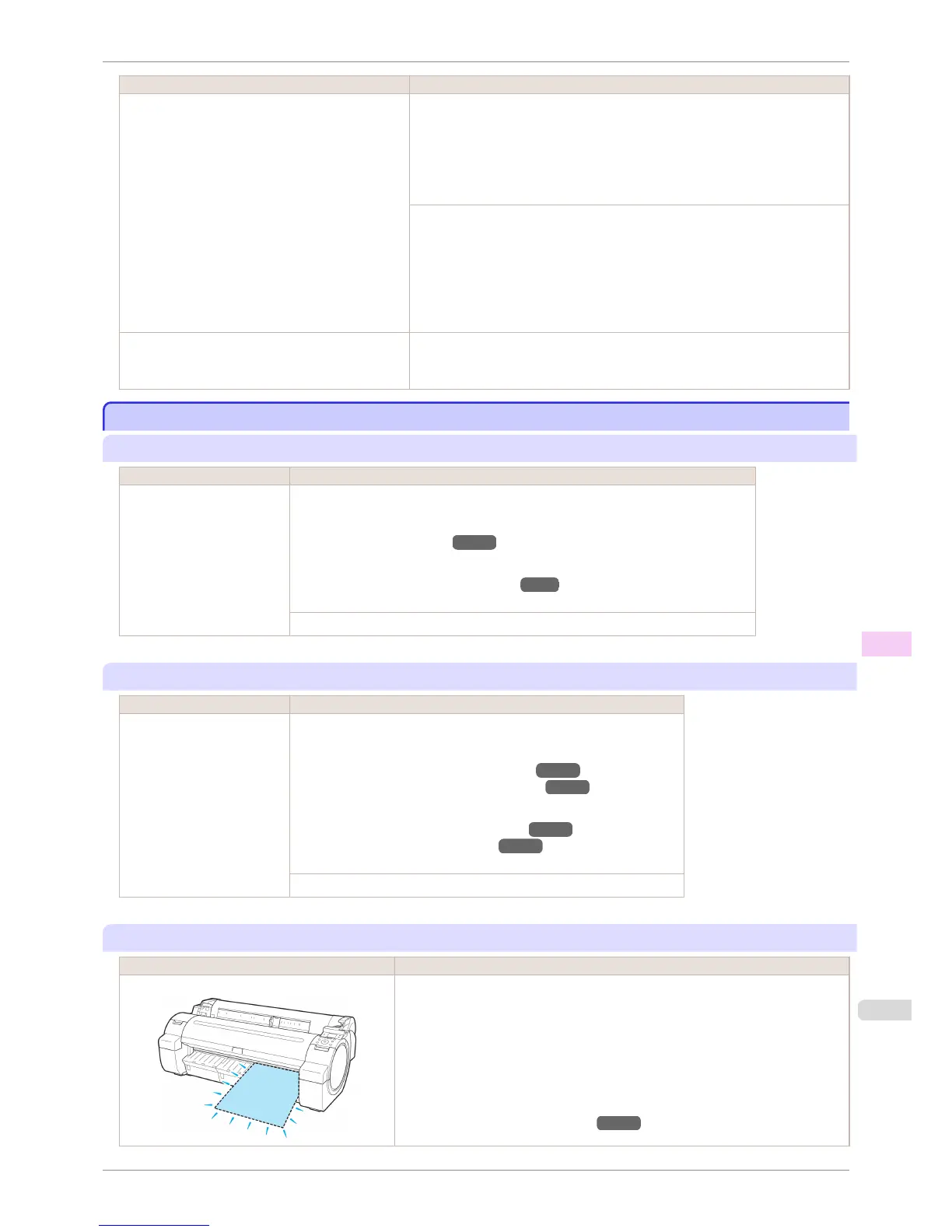
"Remove paper and check pap. size"
Cause Corrective Action
A sheet has come out of the printer during printing.
1.
Press the Release Lever back and remove the paper.
2.
Reload the sheet, aligning it with the guide on the right.
3.
Pull the Release Lever forward.
4.
If "Not finished printing. Finish printing remaining jobs?" is shown on the Dis-
play Screen, press the OK button.
Printing will resume, starting from the page on which the error occurred.
(See "Loading Sheets in the Printer.") →P.417
iPF760
The paper is too small.
User's Guide
Error Message Messages regarding paper
581















 To Next Page