Note
• Available only if rolls are selected in Paper Source.
•
Copies
You can input the number of print copies in numerical characters.
Note
• The maximum value is 999.
• You can change the numbers by clicking either ▲ button or ▼ button.
•
Restore Defaults Button
Click the button to reset to the setting when starting Free Layout.
•
Print Button
Click the button to begin printing.
•
Update Printer Info. Button
Click the button to acquire printer information.
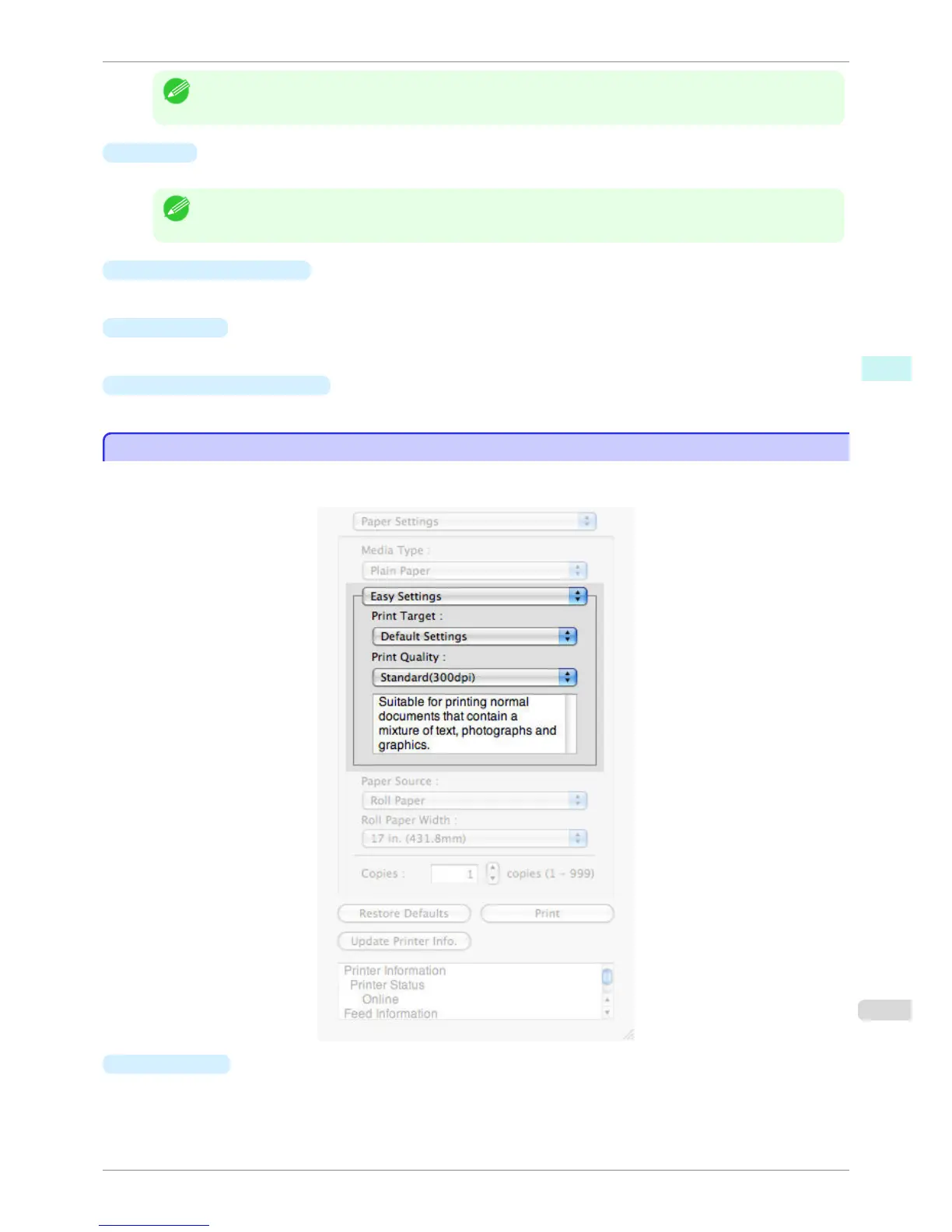
Easy Settings
Easy Settings
You can easily select the best settings for the print job by just selecting an item from the print target list that match-
es the content of the document.
•
Print Target
You can easily select the best settings for the print job simply.
If you select each Print Target item the corresponding comment for that item is displayed below the list.
iPF760
Easy Settings
User's Guide
Mac OS X Software Free Layout
337















 To Next Page