•
Windows
1.
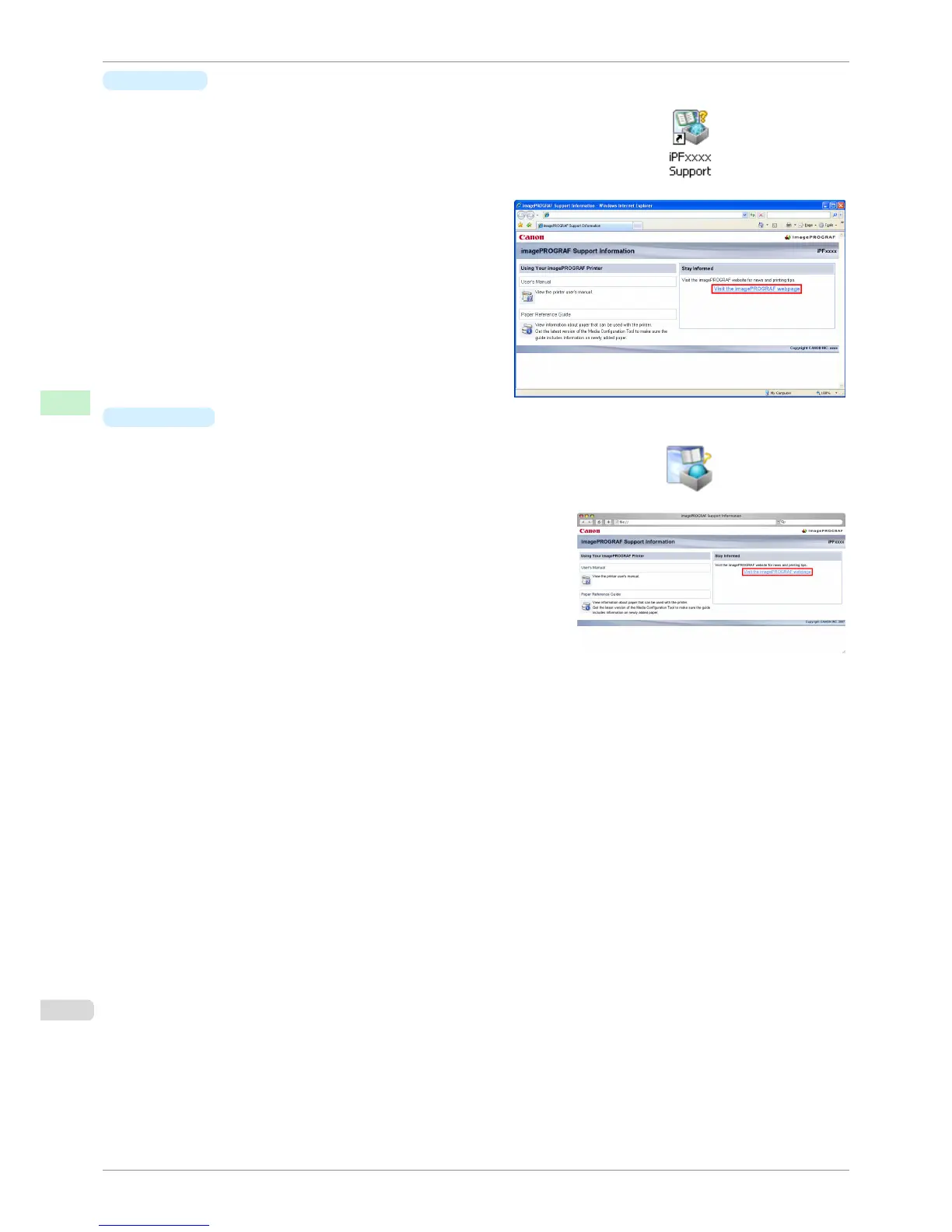
Double-click the iPFxxxx Support desktop icon. (iPFxxxx indicates the
printer model.)
The imagePROGRAF Support Information window is displayed.
2.
Click Visit the imagePROGRAF webpage.
The default browser on your computer is started and
the imagePROGRAF webpage is displayed.
•
Mac OS X
1.
Click the iPF Support icon in the Dock.
The imagePROGRAF Support Information window is displayed.
2.
Click Visit the imagePROGRAF webpage.
The default browser on your computer is started and the im-
agePROGRAF webpage is displayed.
Updating paper information
iPF760
User's Guide
Handling Paper Paper
396















 To Next Page