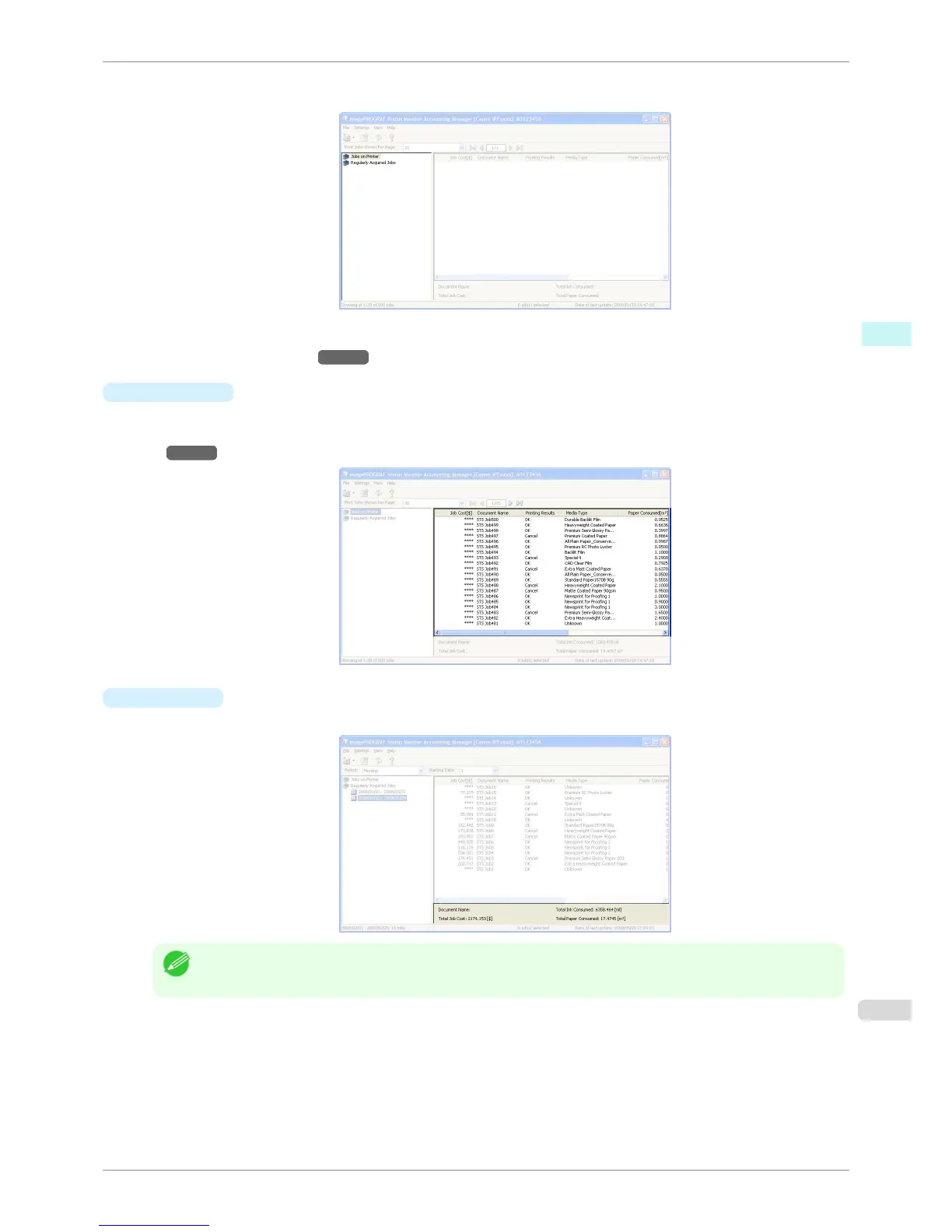
If you are using regular data acquisition, this area allows you to view the collective job logs for each specified
period.
For more information on how to select the job logs displayed, see Switching Between Displaying Jobs on Printer
and Regularly Acquired Jobs →P.273 .
•
Job List Area
This area lists the details of acquired jobs.
Display a list of jobs within the printer or of jobs collected periodically. For details, refer to Job List
Area →P.268 .
•
Totals Area
Displays the total costs for the selected job and the amounts of paper and ink consumed.
Note
• If you are viewing regularly acquired print jobs, selecting a period on the left side of the window displays the total
costs for that period and the amounts of paper and ink consumed.
iPF760
Accounting Manager Main Window
User's Guide
Windows Software Accounting
267















 To Next Page