2
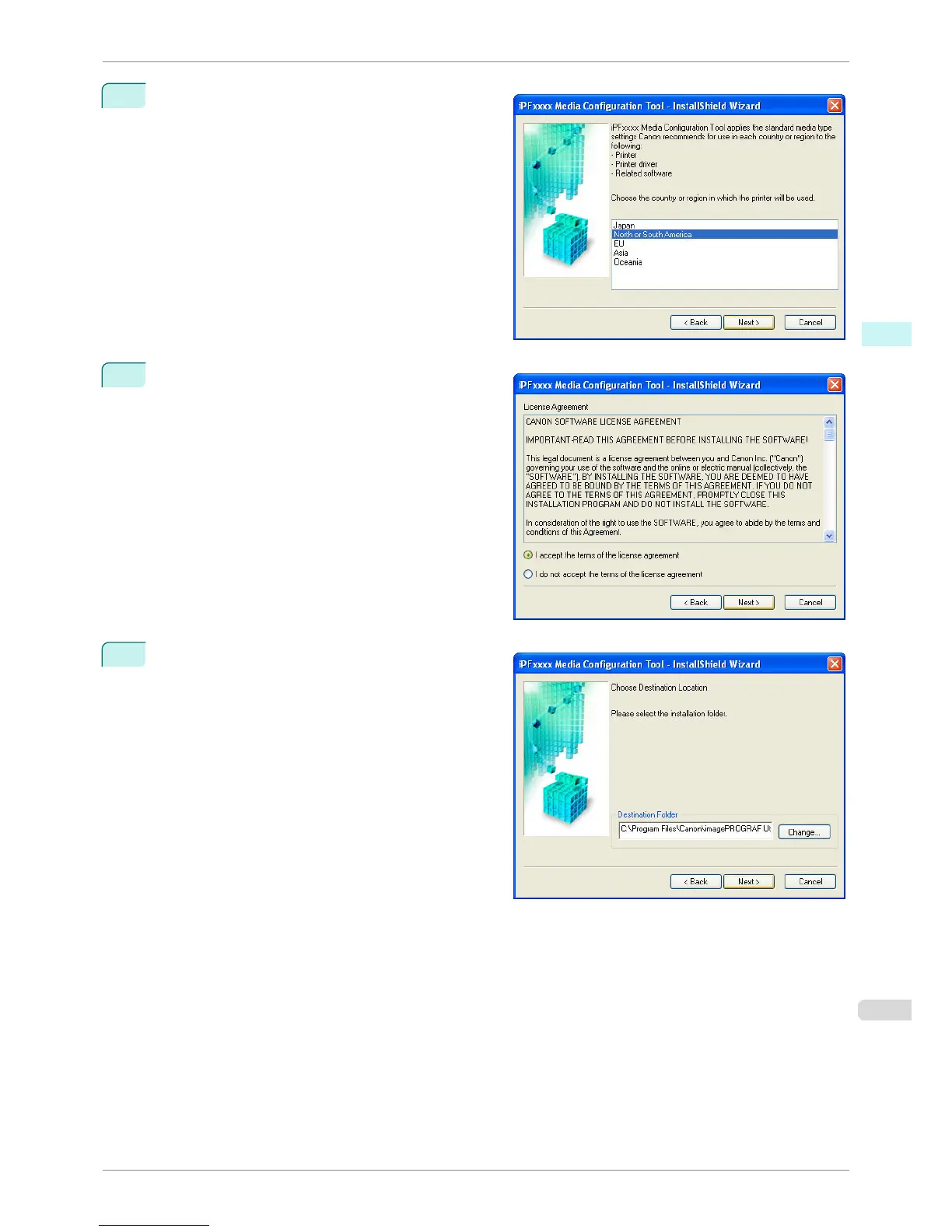
The next screen presents selections for the country
or area where the printer is used.
Select a country or territory then click the Next but-
ton.
3
The License Agreement is displayed.
Select I accept the terms of the license agreement
and click the Next button.
4
The Choose Destination Location screen appears.
Select the destination folder then click the Next but-
ton.
iPF760
Installation Procedures
User's Guide
Windows Software Media Configuration Tool
279















 To Next Page