2
Select the align menu from the Object menu.
•
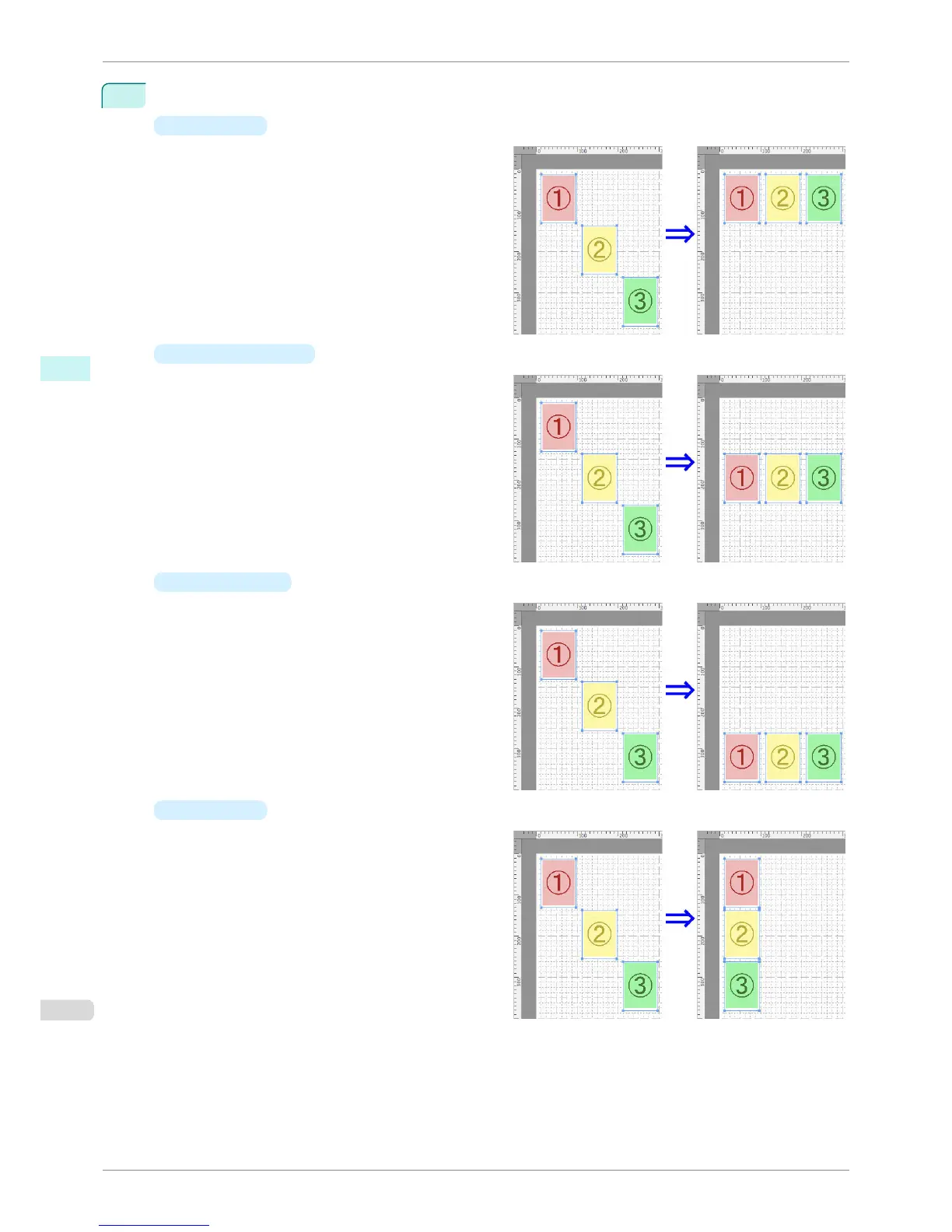
Align Top
Lays out the objects, justifying them to the top.
•
Center Vertically
Lays out the objects, justifying them to the verti-
cal center.
•
Align Bottom
Lays out the objects, justifying them to the bot-
tom.
•
Align Left
Lays out the objects, justifying them to the left.
Aligning Objects
iPF760
User's Guide
Mac OS X Software Free Layout
354















 To Next Page