5
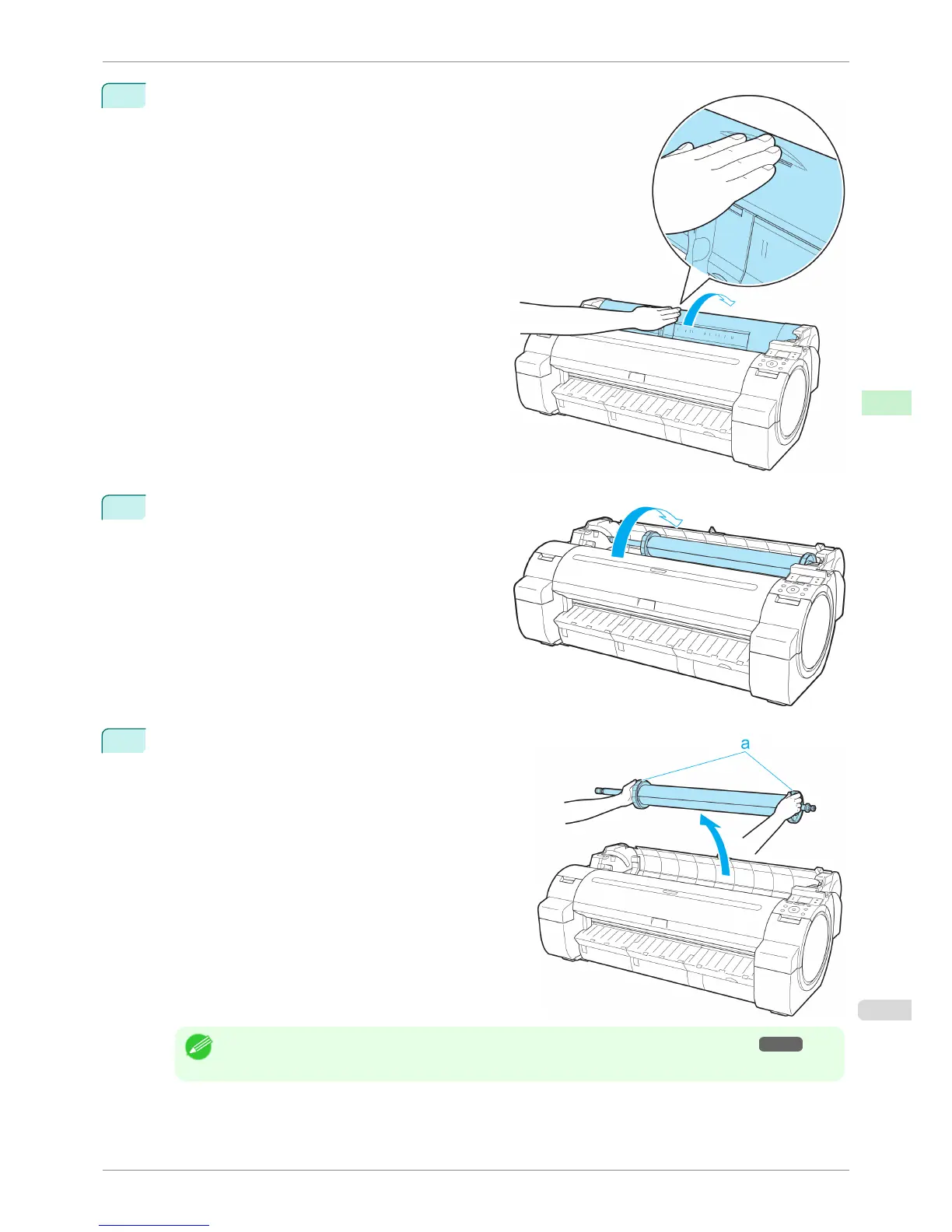
Positioning your hands as shown, open the Roll Cov-
er.
6
Using both hands, rotate the Roll Holder toward the
back to rewind the roll.
7
Holding the Roll Holder flange (a), remove the holder
from the Roll Holder Slot.
Note
• For instructions on removing the Roll Holder from rolls, see "Removing the Roll Holder from Rolls." →P.406
iPF760
Removing the Roll from the Printer
User's Guide
Handling Paper Handling rolls
405















 To Next Page