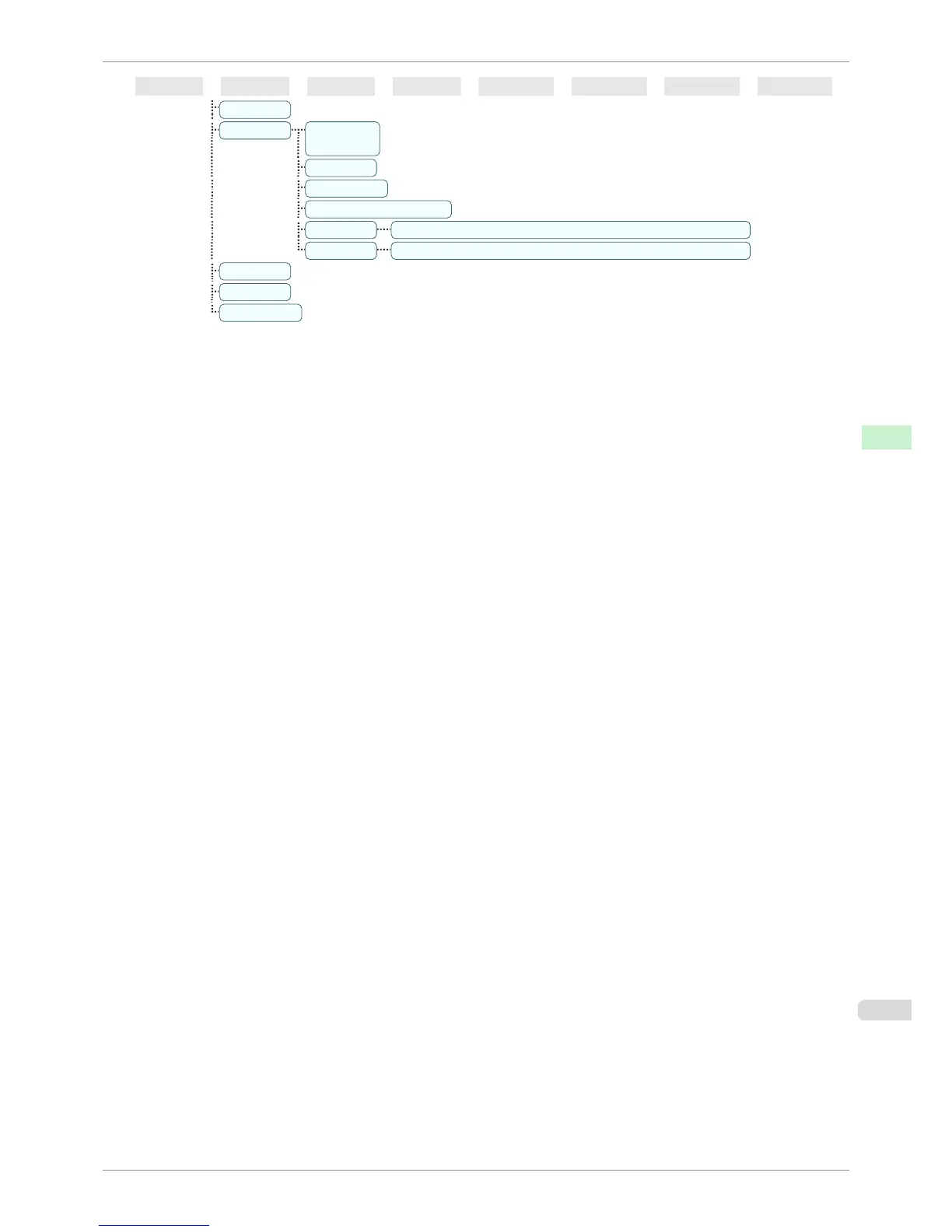
First Level Second Level Third Level Fourth Level Fifth Level Sixth Level Seventh Level Eighth Level
Ink Info
Head Info Product-
Name:
s/n:
Days elapsed:
Count [Mdot]:
Printhead L ProductName: ┋ s/n: ┋ Days elapsed: ┋ Count [Mdot]:
Printhead R
ProductName: ┋ s/n: ┋ Days elapsed: ┋ Count [Mdot]:
System Info
Error Log
Other Counter
*1: Available after you have used Auto(Advanced) in Head Posi. Adj. once.
*2: Available if Adj. Priority is Automatic or Print Quality.
*3: Available if Adj. Priority is Automatic or Print Length.
*4: Not displayed if IPv4 Mode is Manual.
*5: Not displayed if NetWare is Off.
*6: Not displayed if Auto Detect is On.
*7: Follows the setting in Date Format.
*8: Viewing and configuration is possible for administrators, and only viewing for other users.
*9: Viewing and configuration is possible for administrators only.
*10: Not displayed if IPv6 Support is Off.
*11: Default setting for the time to enter the power save mode/Sleep mode is recommended.
*12: Displayed as the menu during printing while printing is in progress.
*13: Not displayed in the regular menu.
iPF760
Menu Structure
User's Guide
Control Panel Printer Menu
447















 To Next Page