CAPINTEC, INC. CAPTUS
®
600
After accepting the Co57 Standard measurement, the system will then prompt the user to
measure the room background. Remove any samples from the Well and count room
background. Next, measure the urine aliquot sample.
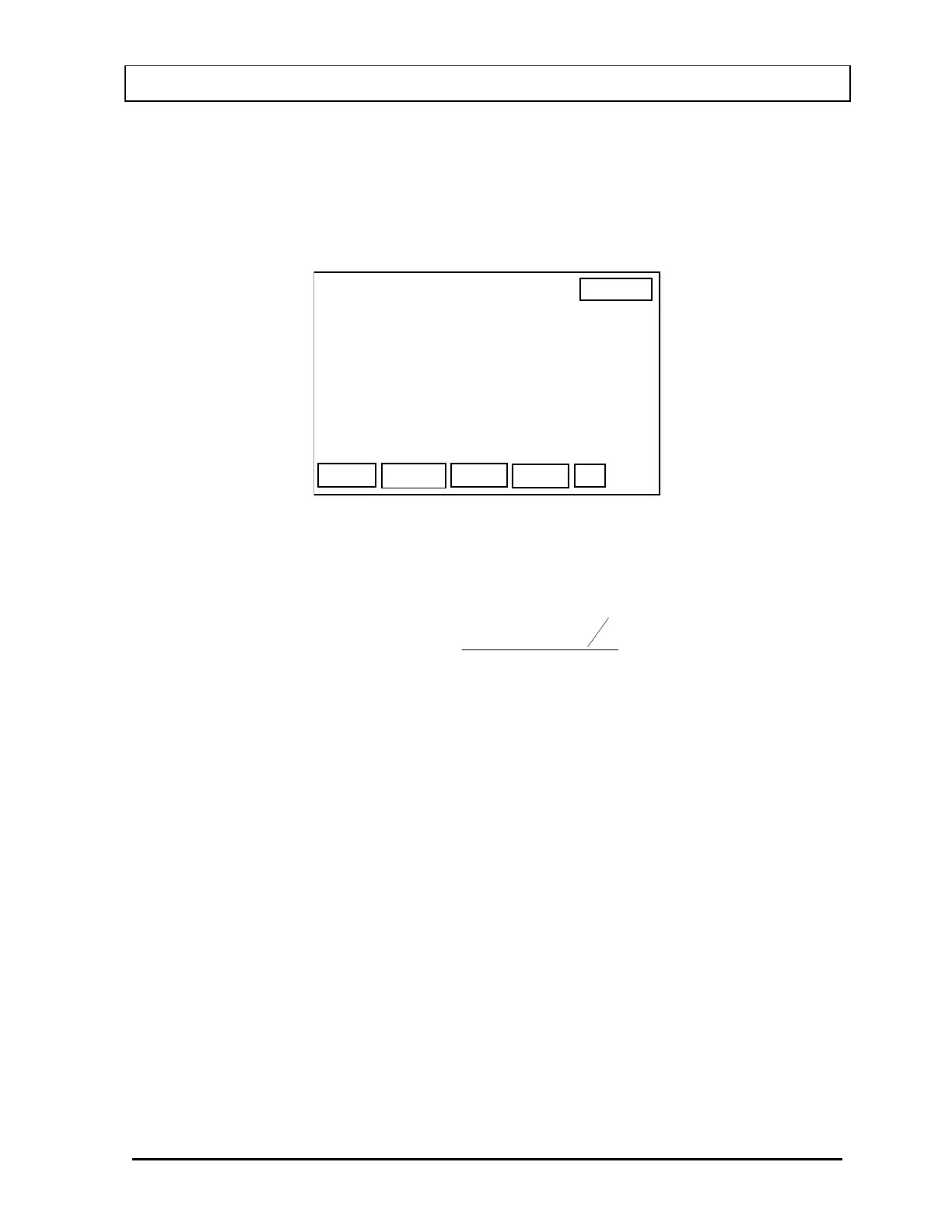
After accepting the Urine Sample measurement, the Schilling Test Result Screen (
Figure 15-
4
) will appear.
14:32
SCHILLING TEST
DONE
PATIENT, ONE
BACKGROUND : 60.53 cpm
STANDARD : 535.1 kcpm
URINE : 6299. cpm
EXCRETION : 14.0%
P
Figure 15-4
The percent excretion is calculated as:
)
()
DBS
A
V
BU100
excretion %
×−
×−×
=
where
U = Urine count rate
B = Room Background
V = Urine Volume
S = Standard count rate
D = Dilution factor
A = Aliquot Volume
To print the results, press the PRINT [P] key. To return to the Main Schilling Test Screen,
press the F4 [DONE] key. If you press the F4 [DONE] key before printing, you will be
reminded that the data will be deleted. The message “Data will be deleted. OK? Y or N” will
appear on the display. At this point you may answer “NO” and go back and print the results
before deleting the data. The results of the test are not saved. Patient demographics are
saved.
Figure 15-5 is a sample Schilling Test printout.
November 07 LAB TESTS: URINE TEST 15-3



 To Next Page