CAPINTEC, INC. CAPTUS
®
600
13:06
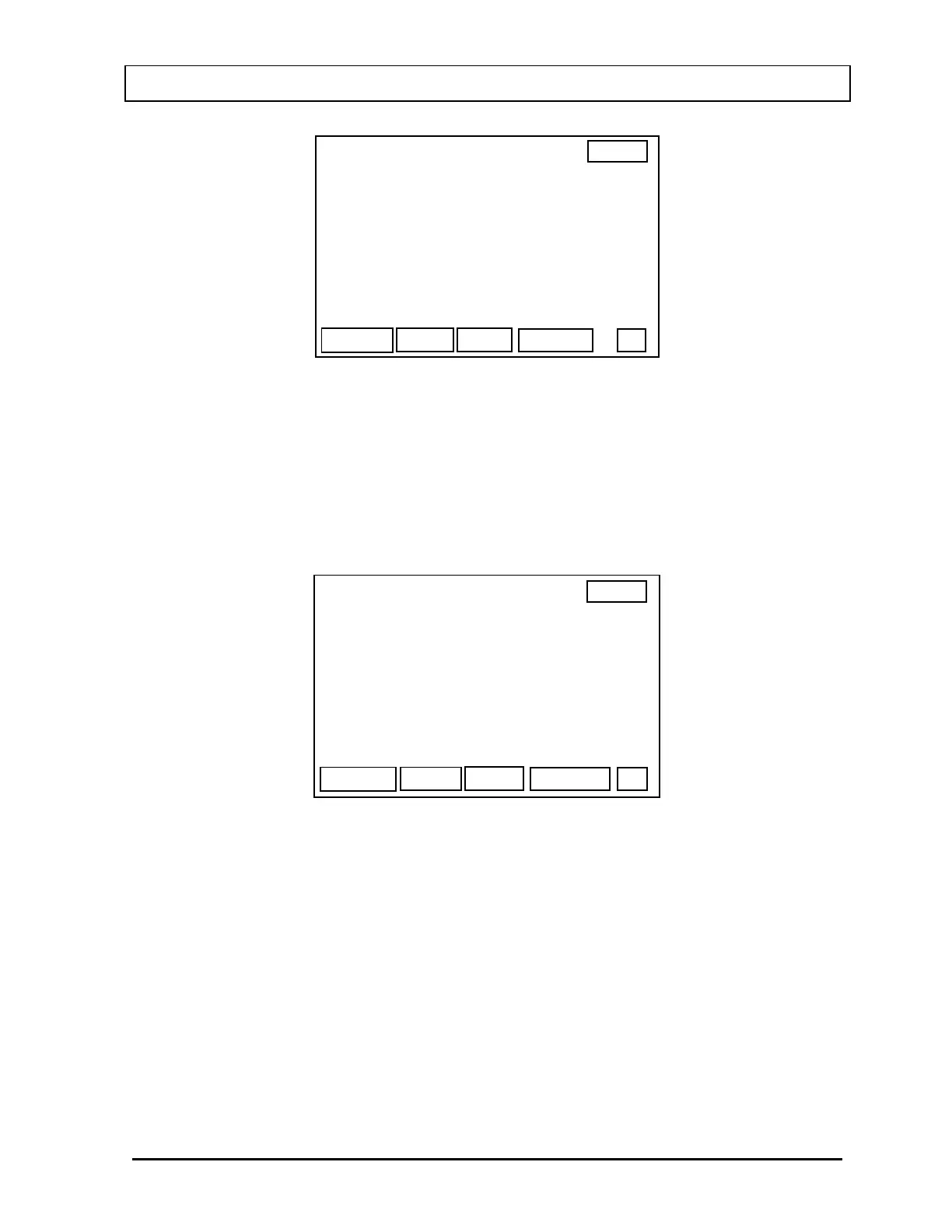
MULTICHANNEL ANALYZER
BACKGROUND SETUP
OK
> 200 KEV 400 KEV
800 KEV 1600 KEV
SEL
Figure 19-4
Use the
ARROW keys to move the prompt to the desired range. Press F1 [SEL] to select a
range. The range will be highlighted and the prompt will move to the next range. If the prompt
points to an already selected range,
F1 will change to [DESEL] and pressing it will de-select
the range.
When all desired energy ranges have been selected, press
F4 [OK]. Figure 19-5 will appear.
13:06
OK
MULTICHANNEL ANALYZER
BACKGROUND SETUP
COUNTING TIME :> 60 SEC
Figure 19-5
Input the desired Counting Time and press
F4 [OK] to begin the background measurement.
When the counting is complete, the MCA
Background Results Screen (Figure 19-6) will
appear. (The features of this screen are explained in
Figure 19-8)
November 07 MULTICHANNEL ANALYZER OPERATION 19-3



 To Next Page