CAPINTEC, INC CRC
®
-25R
April 12 APPENDIX IV A4 - 3
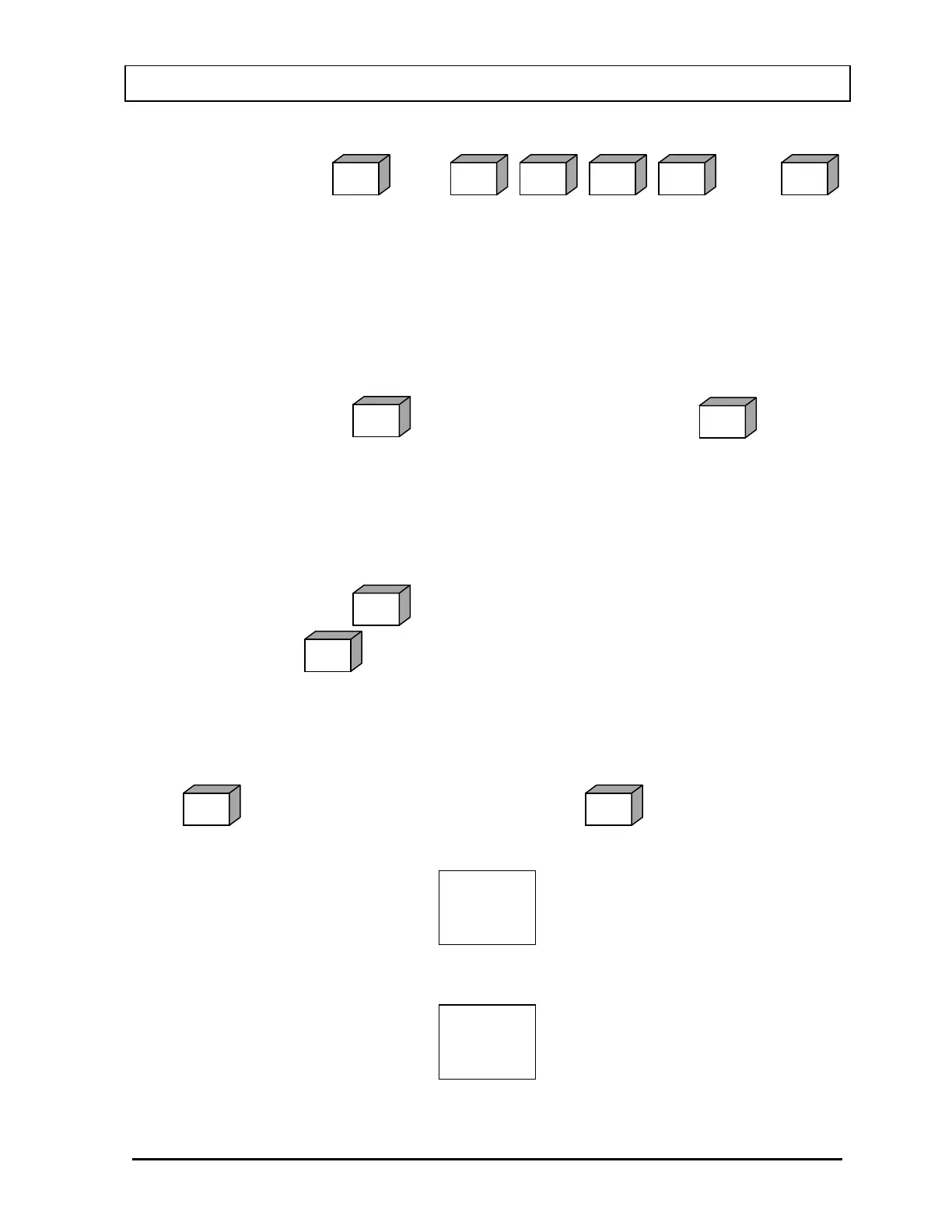
Example: To measure Co60, place the sample in the Chamber and press
. Press . Press
. The activity for Co60 is automatically displayed.
4. CALIBRATION NUMBERS: To measure the activity of a nuclide that is not
stored in the memory, Pre-Set keys, or User defined keys, press the CAL# key,
input the Calibration Number for the nuclide using the alphanumeric
(number/letter) keys, and press the ENTER key. The activity can then be
measured. Simply place the sample in the Chamber.
Note: Calibration Numbers for R Chambers are listed in Appendix II.
Example: Press . Input the Calibration Number. Press .
Future Activity
The CRC
®
-25R has a special feature that allows you to automatically determine the
activity of a sample at some point in the future. From the Measurement screen, press
TIME.
Example: Press . Input the new time & date in the 24-hour format. Press
. The “FUTURE” activity is displayed.
Enter Test Data
(Reference CHAPT
ER
6: CHAMBER INITIALIZATION, SECTION: TEST SOURCES)
The Test Source Data must be entered from the Main Setup Menu. To access this menu,
press to return to the Measurement Screen. Press to display the Main
Menu.
Select SETUP. The Setup Menu will appear.
SET
1. Time
UP
2. Ci/Bq
3. Printing
4. Other
5. Screen
1. Inventory
2. Calculations
3. Diagnostics
4. Setup
MENUHOME
ENTER
TIME
ENTER
CAL#
ENTER
QZ
0
MNO
6
MNO
6
BC
2
NUCL


 To Next Page