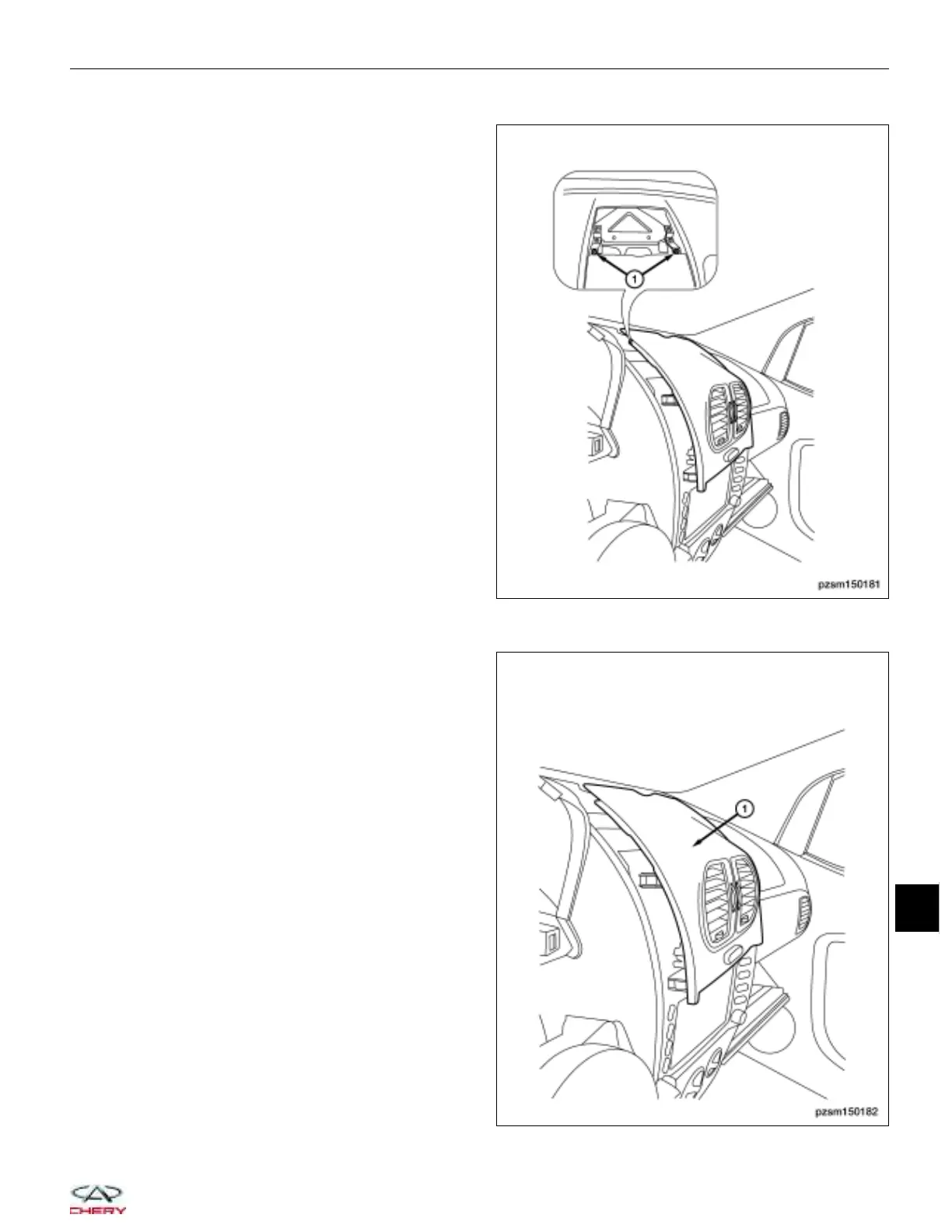
4. Remove the two upper cover retaining screws (1).
5. Using a trim stick, pry the lower cover.
6. Remove the center instrument panel cover (1).
7. Disconnect the emergency switch electrical connector.
AUDIO SYSTEM
PZSM150181
PZSM150182
15
15–7
Chery Automobile Co., Ltd.



 To Next Page