33-8
Catalyst 6500 Series Switch Software Configuration Guide—Release 8.7
OL-8978-04
Chapter 33 Configuring DHCP Snooping and IP Source Guard
Configuring DHCP Snooping on a VLAN
Example 2: Enabling DHCP Snooping with an MSFC as a DHCP Relay Agent
This example shows how to configure the Multilayer Switch Feature Card (MSFC) as a relay agent with
the DHCP host tracking enabled.
Note In this example, the client is untrusted and accesses the switch with the MSFC as a relay agent. The
MSFC relay agent switch connects to the MSFC DHCP server switch through a trusted trunk port.
This example shows how to configure the MSFC as a DHCP relay agent:
service dhcp
on int vlan 810
ip address 192.168.80.241 255.255.255.0
ip helper-address 192.168.94.247
ip dhcp relay information trusted
on int vlan 4094
ip address 192.168.94.241 255.255.255.0
This example shows how to configure the MSFC as a DHCP server:
service dhcp
ip dhcp excluded-address 192.168.80.241
!
ip dhcp pool net810
network 192.168.80.0 255.255.255.0
on int vlan 4094
ip address 192.168.94.247 255.255.255.0
Note The MSFC port is configured by the system as a DHCP-snooping trusted port.
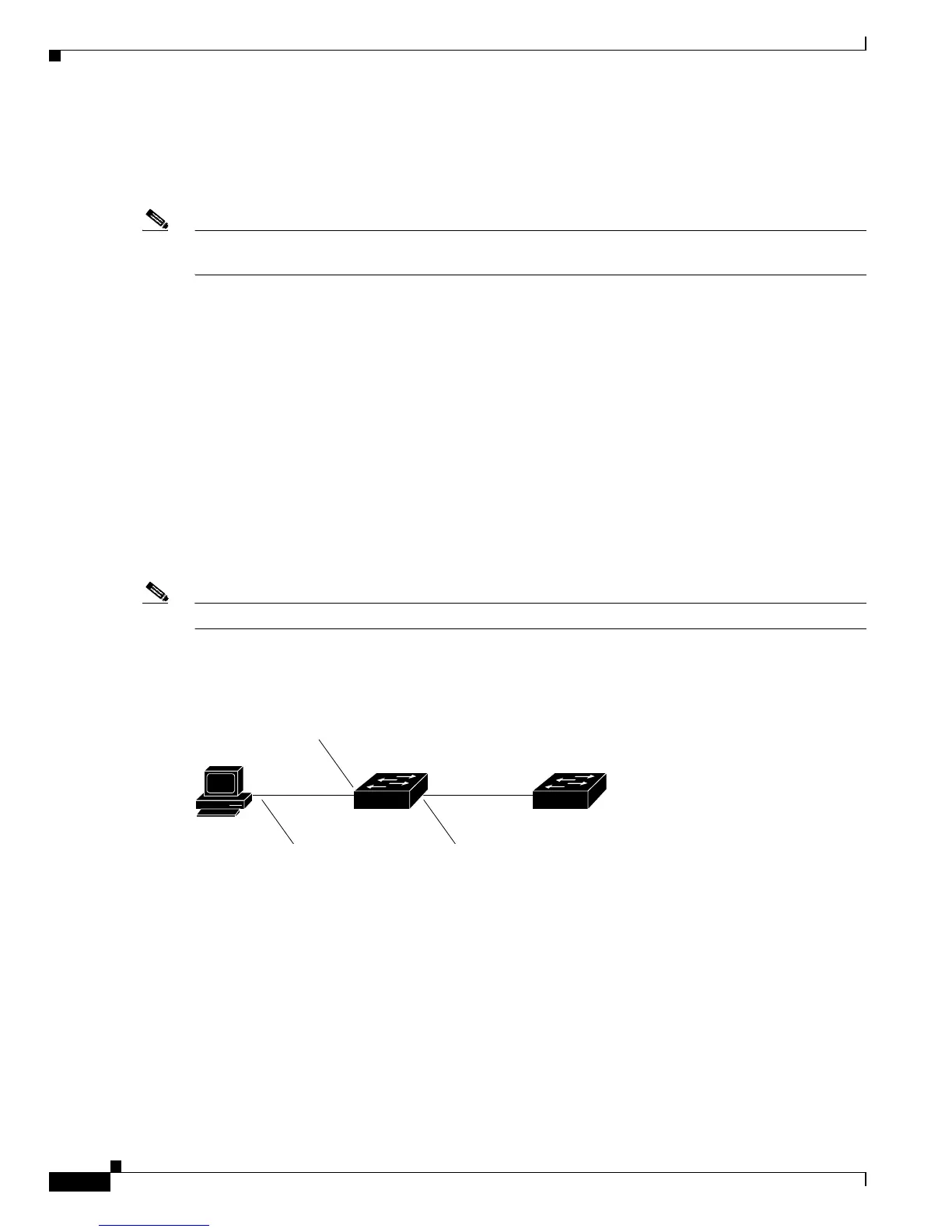
Figure 33-2 shows the typical topology that is used when you configure the MSFC as a relay agent.
Figure 33-2 MSFC as a Relay Agent
Example 3: Enabling DHCP Snooping in Port-Based Mode
The following example shows how to enable DHCP snooping in port-based mode with a router as the
MSFC. The DHCP-snooping ACL is mapped to the host VLAN.
Console> (enable) set security acl map dhcp 1/2
Mapping in progress.
ACL dhcp successfully mapped to port(s) 1/2
Console> (enable) set security acl map dhcp 16
Mapping in progress.
ACL dhcp successfully mapped to VLAN 16.













 To Next Page