11-18
Catalyst 6500 Series Switch Software Configuration Guide—Release 8.7
OL-8978-04
Chapter 11 Configuring VLANs
Configuring VLAN Mappings on a Per-Port or Per-ASIC Basis
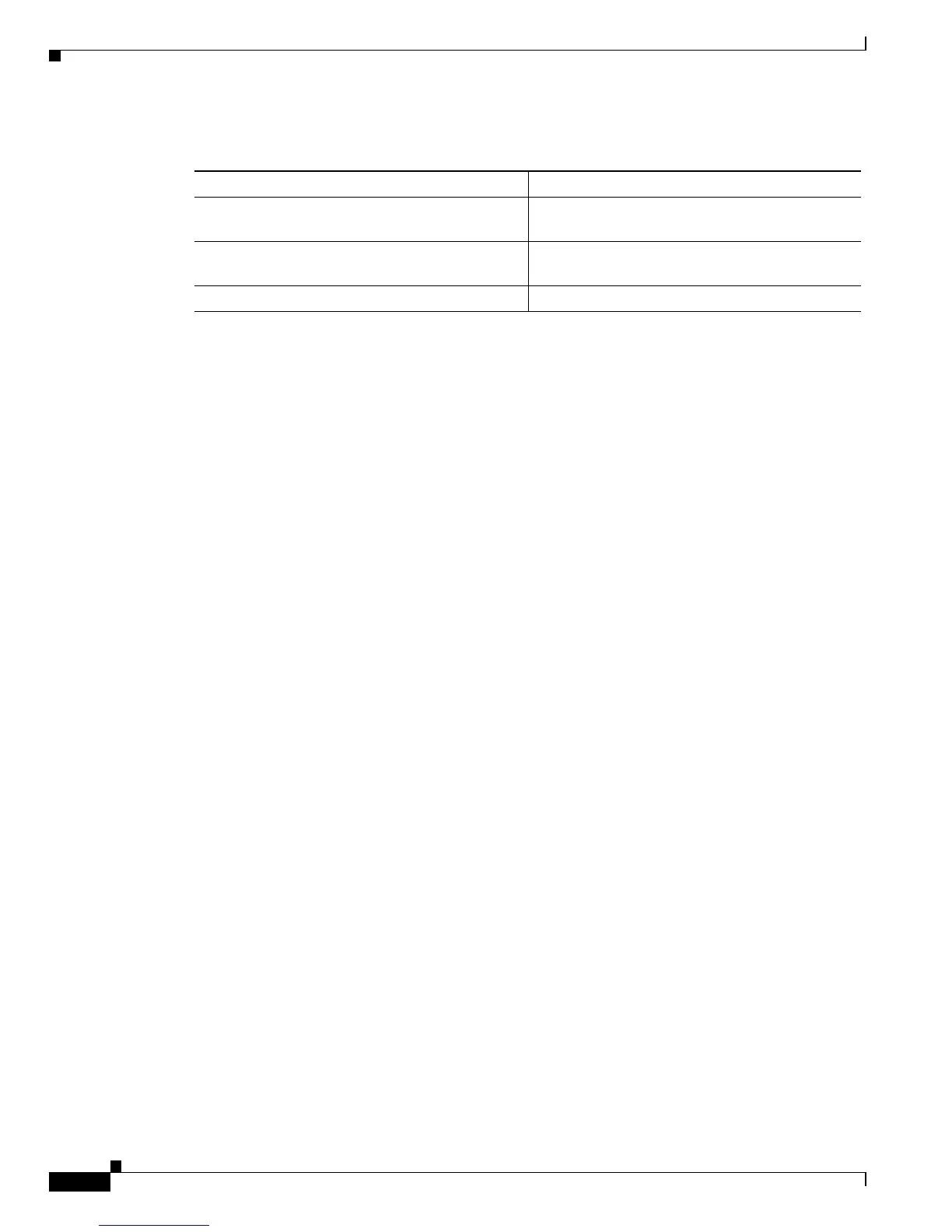
To configure VLAN mapping on an individual port, perform this task in privileged mode:
This example shows how to enable the port VLAN mapping and configure VLAN mapping on an
individual port. In this example, module 7 is the 48-port 10/100/1000 switching module
(WS-X6748-GE-TX). This module supports per-ASIC VLAN mapping; 1 ASIC supports 12 ports.
Console>(enable) set port vlan-mapping 7/1 enable
VLAN mapping enabled on port 7/1.
Console>(enable) set port vlan-mapping 7/1 2002 3003
VLAN 2002 mapped to VLAN 3003 on ports 7.1. 7/1-12.
Console>(enable) show port vlan-mapping 7/1
Mod/Port Source VLAN Translated VLAN State Max Allowed (Current) Entries
-------- ----------- --------------- ----------- -----------------------------
7/1 2002 3003 Enabled 128 (1)
Console>(enable)
In this example, module 5 is the 1-port 10GBASE-E serial 10-Gigabit Ethernet module
(WS-X6502-10GE). This module supports per-port VLAN mapping.
Console>(enable) set port vlan-mapping 5/1 2002 3003
VLAN 2002 mapped to VLAN 3003 on port 5/1.
Console>(enable)
In this example, module 7 is the 48-port 10/100/1000 switching module (WS-X6748-GE-TX). This
module supports per-ASIC VLAN mapping; 1 ASIC supports 12 ports. In this example, ports 7/1-4 are
part of an EtherChannel.
Console>(enable) set port vlan-mapping 7/1 2002 3003
VLAN 2002 mapped to VLAN 3003 on ports 7/1-12.
Console>(enable)
In this example, module 7 and module 8 are the 48-port 10/100/1000 switching modules
(WS-X6748-GE-TX). These modules support per-ASIC VLAN mapping; 1 ASIC supports 12 ports. In
this example, ports 7/1-4 and ports 8/1-4 are part of an EtherChannel.
Console>(enable) set port vlan-mapping 7/1 2002 3003
VLAN 2002 mapped to VLAN 3003 on ports 7/1-12,8/1-12.
Console>(enable)
Clearing the VLAN Mapping
Enter the clear port vlan-mapping command to clear the VLAN mapping on an individual port, on all
ports, or on a specific source VLAN ID. On some modules, VLAN mapping is supported on a per-ASIC
basis; the mapping is not stored on a per-port basis. For these modules, entering the clear port vlan-mapping
mod/port command clears the VLAN mapping on all ports on the ASIC. When you enter a source_vlan_id
argument, only the VLAN mapping for that source VLAN is cleared from the VLAN mapping table of the
specified port or ASIC (if ASIC-based port).
Task Command
Step 1
Enable the port VLAN mapping. set port vlan-mapping mod/port {enable |
disable}
Step 2
Configure VLAN mapping on an individual port. set port vlan-mapping mod/port source-vlan-id
translated-vlan-id
Step 3
Display VLAN mapping configuration. show port vlan-mapping [mod | mod/port]













 To Next Page