42-15
Catalyst 6500 Series Switch Software Configuration Guide—Release 8.7
OL-8978-04
Chapter 42 Configuring Web-Based Proxy Authentication
Configuring Web-Based Proxy Authentication
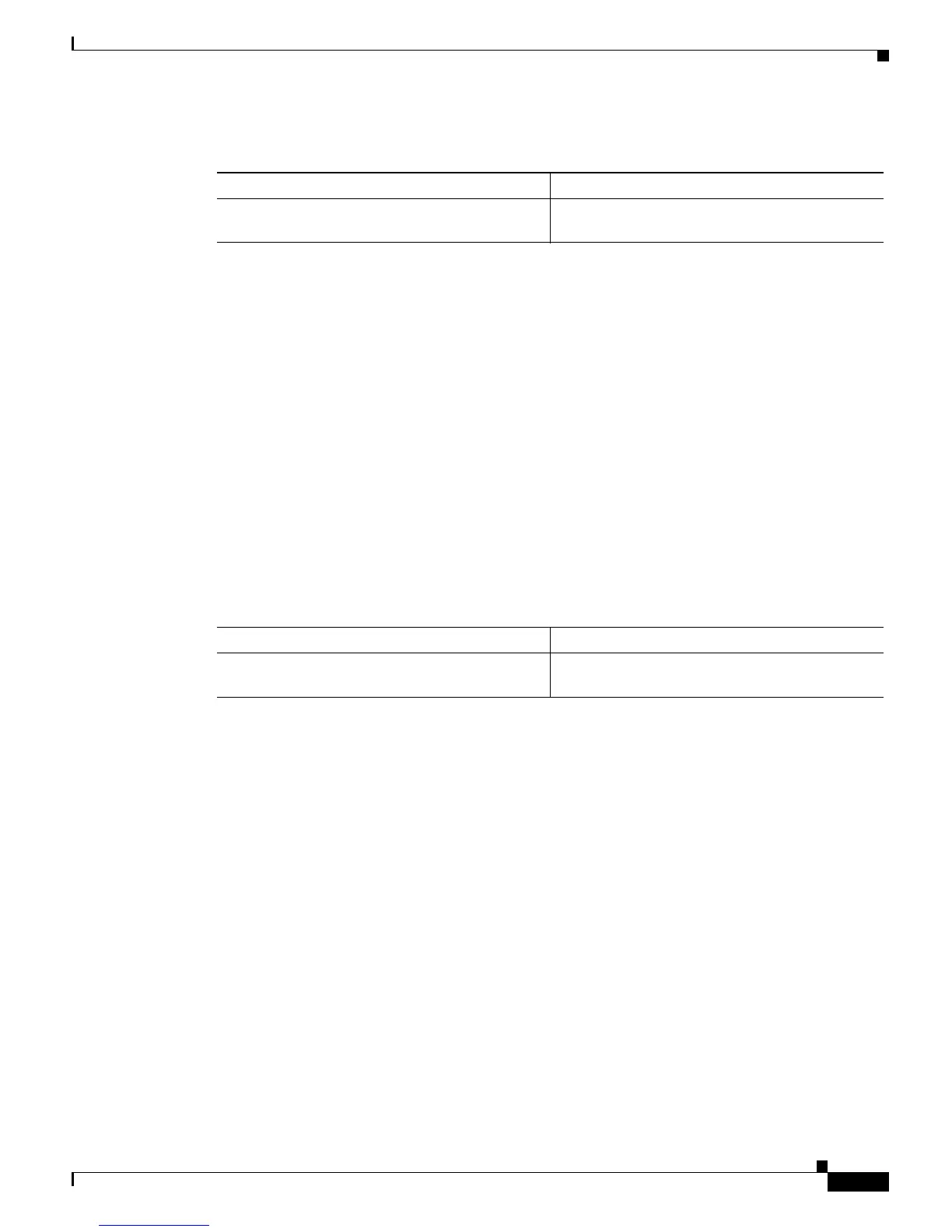
To display information about a web-based proxy authentication port, perform this task in normal mode:
This example shows how to display information about a web-based proxy authentication port:
Console> (enable) show port web-auth 3/48
Port IP-Address Vlan Web-Auth-State
----- --------------- ---- --------------
3/48 9.6.7.8 16 AUTHENTICATION_FAIL
Port IP-Address Session-Timeout Session-Timeleft Radius-Rcvd-Timeout
----- --------------- --------------- ---------------- -------------------
3/48 9.6.7.8 300 300 No
Port IP-Address Policy-Groups
----- --------------- -------------
3/48 9.6.7.8
Console> (enable)
Displaying Statistics
To display web-based proxy authentication statistics, perform this task in enable mode:
This example shows how to display web-based proxy authentication statistics:
Console> (enable) show web-auth statistics
Total GET Requests received : 0
Total POST Requests received : 0
Total responses sent : 0
Total web auth hosts : 0
Total successful authentications : 0
Total failed authentications : 0
Total critical active hosts : 0
Total web auth Queue Entries : 0
Total web auth Queue Drops : 0
Console> (enable)
Task Command
Display information about a web-based proxy
authentication port.
show port web-auth mod/port
Task Command
Display web-based proxy authentication
statistics.
show web-auth statistics













 To Next Page