15-28
Catalyst 6500 Series Switch Software Configuration Guide—Release 8.7
OL-8978-04
Chapter 15 Configuring Access Control
Using VACLs in Your Network
To restrict the DHCP responses for a specific server, perform this task in privileged mode (the target
DHCP server IP address is 1.2.3.4):
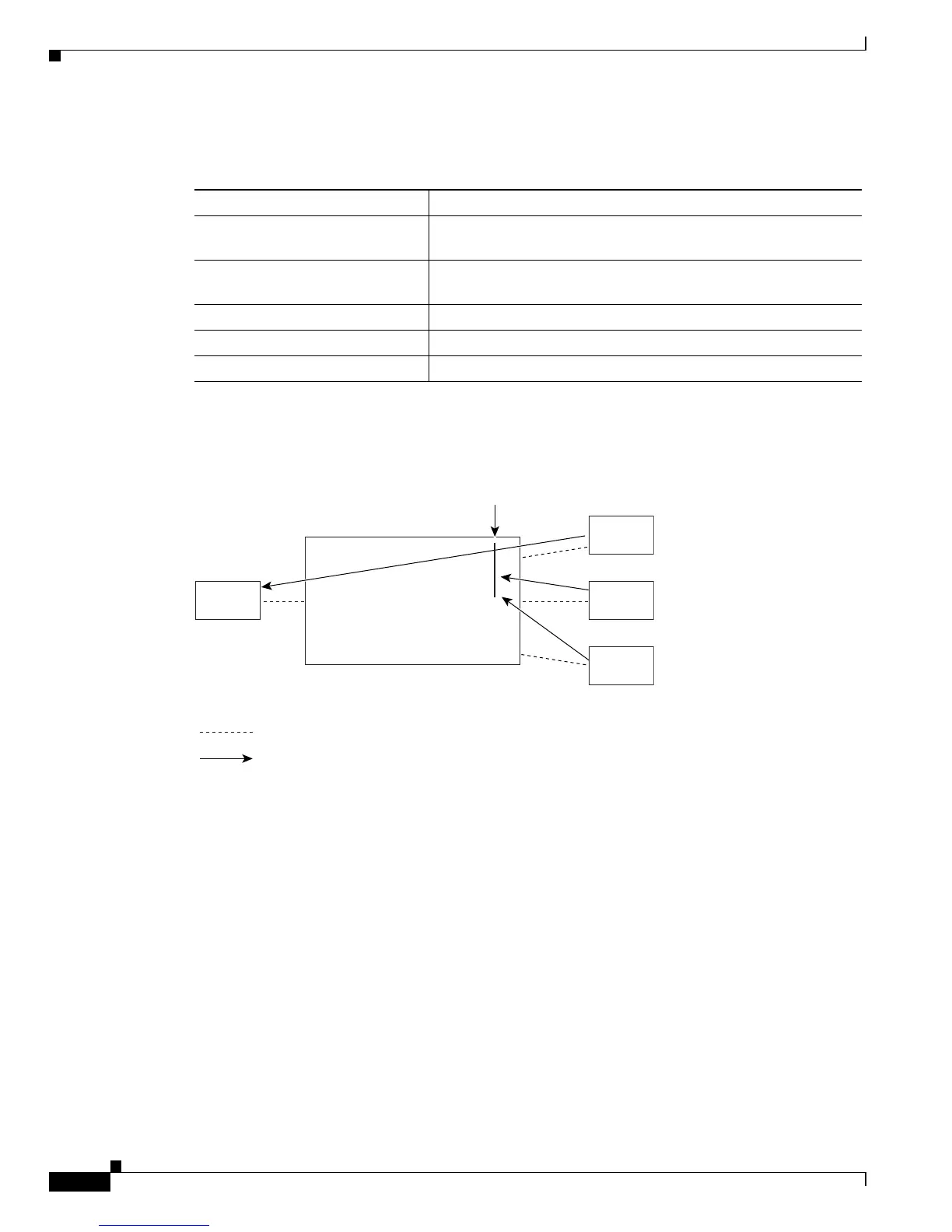
Figure 15-6 shows that only the target server returns a DHCP response from the DHCP request.
Figure 15-6 Redirecting a DHCP Response for a Specific Server
Denying Access to a Server on Another VLAN
You can restrict access to a server on another VLAN. For example, server 10.1.1.100 in VLAN 10 needs
to have access restricted as follows (seeFigure 15-7):
• Hosts in subnet 10.1.2.0/24 in VLAN 20 should not have access.
• Hosts 10.1.1.4 and 10.1.1.8 in VLAN 10 should not have access.
Task Command
Step 1
Permit a DHCP response from
host 1.2.3.4.
set security acl ip SERVER permit udp host 1.2.3.4 any eq 68
Step 2
Deny the DHCP responses from
any other host.
set security acl ip SERVER deny udp any any eq 68
Step 3
Permit the other IP traffic. set security acl ip SERVER permit any
Step 4
Commit the VACL. commit security acl SERVER
Step 5
Map the VACL to VLAN 10. set security acl map SERVER 10













 To Next Page