26-8
Catalyst 6500 Series Switch Software Configuration Guide—Release 8.7
OL-8978-04
Chapter 26 Working With the Flash File System
Working with the Flash File System on the Switch
Deleting Files
Caution If you enter the squeeze command on a flash device, you cannot restore the files that were deleted prior
to the squeeze command.
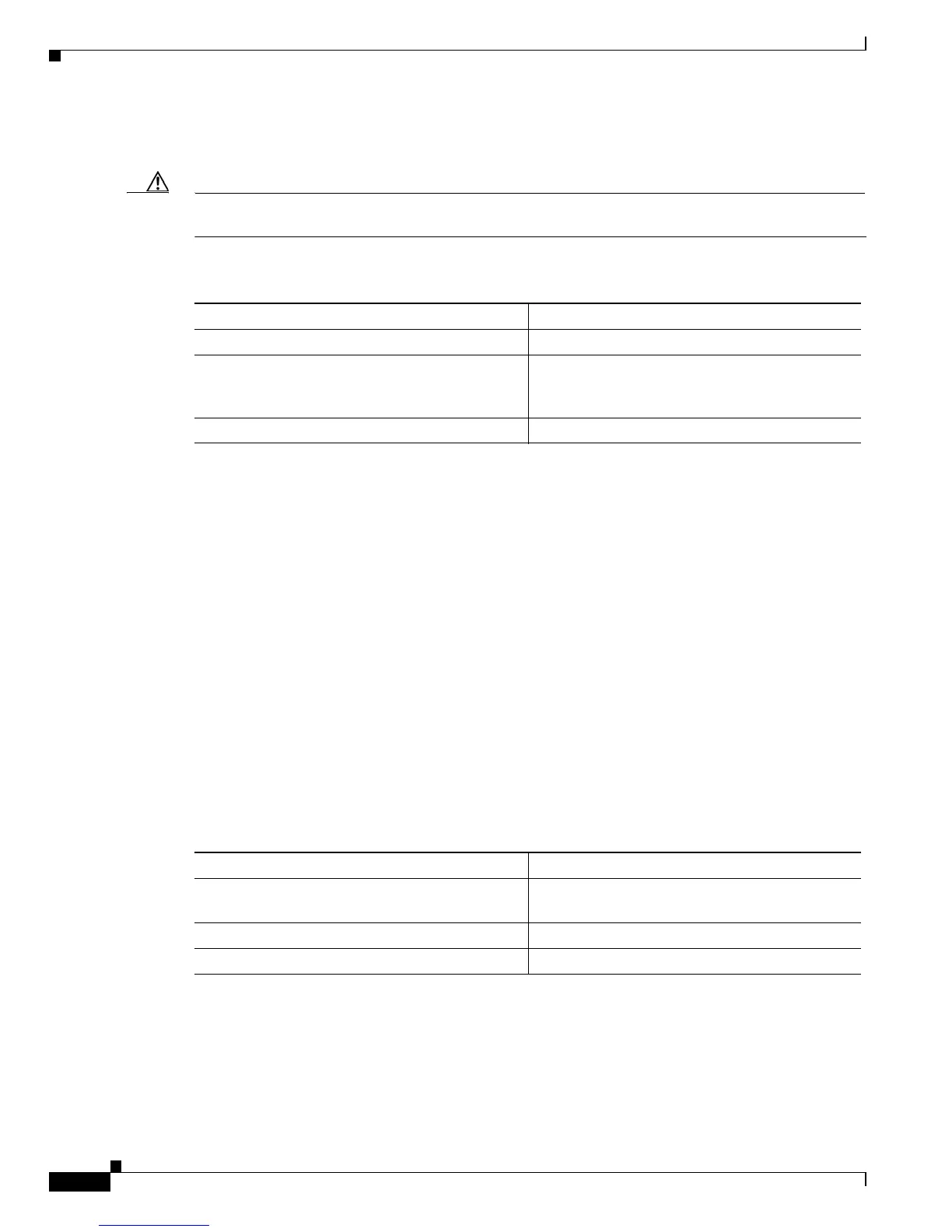
To delete the files on a flash device, perform this task in privileged mode:
This example shows how to delete a file from a flash device:
Console> (enable) delete dns_config.cfg
Console> (enable)
This example shows how to remove all deleted files from a flash device permanently:
Console> (enable) squeeze slot0:
All deleted files will be removed, proceed (y/n) [n]? y
Squeeze operation may take a while, proceed (y/n) [n]? y
Erasing squeeze log
Console> (enable)
Restoring Deleted Files
You must specify the index number of a deleted file to identify the file to undelete. The index number
for each file appears in the first column of the dir command output. A file cannot be undeleted if a valid
file with the same name already exists. Instead, you must delete the existing file and then undelete the
desired file. A file can be deleted and undeleted up to 15 times.
To restore the deleted files on a flash device, perform this task in privileged mode:
This example shows how to restore a deleted file:
Console> (enable) dir deleted
-#- ED --type-- --crc--- -seek-- nlen -length- -----date/time------ name
6 .D ffffffff 42da7f71 657a00 14 135 Jul 17 1998 11:30:05 dns_config.cfg
1213952 bytes available (6388224 bytes used)
Console> (enable) undelete 6
Task Command
Step 1
Delete a file on a flash device. delete [[m/]device:]filename
Step 2
If desired, permanently remove all deleted files on
the flash device (this operation can take several
minutes to complete).
squeeze [m/]device:
Step 3
Verify that the files are deleted. dir [[m/]device:][filename]
Task Command
Step 1
Identify the index number of the deleted files on
the flash device.
dir [[m/]device:][filename] deleted
Step 2
Restore a file on a flash device. undelete index [[m/]device:]
Step 3
Verify that the file is restored. dir [[m/]device:][filename]













 To Next Page