Cleverscope CS300 Reference Manual v2.11
Page 134 www.cleverscope.com ©Cleverscope 2004-2015
20 Matlab Usage
Cleverscope includes four processes that can be used to call external Matlab .m functions to considerably extend
the capabilities of Cleverscope for analysing waveforms.
Executing Matlab Functions
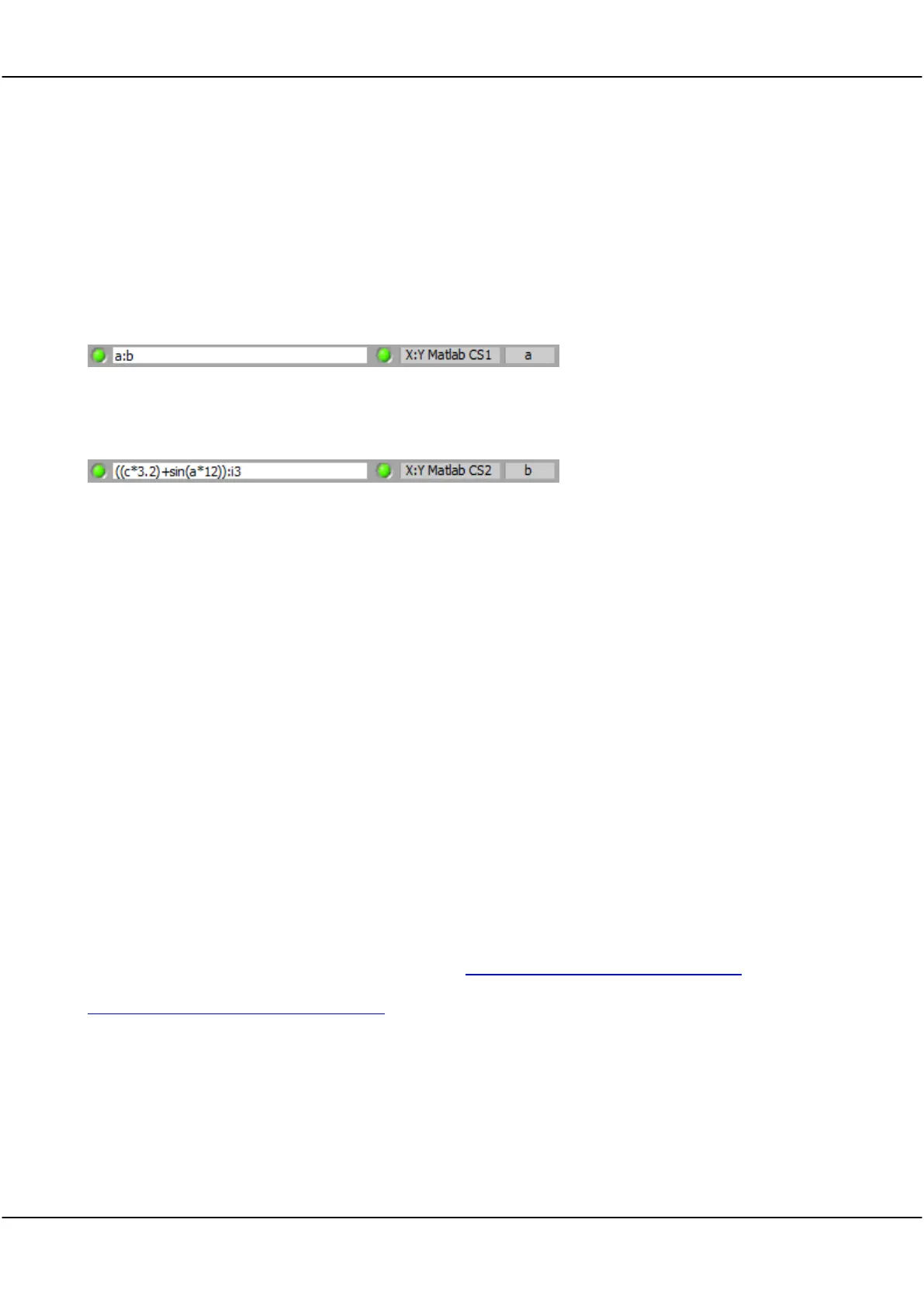
The maths Equation builder is used to set up the equation line that calls the Matlab.m functions.
Example 1
Pass channels a and b to Matlab cscope1.m function. Return the result to channel a.
Example 2
.
Pass (channel c multiplied by 3.2 added to sine(channel a times 12)) and digital input 3 to Matlab cscope2.m
function. Return the result to channel b.
20.1 Matlab .m functions
Cleverscope assumes the existence of four Matlab .m functions used for interface. These functions can in turn
call other Matlab functions, including user interface activity, if needed. The four functions are named cscope1.m
cscope2.m cscope3.m and cscope4.m.
The functions each have a common header:
Example 3
Function z = cscope(x,y,n,T0,dt,TrigSecs,TrigPartSecs,Frame)
This function expects the following values:
x – an array of values input as X in the X:Y
y – an array of values input as Y in the X:Y
n – the number of samples in the arrays X and Y, a scalar.
T0 the start time of the Maths graph as a scalar. For example -0.023 means the graph starts at -23ms.
dt – the sample interval, in s, as a scalar. For example 0.000005 means a sample interval of 5us.
TrigSecs – is the number of whole secs since 12 midnight, 1 January 1904 UTS.
TrigPartSecs – is part seconds to be added to TrigSec.
Frame – is the current Frame number.
z is the array passed back to the Cleverscope maths equation builder.
Watch a demonstration of live exporting to Matlab here www.youtube.com/watch?v=V1ZMLaNtBL8.
Watch a demonstration of live exporting to Matlab spectrograph here
www.youtube.com/watch?v=jRP_AuXTR_Q.
Note The lower right potion of the Help window of the Maths Equation Builder can be copied into a text file to
quickly setup a function.



 To Next Page