v2.13 Cleverscope CS300 Reference Manual
©Cleverscope 2004-2018 www.cleverscope.com Page 143
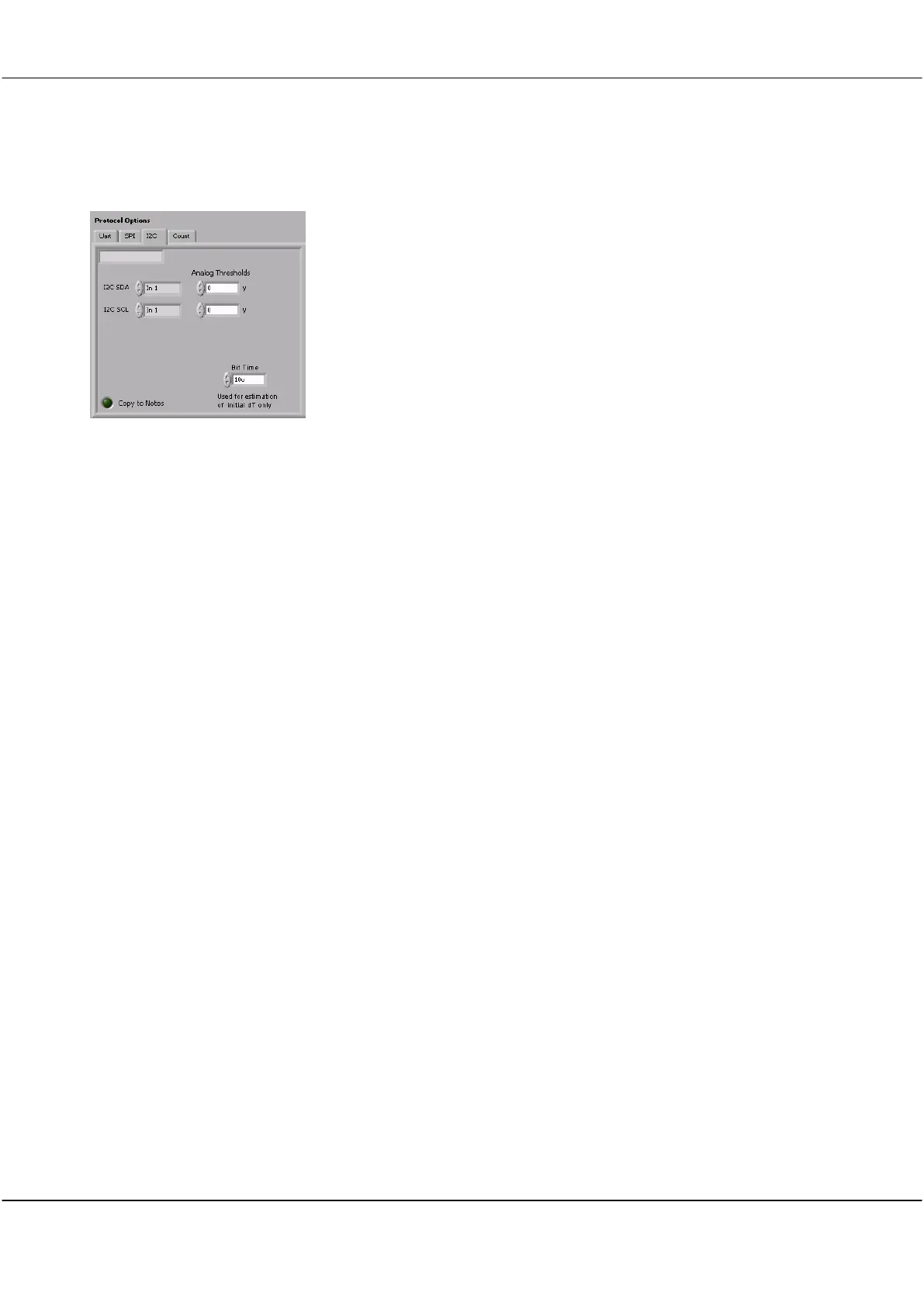
21.3 I2C Tab
Displays the Name as set in the Protocol List.
I2C SDA
Analog Thresholds
Click on the up or down arrow or in the field to select which input is connected to the
data stream.
Click on the up or down arrow or in the field to set the threshold value.
I2C SCL
Analog Thresholds
Click on the up or down arrow or in the field to select which input is connected to the
SCL signal.
Click on the up or down arrow or in the field to set the threshold value.
Click on the up or down arrow or in the field to set the likely bit time.
Click the button to toggle the switch to copy the results to notes.



 To Next Page