v2.13 Cleverscope CS300 Reference Manual
©Cleverscope 2004-2018 www.cleverscope.com Page 145
21.5 Using the Protocol Decoder
The protocol decoder decodes SPI, I
2
C, RS232/422/485 serial data (UART), and a count-based decoder is
provided.
Notes:
All 4 decoders can be used at any one time.
Each decoder outputs to one line on the Digital Inputs.
Decoded symbols are positioned starting at the first bit of the decoded symbol if the graph time base allows.
If the time base is zoomed out, decoded symbols are compressed together.
Each decoder can be assigned a name.
If the decoded output is displayed as characters, non-printing characters are displayed as ‘.’
Newlines are output correctly.
Initial Setup
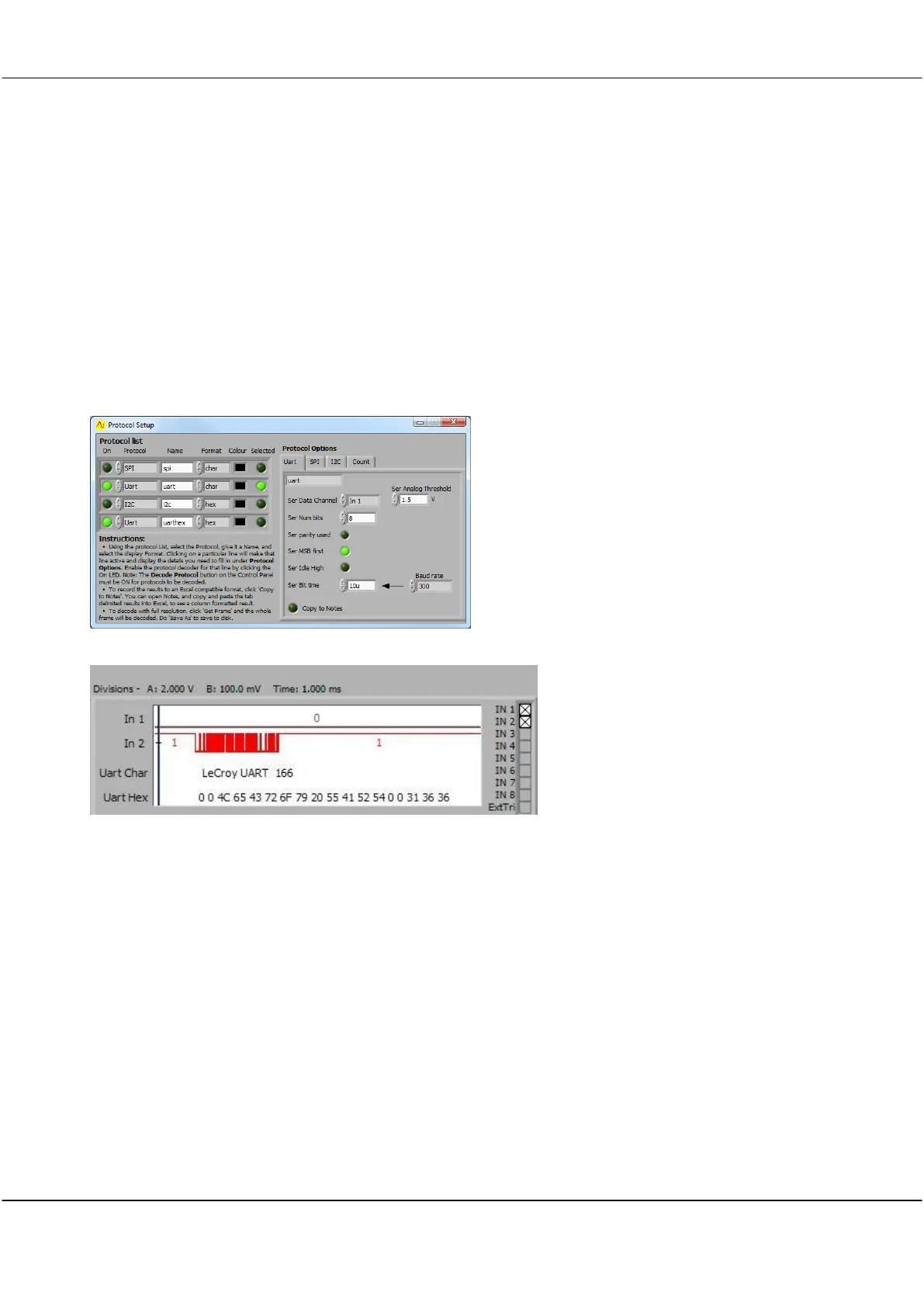
Configure the number of bits, data sense, bit order, chip select active level, and the source for each decoder input.
Select any Cleverscope input signal (In1-8, Chan A, Chan B, and Ext Trig) as a source.
Configure threshold level for analog sources.
Choose display colours for the symbols.
Select how decoder results will be displayed - Characters, Decimal numeric or Hexadecimal numeric.
Select Copy to Notes to automatically copy decoded results to the Notes display. Use this feature to capture
strings and then copy and paste into other applications.
Decoded symbols are compressed to a single string, if the inter character time is less than three character
durations.
Each decoded string includes the time at which it occurred, with 10ns resolution.
Using Notes and an Excel spread sheet, it is easy to measure the time between messages.



 To Next Page