v2.13 Cleverscope CS300 Reference Manual
©Cleverscope 2004-2018 www.cleverscope.com Page 165
section Cleverscope Application Software First Time Installation if you want to install for the first time.
If you have un-installed Cleverscope using the Windows un-install process, you will need to do a full install. The
updater will not work.
To Start
If the Cleverscope application is already installed, use Auto to acquire a signal (which gets the CS328A
Cleverscope Acquisition Unit (Cleverscope)
information into the PC memory), and then use the menu
Help/About Cleverscope to get the App Version number and Firmware Version number. Record these for use
below.
If the App Version number starts with 3.2 or 3.3 please see the section 25.10 Update a First Generation
Installation below before starting.
Note If you are using application 4.624 or earlier, we have updated the USB drivers to use National
Instruments NI-VISA® drivers. If you do not have the Visa run-time installed, you will need to install
it. The installation update program (see the next section) will do this for you.
25.4 Important – Before Updating
After verifying the version numbers, you decide to update the Cleverscope application, please turn off the
Cleverscope Acquisition Unit
. This will ensure that drivers are correctly pre-loaded.
25.5 Update an existing Cleverscope Application
You may download a copy of the latest Cleverscope application software from the Downloads page of the
Cleverscope website at www.cleverscope.com. The following explanation is for Windows 7. The process will
vary slightly for other operating systems.
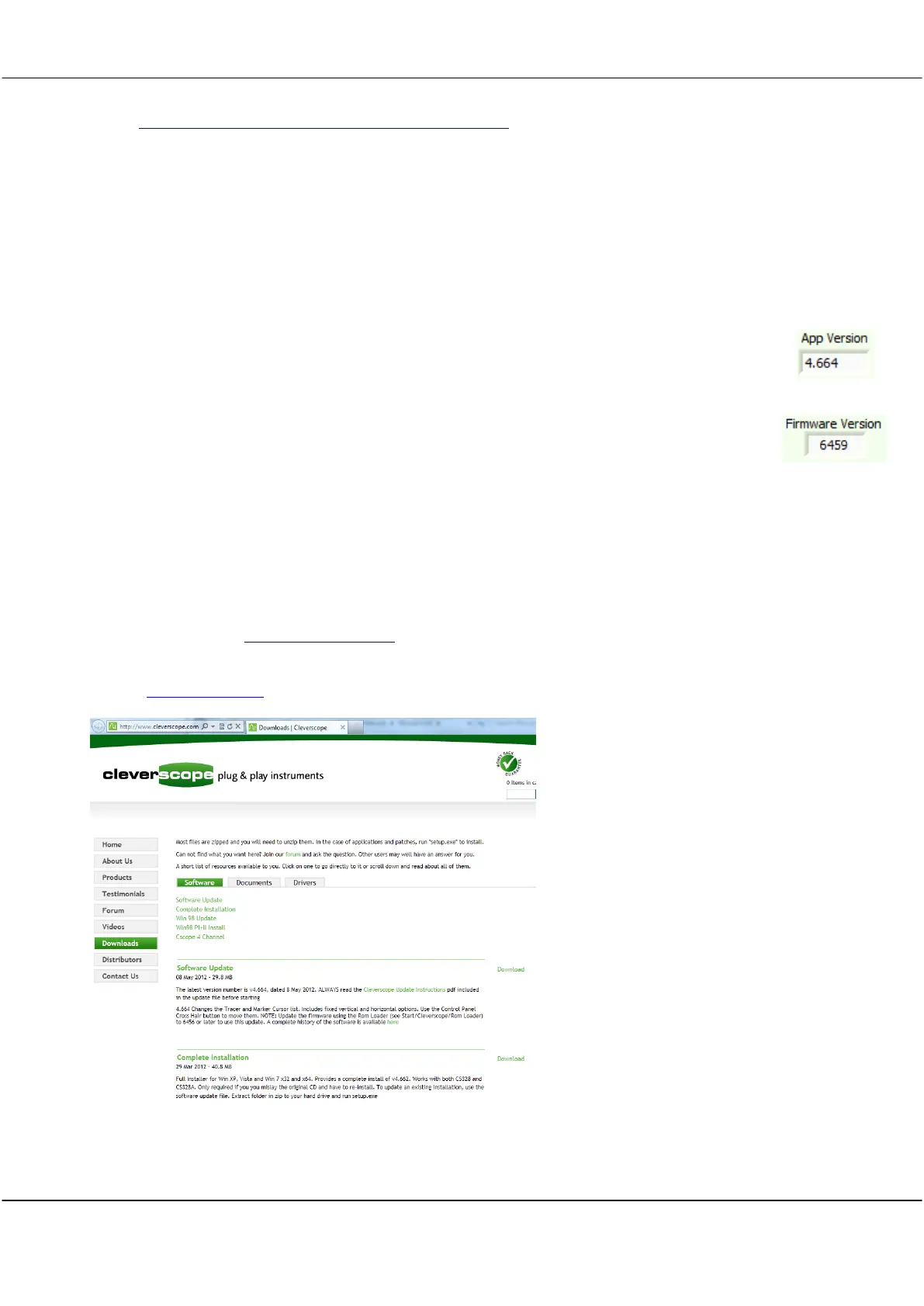
Visit the www.cleverscope site, and then go to the Downloads page shown below.
If Cleverscope is already installed, click Software Update to download the latest update. Always use update if
Cleverscope is already installed. This file is considerably smaller than a full install. Otherwise click Complete



 To Next Page