Cleverscope CS300 Reference Manual v2.11
Page 68 www.cleverscope.com ©Cleverscope 2004-2015
10.3 Digital Tracers and Markers
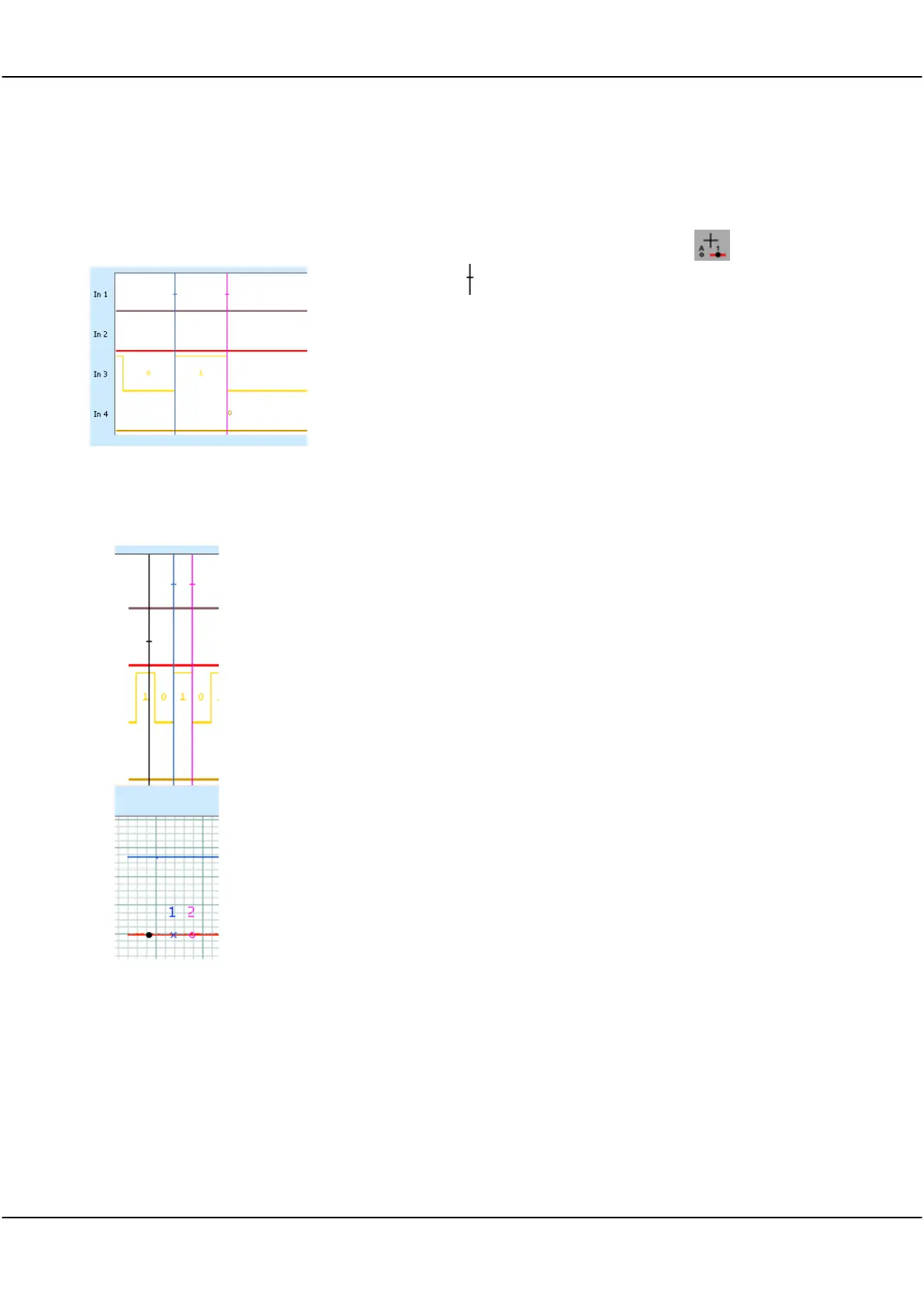
Digital Markers are vertical lines, synchronized with the analog markers.
Line colours are matched to the Analog Marker number colours.
To examine a digital input, use the cursor tool ( ) to drag the
threshold marker to the input of interest.
10.4 Setting Digital Markers
Digital Markers are set by positioning the cursor in the Analog Display.
Move the Tracer dot in the Analog Display to the first position required in the digital
display.
A vertical black Trace line in the Digital display is synchronised with the Tracer dot.
Double click (or press the ‘1’ key) to set Marker 1 (blue) in the Analog Display and
the blue-coloured line will be set in the Digital display.
Move the Tracer dot in the Analog Display to the second position required in the
digital display.
The vertical black line in the Digital display will follow the Tracer dot.
Double click (or press the ‘2’ key) to set Marker 2 (magenta) in the Analog Display
and the magenta-coloured line will be set in the Digital display.



 To Next Page