v2.13 Cleverscope CS300 Reference Manual
©Cleverscope 2004-2018 www.cleverscope.com Page 67
10 Cleverscope Displays - Tracers and Markers
10.1 Tracers
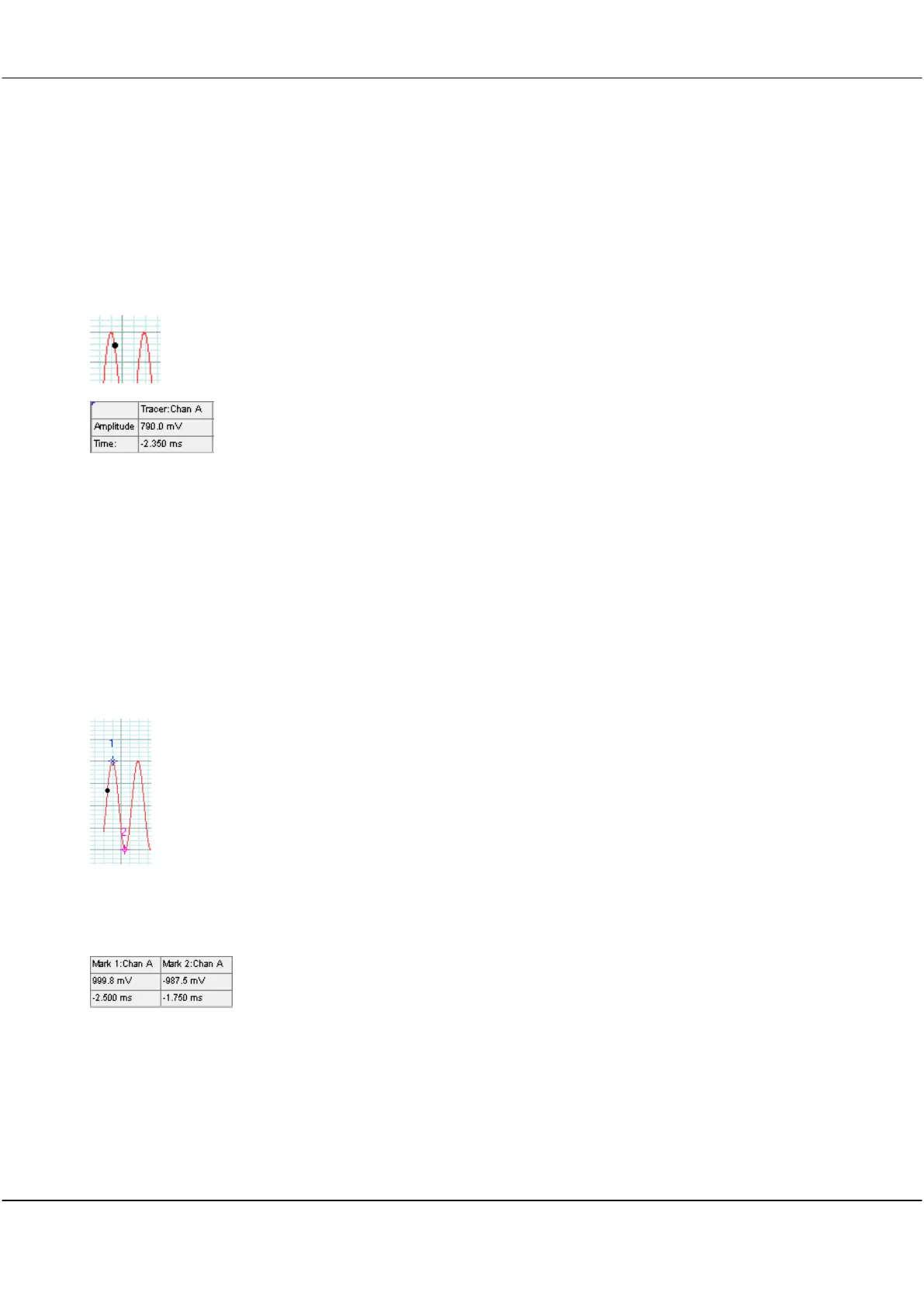
The Tracer is a small black dot that can be moved along a signal trace using the mouse.
The voltage level and position in time corresponding to the tracer position is displayed
in the Information area.
Move the tracer to a point of interest on the signal trace or spectrum to read the
voltage level and time at that point.
A black tracer line on the digital graph follows the analog tracer.
10.2 Setting Analog Markers
Markers are used to measure the time and amplitude of a time plot on the scope and tracking displays or the
frequency and amplitude for a spectrum plot.
Press the number ‘1’ or Space Bar or double click to set Marker 1.
Press the number ‘2’ ’Space Bar or double click to set Marker 2.
Displayed in the Information area of the display.
Analog Marker Trace
Position
The markers will always maintain their horizontal positions on the signal trace.



 To Next Page