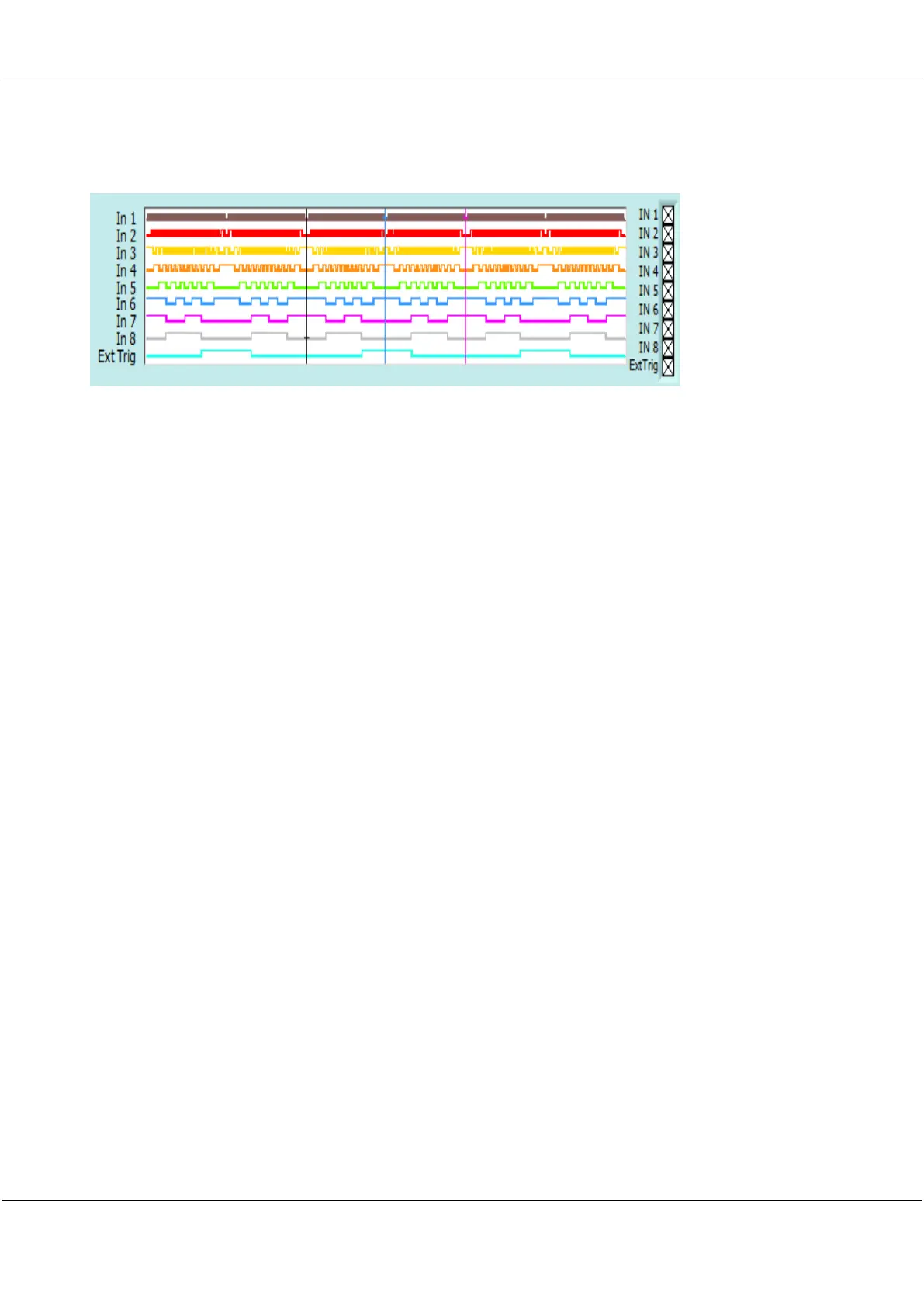
Displays the pulse trains on each of the 8 digital inputs, In 1 – In 8.
Digital input times (horizontal) axis is locked into the horizontal axis for the Scope Display
below it.
Horizontal display controls for the Digital Inputs are controlled by the horizontal controls on
the Scope Display l Inputs display.
Note To conserve display space the Digital Inputs can be turned off in the View menu.
Note Digital Inputs can be made double height on high resolution screens. Click Settings
then Digital Names and Colours and in Digital Graph Height select
Large
.



 To Next Page