v2.13 Cleverscope CS300 Reference Manual
©Cleverscope 2004-2018 www.cleverscope.com Page 77
To finish streaming click the button again.
Once you have finished the Stream is automatically saved to disk, and a dialog pops up momentarily to tell you
that.
12.2 Reviewing the Stream
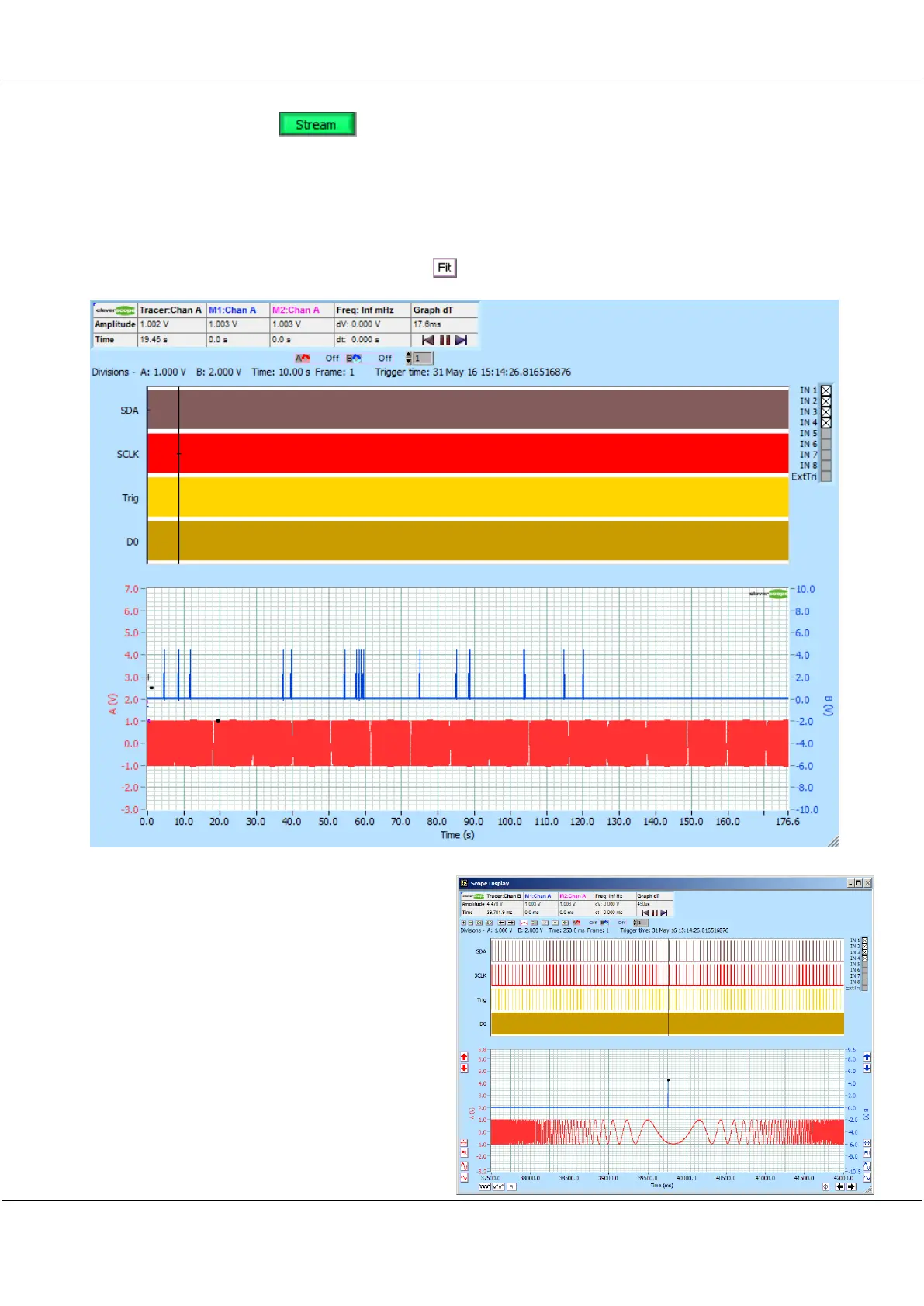
To see the whole stream capture click the time axis button. The entire time period is no brought into view:
The duration was 176.6 seconds. Duration up to weeks can be captured, especially if the sample rate is set
lower.
Now you can zoom as normal. To zoom on the
Tracer, position the Tracer, and use Ctrl and Crtl
.
Here we zoom on 39,656.3 ms:
You can see what looks like a pulse, and the low
frequency part of the swept signal generator output.



 To Next Page