v2.13 Cleverscope CS300 Reference Manual
©Cleverscope 2004-2018 www.cleverscope.com Page 135
20.2 Setting up a Cleverscope for Matlab
Before using Matlab you need to do the following:
Install the Matlab environment on your PC.
Write the cscope1.m ... cscope4.m files you will use.
Set the directory in which the cscope1.m ... cscope4.m files can be found.
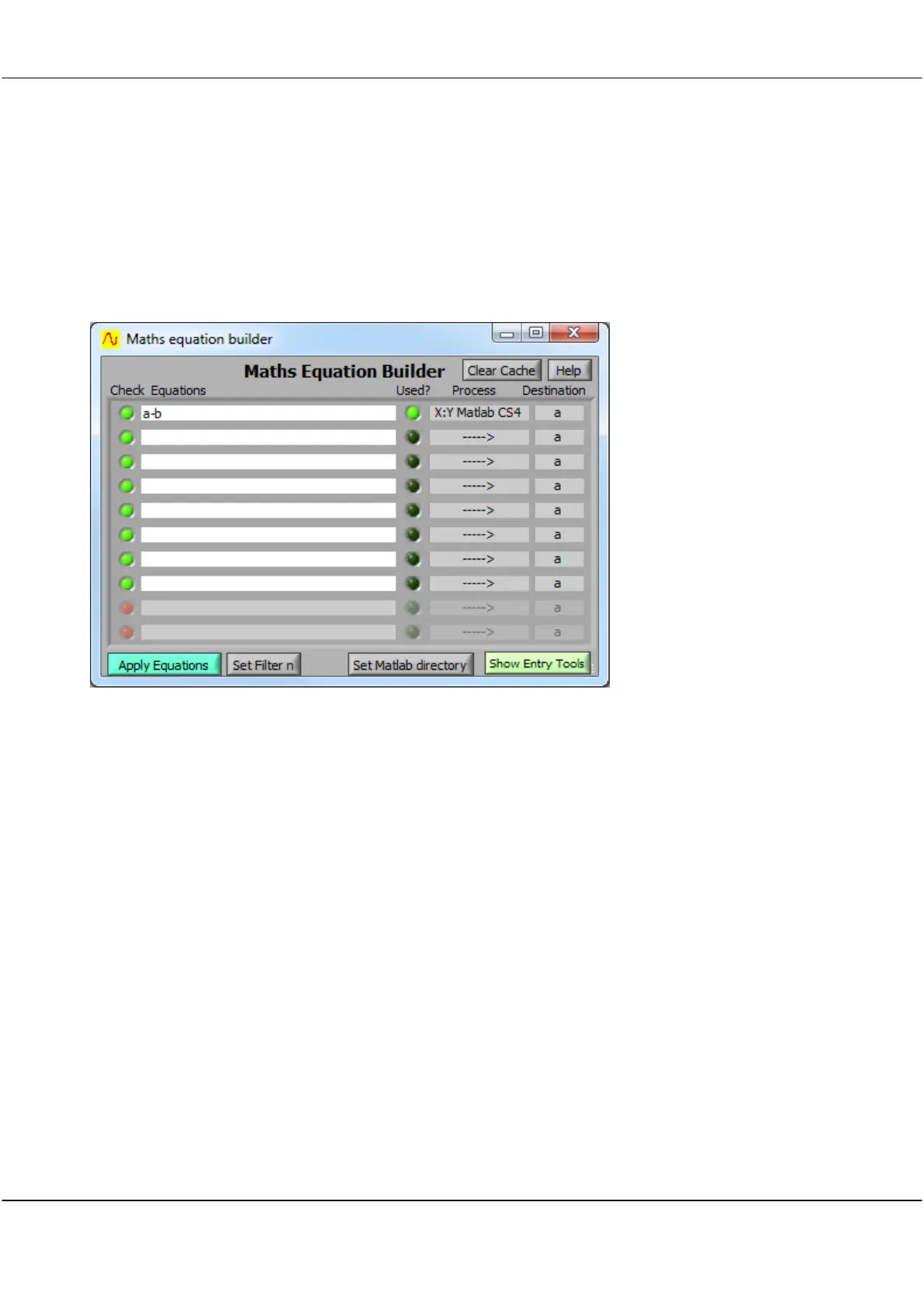
Click on the ‘Set Matlab directory’ button, navigate to the directory, and choose ‘Select Current Directory’.
Have the Maths Display visible.
Note: On the first execution of the Maths Equations, Matlab will open, and there will be a considerable delay to
execution of the .m function. After that execution is much faster.
When the Cleverscope application is closed, Matlab will also be closed (if it was opened by Cleverscope).
You can obtain help by clicking on the Help button.
Important: Matlab caches the cscope1...4.m files internally to improve speed. Any edits of the .m file after
execution has started will have no effect until after Cleverscope is closed and re-opened. Cleverscope does plan
to introduce a button to update the cache in the near future.



 To Next Page