v2.13 Cleverscope CS300 Reference Manual
©Cleverscope 2004-2018 www.cleverscope.com Page 175
26.7 Ext Trig Calibration
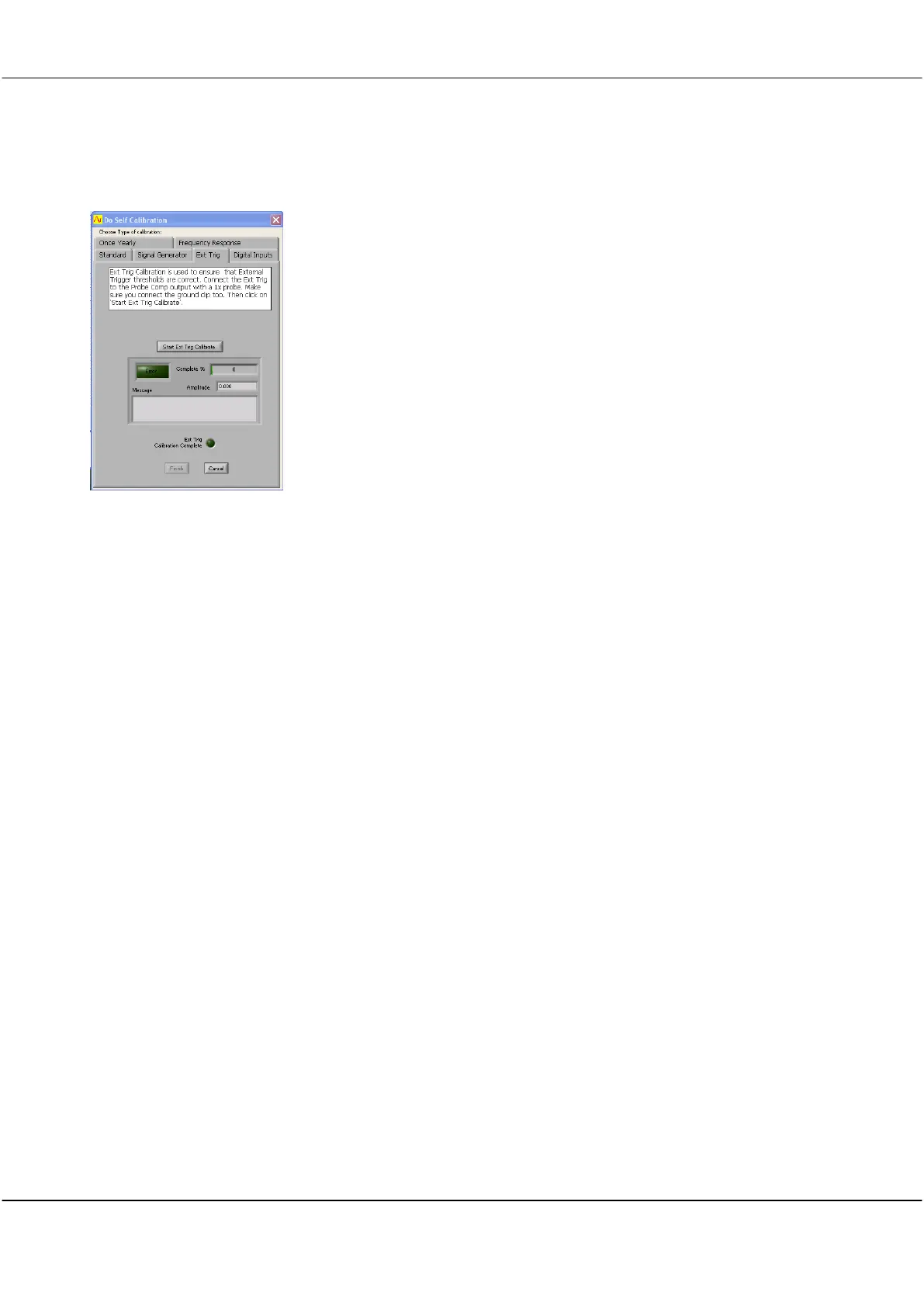
External Trigger Calibration
Click the Ext Trig tab.
Connect a probe from Probe Comp to the Ext Trig input and connect probe
ground
Click Start Ext Trig Calibrate button.
Wait until progress indicator reaches 100% and Ext Trig Calibration Complete
indicator glows Green and Finish button becomes active.
Click Finish when completed.



 To Next Page