v2.13 Cleverscope CS300 Reference Manual
©Cleverscope 2004-2018 www.cleverscope.com Page 33
5 Control Panel - Menus
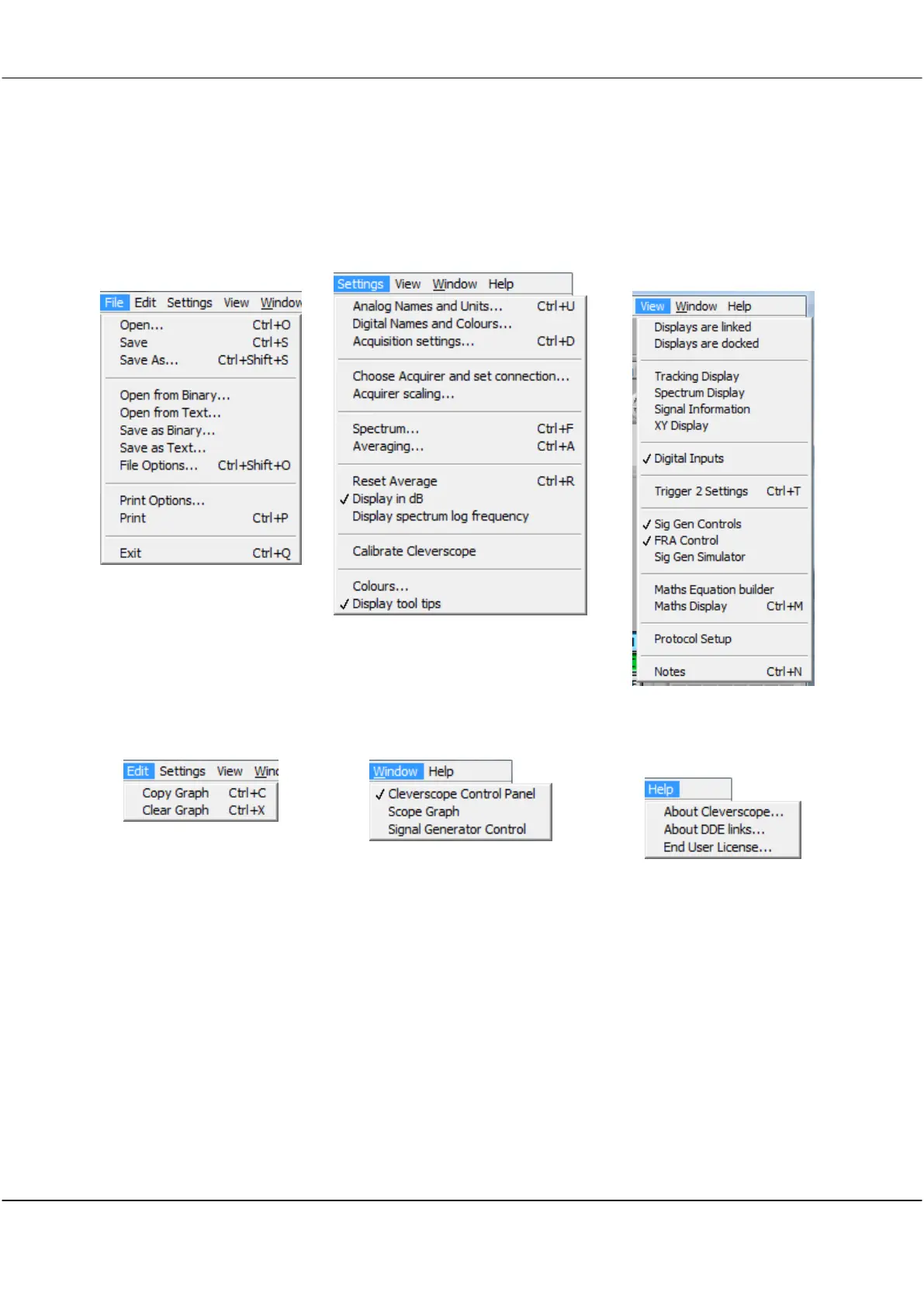
Only the Cleverscope Control Panel has the pull down menus shown below:
File Menu
open and save signal data,
printing
Settings Menu
set-up and options
View Menu
selects which windows are
displayed
Edit Menu
copying and clearing graphs
Window Menu
for selecting the active window
Help Menu
keyboard shortcuts, license and
version info



 To Next Page