v2.13 Cleverscope CS300 Reference Manual
©Cleverscope 2004-2018 www.cleverscope.com Page 151
22 Notes [View Menu]
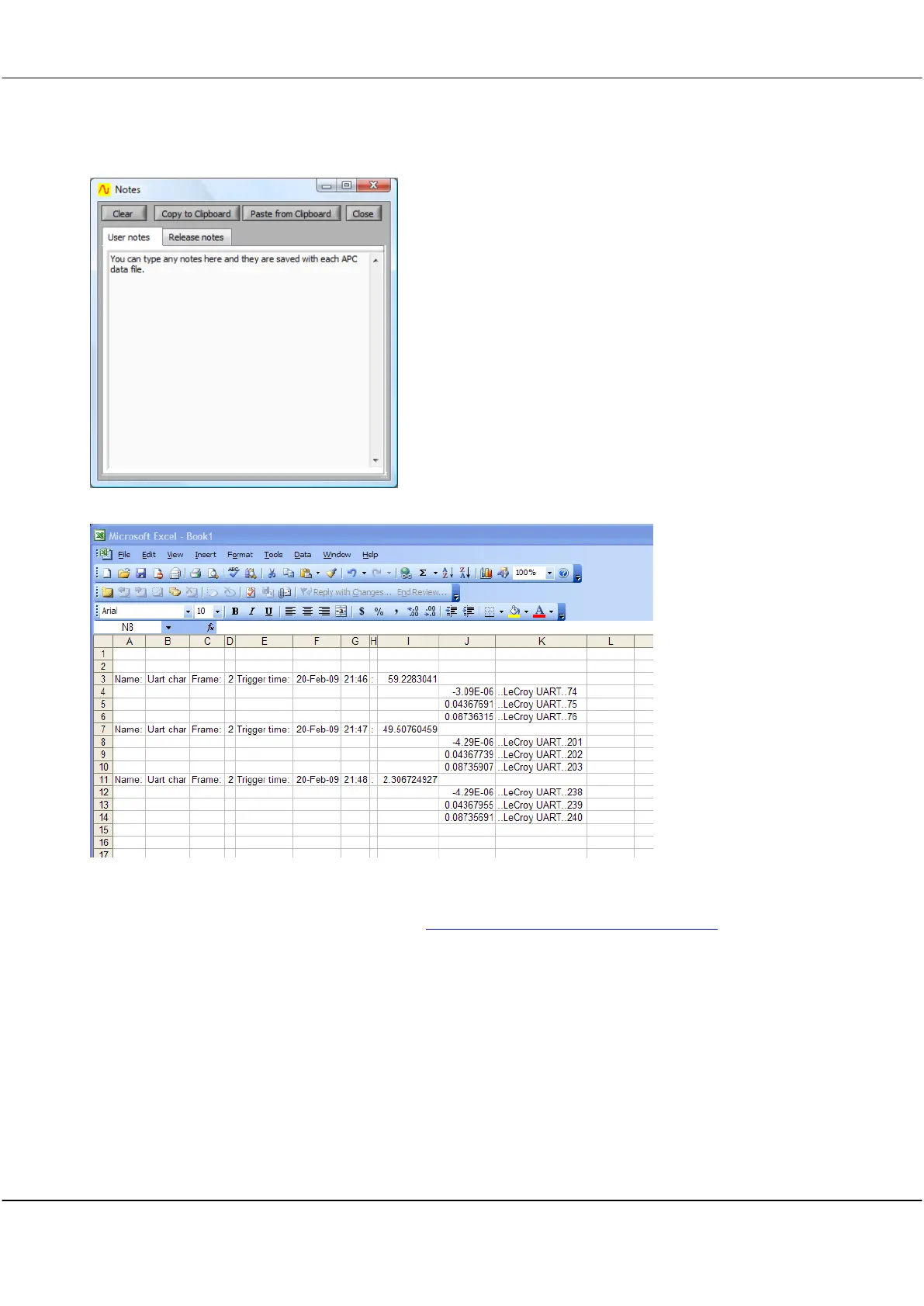
Notes can be added and displayed to accompany any set of
data readings in the Notes window.
Any notes you enter on the User notes tab are saved with each
APC data file.
If you click the Send to Notes LED on the Protocol display any
decoded protocol messages will be automatically added to
notes.
Cleverscope application update release notes are displayed on
the Release notes tab.
The ‘copy’ includes tab characters, so that the columns line up well.
Watch a demonstration of protocol decoding here www.youtube.com/watch?v=J5sZoDcagJM.



 To Next Page