Cleverscope CS300 Reference Manual v2.11
Page 60 www.cleverscope.com ©Cleverscope 2004-2015
6 Scope Display [View Menu]
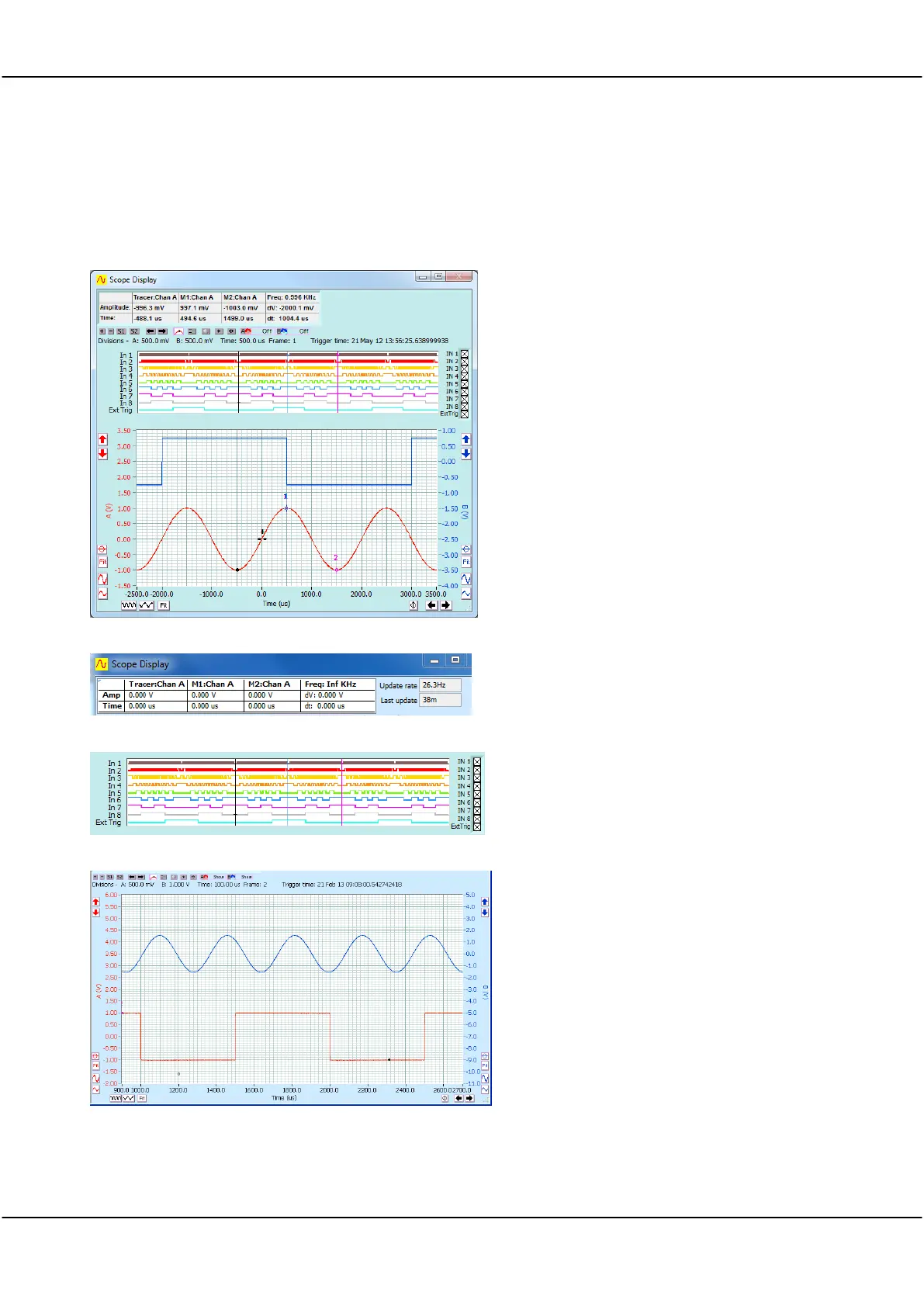
The Scope Display is the primary window and is always selected for display but can be minimised,
It includes the Digital display which can be optionally hidden
Signal Information Zone
Tools Zone
Digital Inputs Zone
Analogue Display Zone
Displays captured signals in the time domain and
to determine the boundaries of the signal to be
captured in both amplitude and time.
Displays a real time view of incoming signal data.
Digital Input pulse trains are displayed, one on
each of the 8 digital inputs.
Displays the signal with channel A and B signal
traces positioned one above the other and both
visible in the same window.
Channels A and B are both referenced to the
same horizontal time axis but each has their own
vertical or voltage axis.
The Tools Zone contains Display specific tools. These are described in detail in section 10.7.



 To Next Page