Cleverscope CS300 Reference Manual v2.11
Page 70 www.cleverscope.com ©Cleverscope 2004-2015
Click Shift+ ) to save graph setup 1.
Click to restore graph setup 1 and 2. Shift + Setup 1 ( ) and Setup 2 ( ) save
graph setup 1 and 2.
Click to restore graph setup 2.
Shift + Setup 1 ( ) and Setup 2 ( ) save graph setup 1 and 2.
To restore graph setup 1 and 2. Shift + Setup 1 ( ) and Setup 2 ( ) save graph
setup 1 and 2.
Click to go back to the previous graph setting.
The settings buffer can hold up to 50 previous settings.
Click to go forward to the next graph setting.
The settings buffer can hold up to 50 previous settings.
Click to select a dot cursor, vertical line cursor, horizontal line cursor, floating
horizontal line marker cursors, and floating vertical line marker cursors.
For the floating line marker cursors use the cursor tool ( ) to move them.
Click button to normalize the scales of the grid so they line up.
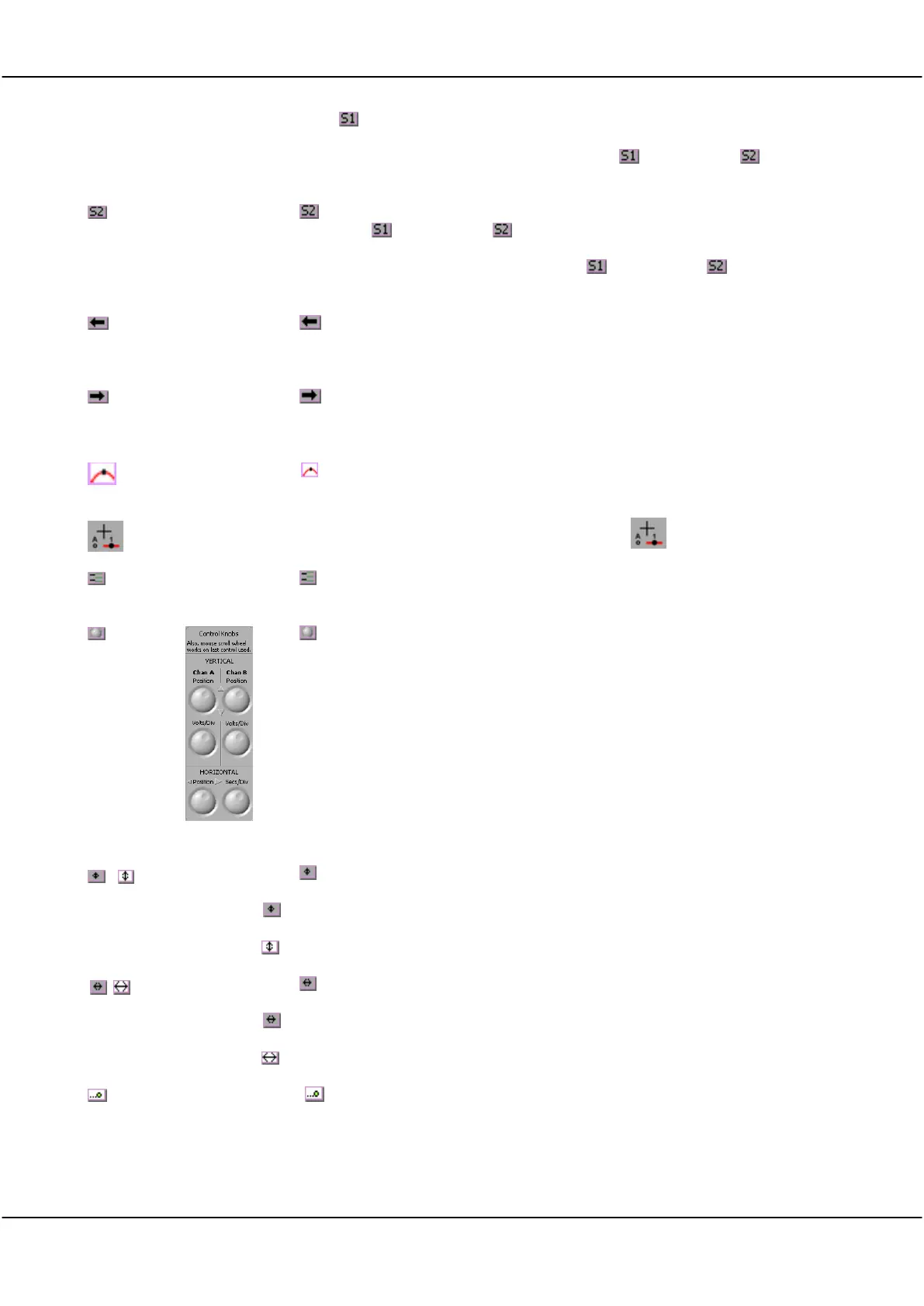
Click button to turn the knob palette on or off.
The knob palette will appear in the left-hand side of the Scope Display as shown to
the right.
Note The mouse scroll wheel will work on the last control used as a virtual knob.
Click to toggle between coarse and fine movement of the Y scale.
= Coarse moves by a major grid scale on each movement.
- Fine moves by a minor grid scale (1/5
th
of the major grid) on each movement.
Click to toggle between coarse and fine movement of the X scale.
= Coarse moves by a major grid scale on each movement.
= Fine moves by a minor grid scale (1/5
th
of the major grid) on each movement.
Click ( ) to toggle automatic scrolling of the graph during charting.
Note: Only available in version 4.7 and above.



 To Next Page