NAME and SYMBOL DESCRIPTION
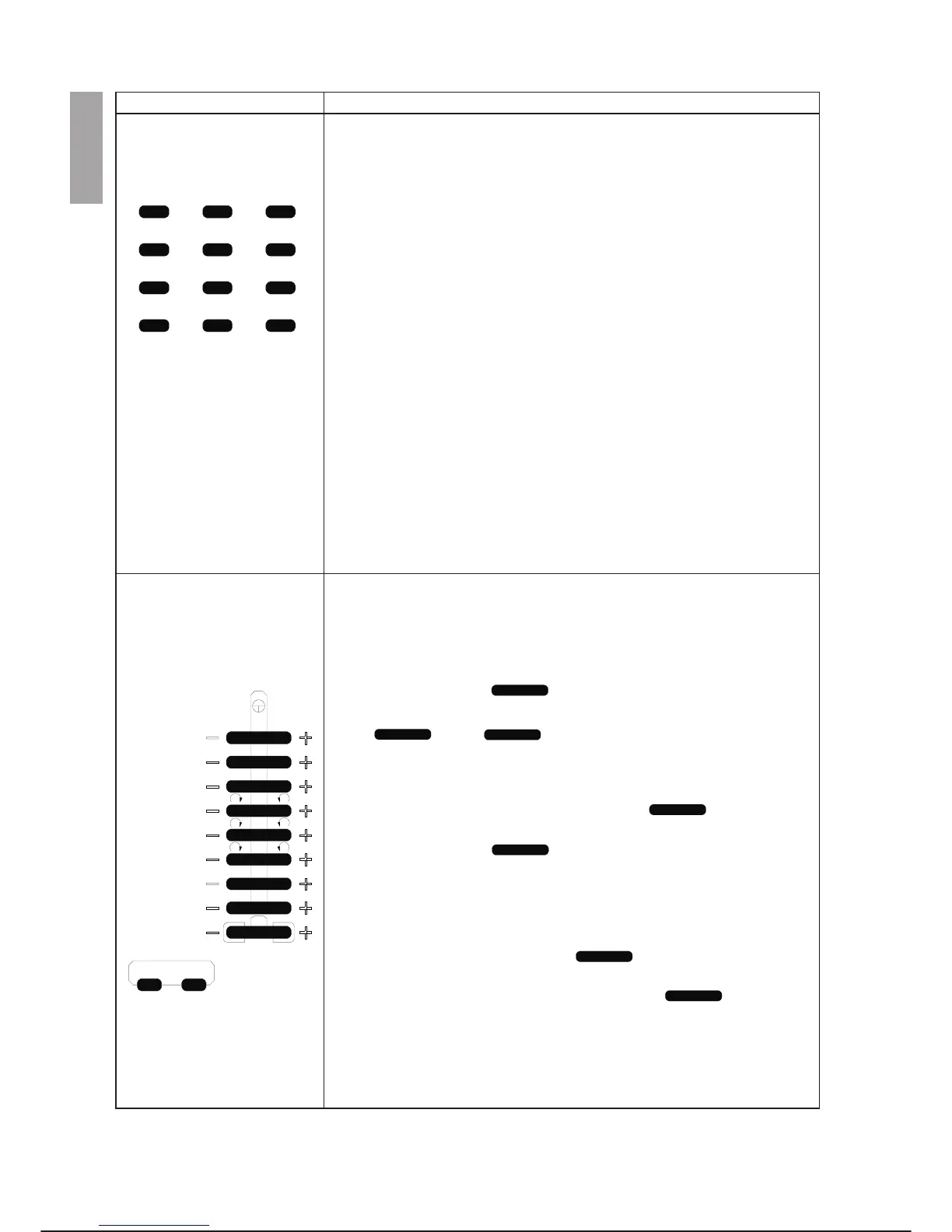
Numeric/Edit Keys
(cont.)
The 6/PASTE key enters the numeric value 6. If it is pressed together with
the SHIFT key, it is used in the editor to insert the programme lines se
-
lected with the MARK and /COPY keys in the correct position of the cur
-
sor.
The 1/MODE key enters the numeric value 1. If it is pressed together with
the SHIFT key, it switches between the programme editor CODE and
DATA modes.
The 2/UNDEL key enters the numeric value 2. If it is pressed together
with the SHIFT key, it calls the programme editor UNDELETE LINE com
-
mand.
The 3/DEL key enters the numeric value 3. If it is pressed together with
the SHIFT key, it calls the programme editor DELETE LINE command.
The 0/PAGE key enters the numeric value 0. If it is pressed together with
the SHIFT key, it calls the programme editor PAGE command.
The ./MARK key enters a full stop (.). If it is pressed together with the
SHIFT key, it is used in the editor to select programme lines.
The -/HELP key enters the minus sign (-). If it is pressed together with the
SHIFT key, it calls the programme editor HELP command in the EDITING
environment, or shows the list of possible input data for a command in the
case of a prompt (file; programmes; I/O points, etc.).
Single Axis Movement Keys
The speed selection keys (%- and %+) reduce or increase the movement
speed percentage by the amount defined in $TP_GEN_INCR. For further
information, refer to the PDL2 Programming Language manual. If it is
pressed together with the SHIFT key, it selects speed at 100% (SHIFT
and %+) or 25% (SHIFT and %-). These are rocker type keys.
The TYP key selects the reference system as follows:
Jnt - joints mode. The keys are associated with each axis of
the arm selected; the auxiliary axes, if any, follow those of the arm (typi
-
cally and keys). Pressing one of the keys moves
the corresponding axis in the positive or negative direction according to
the directions shown on the labels on the arm.
Bas - linear movement mode according to the x, y, z reference tern of the
world (workshop reference tern) The first three keys allow lin
-
ear movements in the direction of the three axes of the world reference
system; the next three keys allow rotations of the tool around
the same axes keeping the position of the TCP unchanged. You are re
-
minded that the world tern is not defined directly by any system variable;
in fact the robot base is represented with respect to the world through the
variable $BASE.
Tol - linear movement mode according to the x, y, z reference tern of the
tool (or TCP tern). The first three keys allow linear move
-
ments in the direction of the three axes of the tool reference system (de
-
fined by the variable $TOOL); the next three keys allow
rotations of the tool around the same axes keeping the TCP position un
-
changed (tool work point).
OPERATOR INTERFACE C3G Plus
3-6 00/1097
CUT COPY /
789
S.NXT SRCH PASTE
456
MODE
UNDEL DEL
123
PAGE
MARK
HELP
0
-
.
1
%
ARM TYP
XX
8
2YY
3ZZ
4XX
5YY
6ZZ
7
c3g-ptu4
-



 To Next Page