xStack® DES-3528/DES-3552 Series Layer 2 Stackable Fast Ethernet Managed Switch Web UI Reference Guide
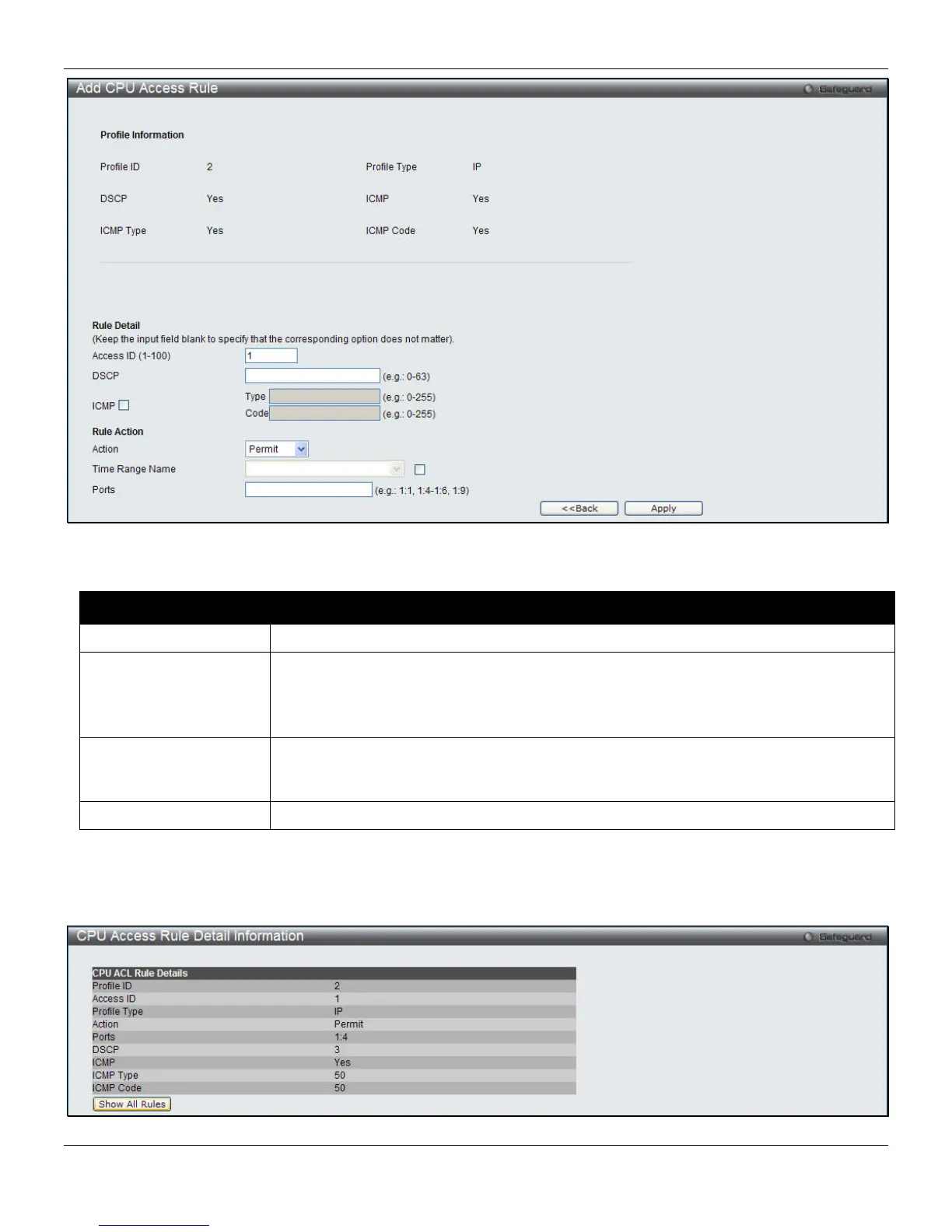
Figure 7-32 Add CPU Access Rule (IPv4 ACL)
The fields that can be configured are described below:
Parameter Description
Access ID (1-100)
Type in a unique identifier number for this access. This value can be set from 1 to 100.
Action
Select Permit to specify that the packets that match the access profile are forwarded by
the Switch, according to any additional rule added (see below).
Select Deny to specify that the packets that match the access profile are not forwarded
by the Switch and will be filtered.
Time Range Name
Tick the check box and enter the name of the Time Range settings that has been
previously configured in the Time Range Settings window. This will set specific times
when this access rule will be implemented on the Switch.
Ports
Ticking the All Ports check box will denote all ports on the Switch.
Click the Apply button to accept the changes made.
Click the <<Back button to discard the changes made and return to the previous page.
After clicking the Show Details button in the CPU Access Rule List, the following page will appear:
Figure 7-33 CPU Access Rule Detail Information (IPv4 ACL)
191












 To Next Page