User's Manual
105
6.3.5 Face Detection by Device + Face Recognition by Device
6.3.5.1 Configuration Procedure
Figure 6-58 Configure face detection (AI by device)
Figure 6-59 Configure face recognition (AI by device)
6.3.5.2 Configuring Face Detection (by Device)
Configure alarm rule of face detection.
Step 1 Click or click on the configuration page, and then select
EVENT.
Step 2 Select a remote device in the device tree on the left.
Step 3 Select AI Plan > Face Detection.
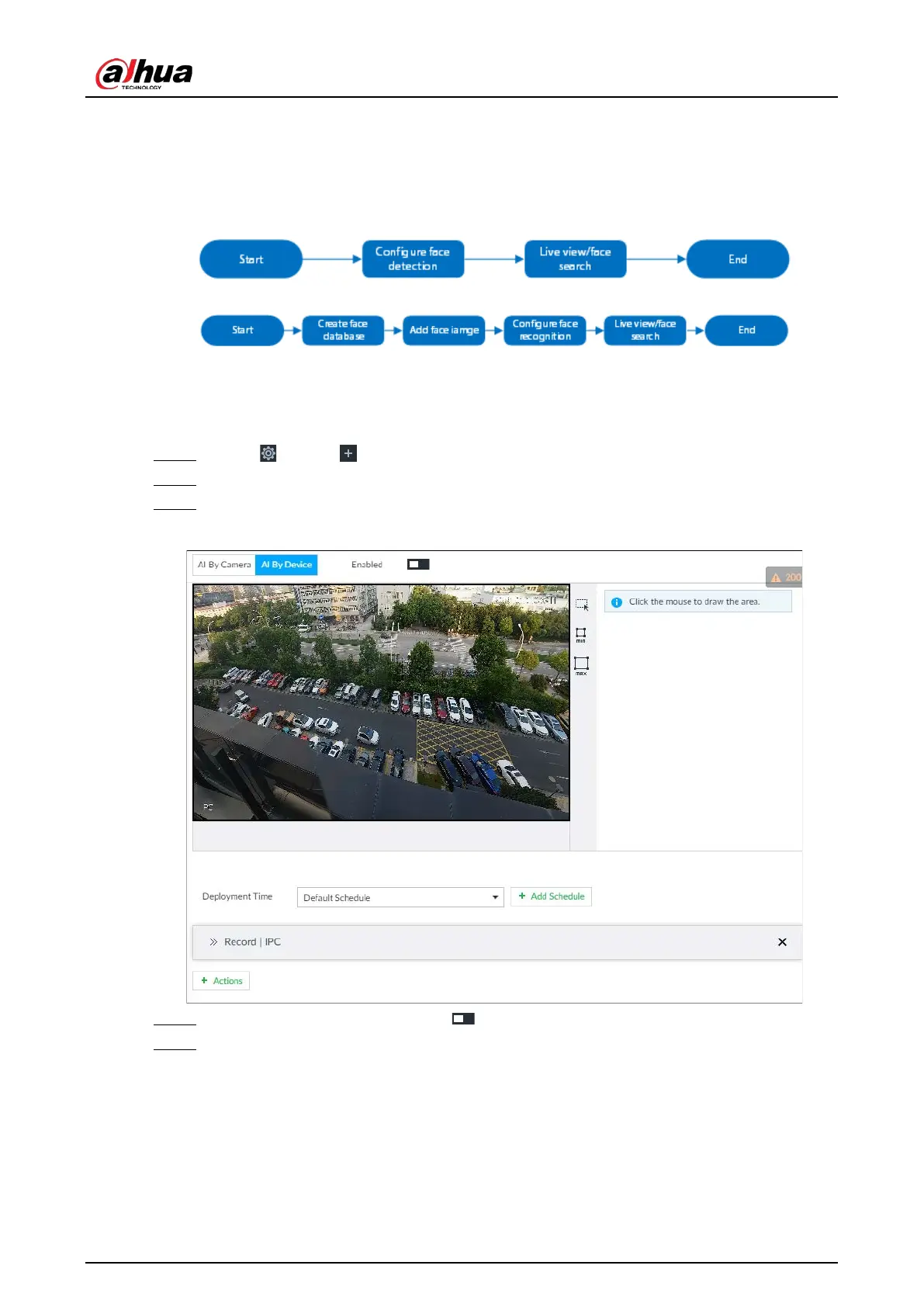
Figure 6-60 AI by device
Step 4 Click AI by device, and then click to enable face detection.
Step 5 Set detection area on the video (yellow area).



 To Next Page
 Loading...
