User's Manual
224
plan.
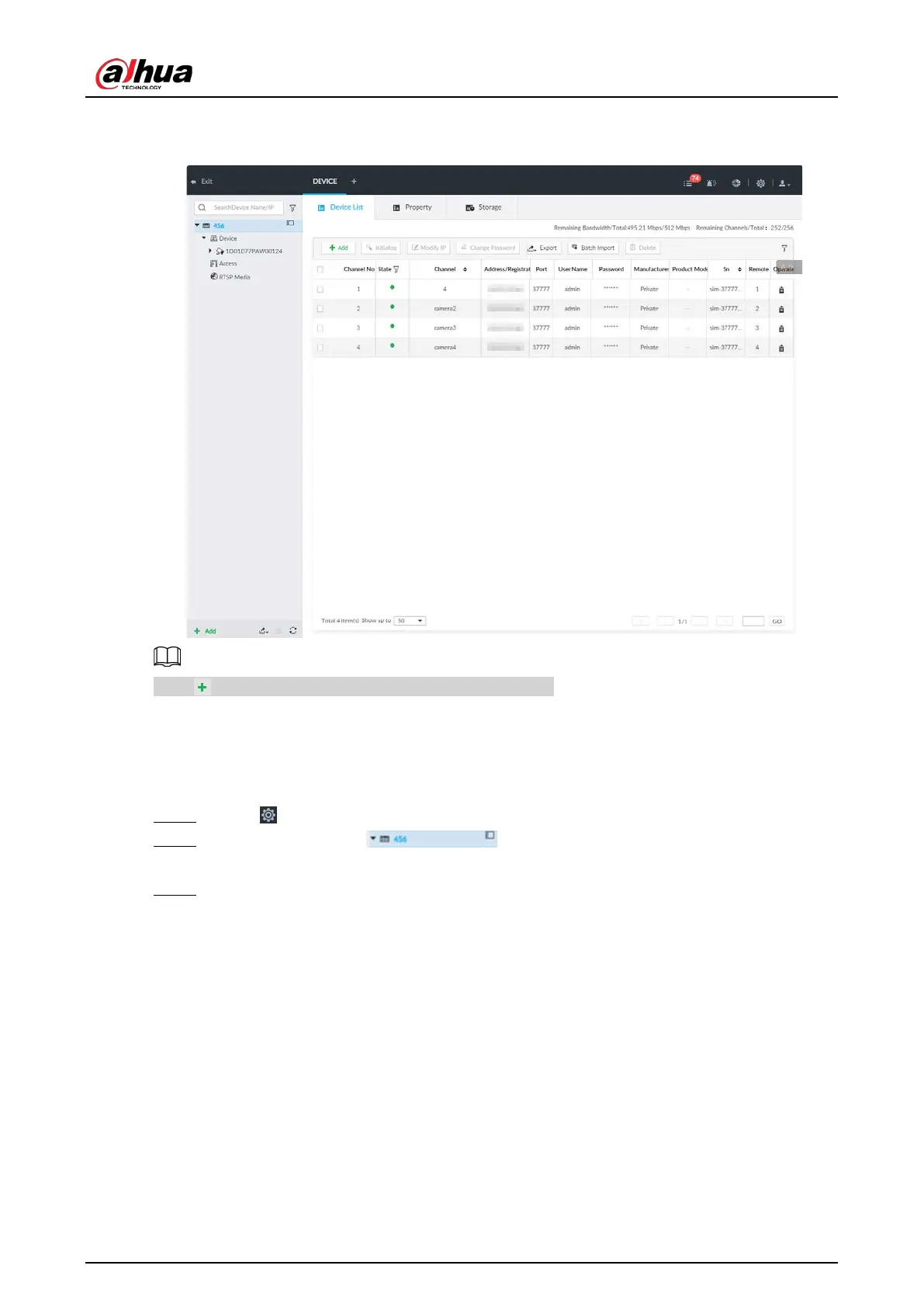
Figure 8-2 Device management
Click or click Add to add remote device to the system.
8.2.1 Viewing Device Information
View information of the Device.
Step 1 Click , and then select
DEVICE.
Step 2 Select the root node in the resource tree, and then click the Device
Info tab.
Step 3 Set parameters.


 To Next Page
 Loading...

