User's Manual
317
Confirm Password
again in the Confirm Password box.
The password must consist of 8–32 non-blank characters and
contain at least two types of the following characters: Uppercase,
lowercase, numbers, and special characters (excluding ' " ; : &). Enter
a strong password according to the password strength indication.
Prompt question
After setting the prompt, when you point to on the login
page, the system pops up a prompt to help you remember the
password.
The prompt question function is for local login page only. See the
actual page for detailed information.
Step 7 Click Confirm Modify.
You can log in with the new password.
8.7.3.2.3 Resetting Password on the Web
Prerequisites
Make sure that you have configured the linked email address.
Procedure
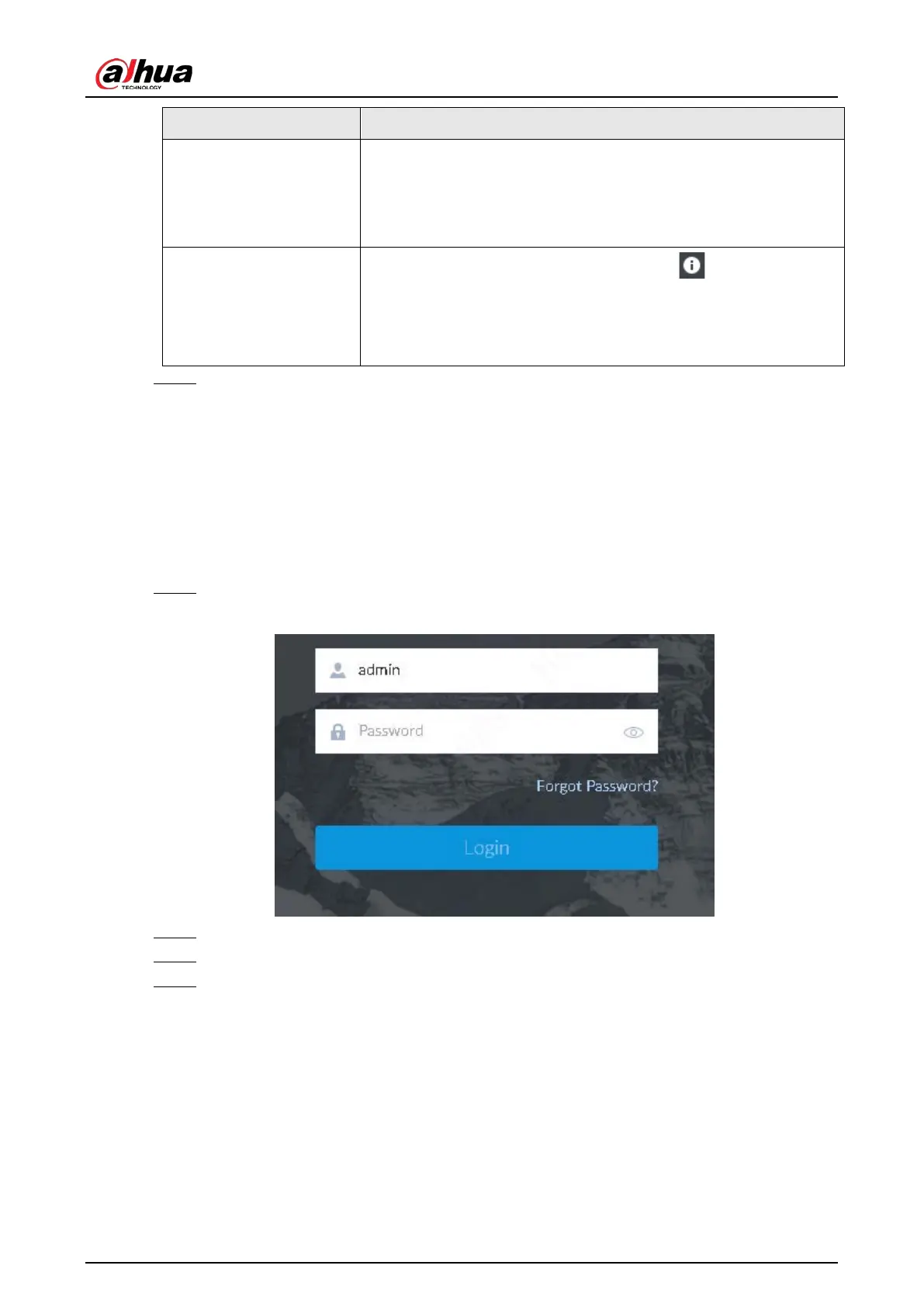
Step 1 Enter the IP address of the Device in the address bar of the browser, and then press Enter.
Figure 8-110 Login
Step 2 Click Forgot Password?.
Step 3 Click OK.
Step 4 Follow on-screen instructions to get security code and then enter the security code.


 To Next Page
 Loading...

