User's Manual
300
2) Click Open.
3) Click
Install Certificate.
4) Follow the prompts to import the certificate.
System goes back to
Certificate page.
Step 5 Click OK to complete certificate installation.
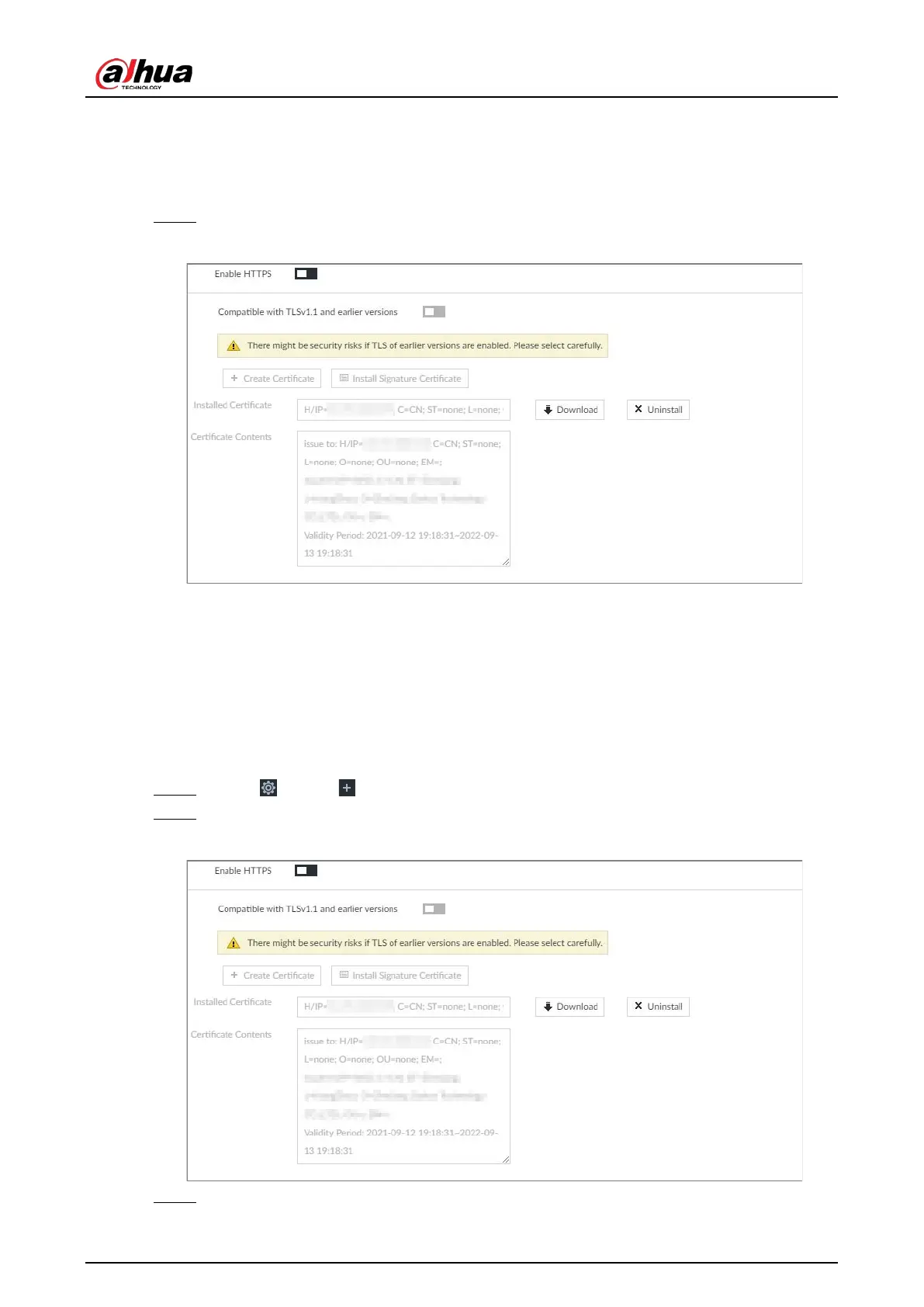
Figure 8-90 Installed certificate
8.6.1.1.2 Installing Signature Certificate
Upload signature certificate to install.
Prerequisites
Before installation, make sure that you have obtained safe and valid signature certificate.
Procedure
Step 1 Click , or click on the configuration page, and then select SECURITY > Credential.
Step 2 Click Install Signature Certificate.
Figure 8-91 Install signature certificate
Step 3 Click Browse and then select certificate and credential file.


 To Next Page
 Loading...

