User's Manual
184
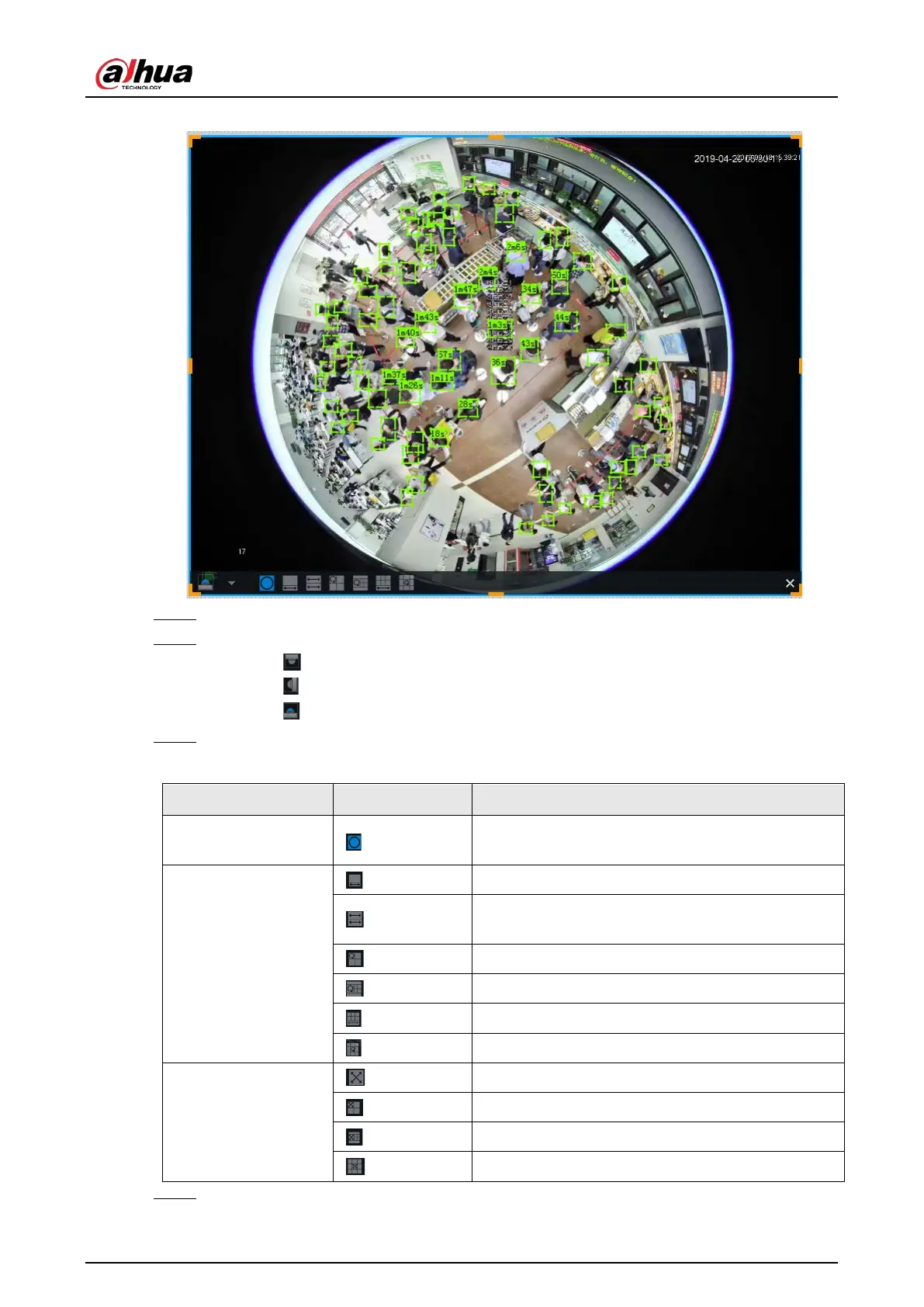
Figure 7-16 Fisheye dewarp
Step 1 Right-click on the live video, and then select Fisheye Dewarp.
Step 2 Select an installation method.
●
Click to select ceiling mount.
●
Click to select wall mount.
●
Click to select ground mount.
Step 3 Select a display mode.
Table 7-7 Display mode
Ceiling/wall/ground
mount
The original fisheye image.
Ceiling/ ground
mount
1P+1 Corrected 360° panoramic image + section images.
2P
2 corrected 180° images, which consist the 360°
panoramic image.
1+3 Original image + 3 section images.
1+4 Original image + 4 section images.
1P+6 Corrected 360° panoramic image + section images.
1+8 Original image + 8 section images.
Wall mount
1P Corrected 180° image from left to right.
1P+3 Corrected 180° image + 3 section images.
1P+4 Corrected 180° image + 4 section images.
1P+8 Corrected 180° image + 8 section images.
Step 4 Click OK.


 To Next Page
 Loading...

