User's Manual
240
Click to view the NIC parameter information.
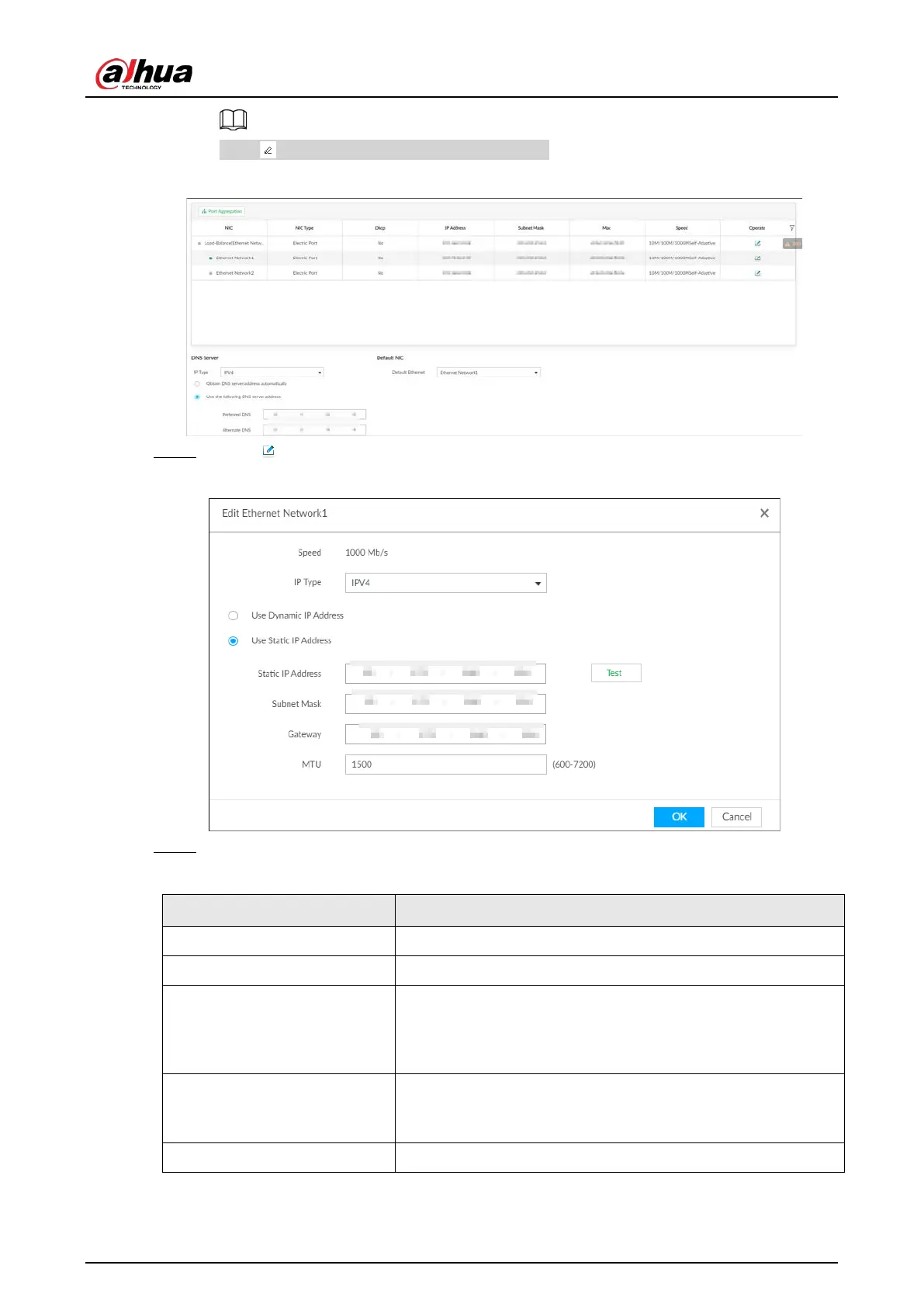
Figure 8-21 TCP/IP
Step 2 Click of the corresponding NIC to edit network parameters.
Figure 8-22 Edit Ethernet network
Step 3 Set parameters.
Table 8-6 TCP/IP parameters description
Speed Current NIC max network transmission speed.
IP Type Select IPv4or IPv6.
Use Dynamic IP Address
When there is a DHCP server on the network, check the box to
use dynamic IP address, system can allocate a dynamic IP
address to the device. There is no need to set IP address
manually.
Use Static IP Address
Check the box to use static IP address. Set static IP address,
subnet mask and gateway. Set a static IP address for the
device.
Test Test whether the IP address is valid.


 To Next Page
 Loading...

