User's Manual
42
Step 3 Log in to PCAPP.
1) There are two ways to enter PCAPP.
●
On the installation completion page, click Run.
●
Double-click the shortcut icon on the PC desktop.
●
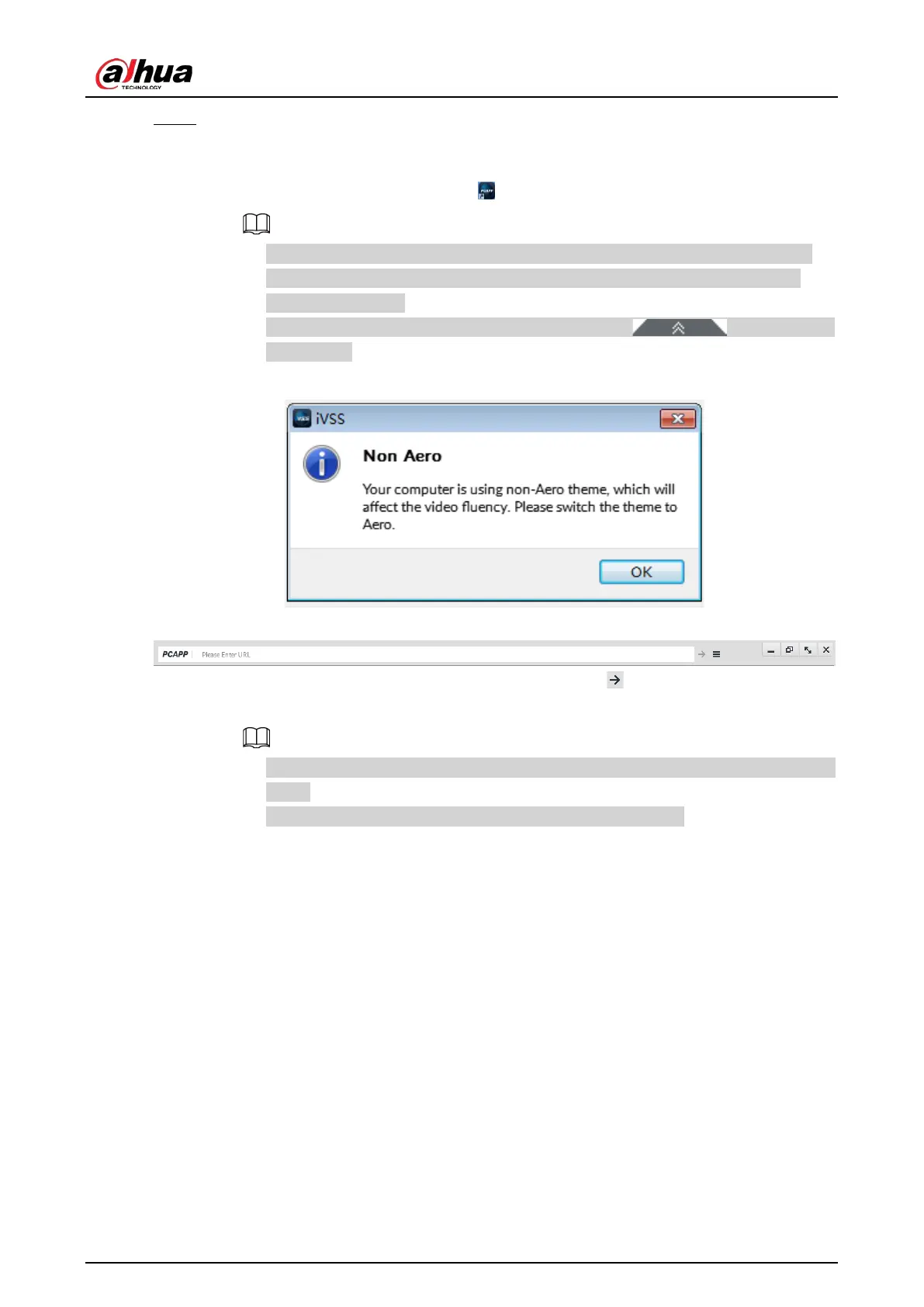
When PC theme is not Aero, the system will remind you to switch the theme. To
ensure video smoothness, switch your PC to Areo theme. For details, see "10.4
Configuring PCAPP".
●
System displays PCAPP at full-screen by default. Click to display the
task column.
Figure 5-7 Prompt
Figure 5-8 Task column
2) Enter device IP address, and then press Enter or click .
3) Enter device username and password.
●
Click
Login. For your device safety, change the admin password regularly and keep
it well.
●
In case you forgot password, click
Forgot password to reset.
4) Select the login type among TCP, UDP and Multicast. Keep it TCP if you have no special
requirement for TCP or UDP.
5) Click
Login.
The
LIVE page is displayed.


 To Next Page
 Loading...

